366 Chapter 10 Maintain the Océ TDS700
Refill the toner
[237]
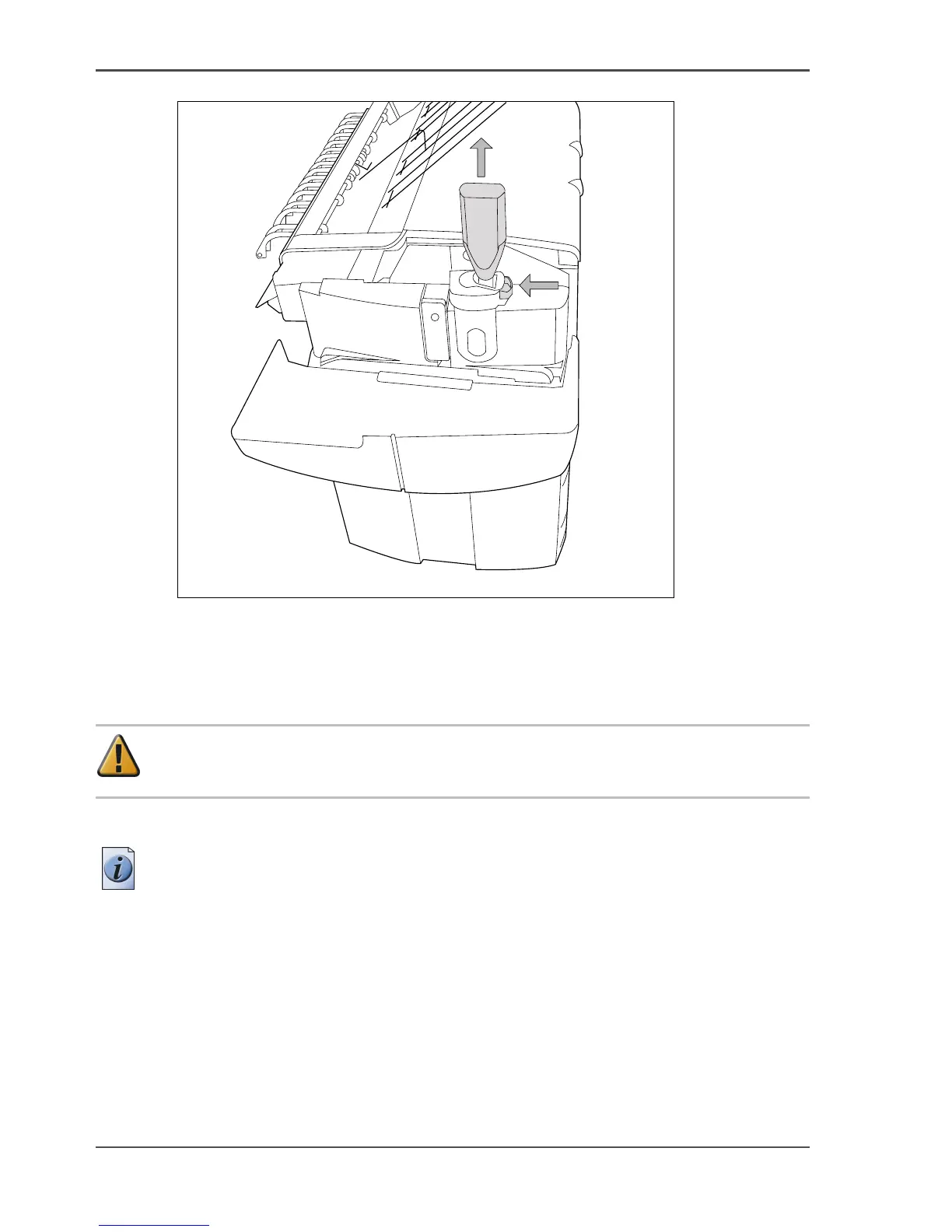
[237] Close the slider and remove the bottle
Replace the waste toner container
Attention: Replace the waste toner container every second time you refill the
toner.
1. Access the location of the waste toner container behind the toner refill unit.
Note: It is advised to change the waste toner container when the printer is not
printing a job.
1
2












 To Next Page