4-26
4-2 Function Mode
SYSDRIVE MX2 Series USER'S MANUAL (3G3MX2-Axxxx)
4
Parameter List
*1. When the safety function switch is enabled, C003=77 (GS1) and C004=78 (GS2) are allocated
forcibly. 77 (GS1), 78 (GS2) cannot be set optionally.
Also note that when the safety switch is turned ON and then OFF, C003 and C004 are set to "no" (no
allocation).
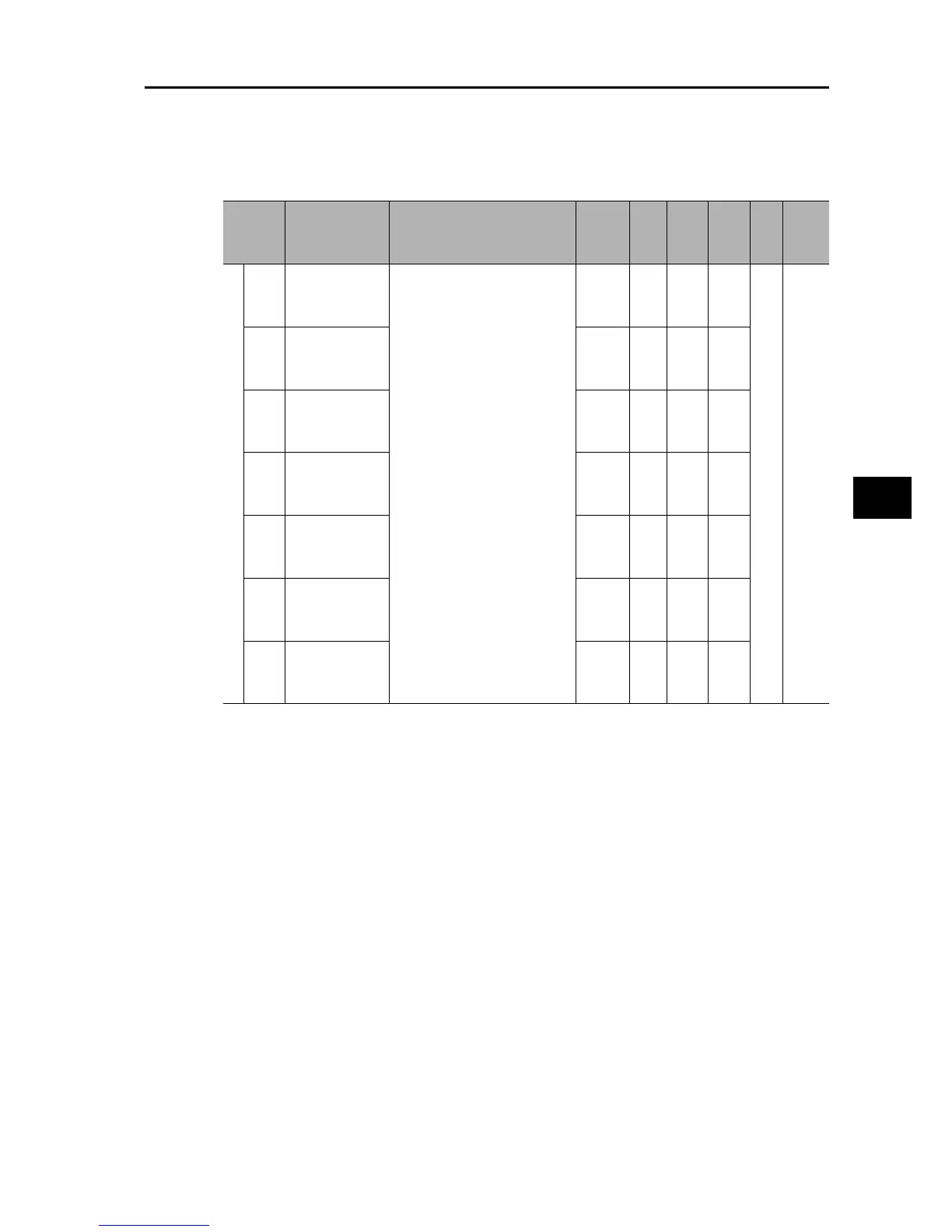
Parameter
No.
Function name Monitor or data range
Default
setting
Set data
Data can
be set
during
RUN
Data can be
changed
during RUN
Unit
Page
Multi-function input terminal
C011
Multi-function
Input Terminal 1
Operation
Selection
00: NO (NO contact)
01: NC (NC contact)
00 no yes
− 5-31
C012
Multi-function
Input Terminal 2
Operation
Selection
00 no yes
C013
Multi-function
Input Terminal 3
Operation
Selection
00 no yes
C014
Multi-function
Input Terminal 4
Operation
Selection
00 no yes
C015
Multi-function
Input Terminal 5
Operation
Selection
00 no yes
C016
Multi-function
Input Terminal 6
Operation
Selection
00 no yes
C017
Multi-function
Input Terminal 7
Operation
Selection
00 no yes











 To Next Page