Recording and Acquisition : Background Recorders
7 - 150
• Record two or more wild voice-overs and edit while still recording.
• Transfer from a linear master tape and begin clean-up and eq while the transfer continues.
Set-up and Operation
Set-up
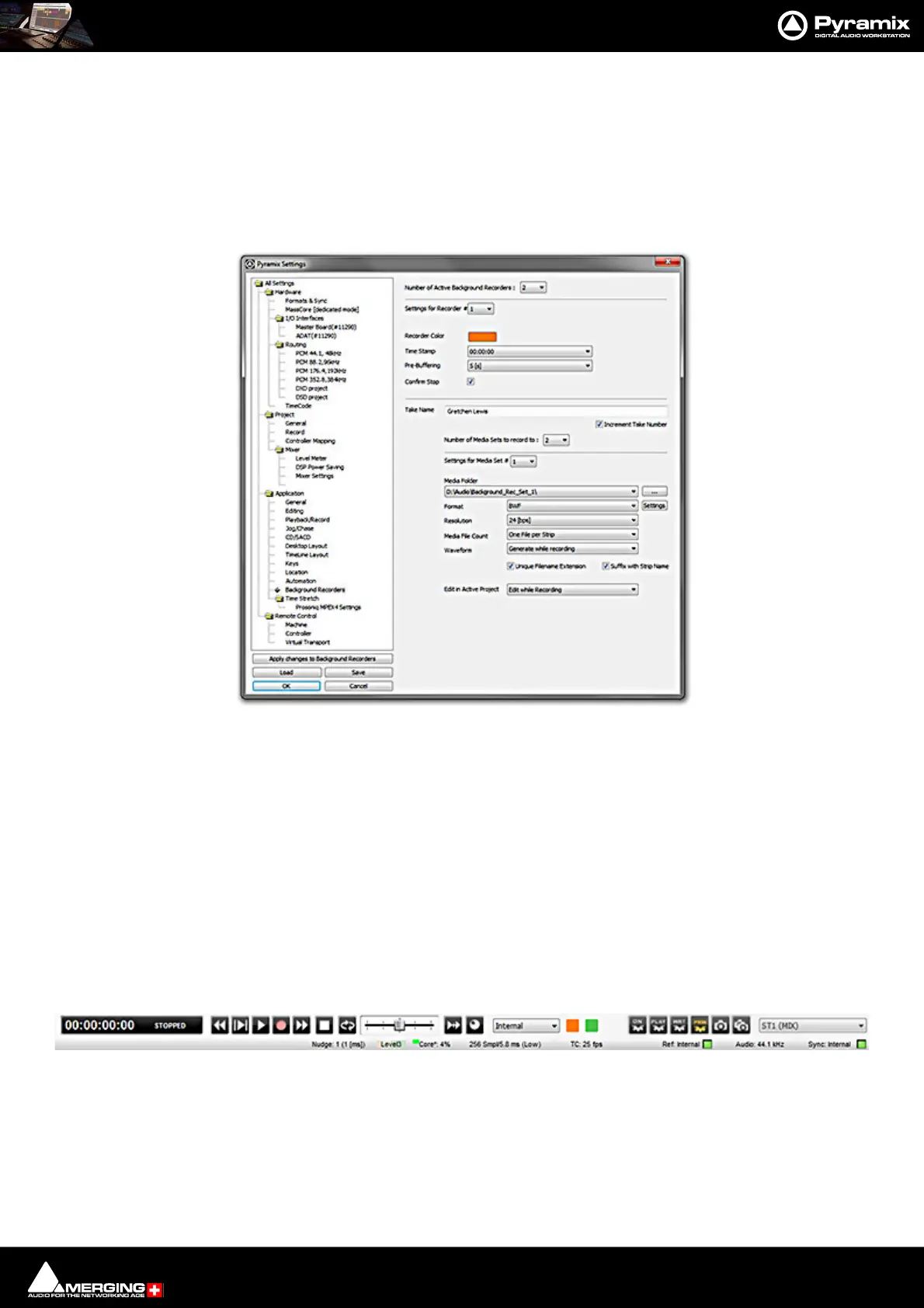
Background Recorders are set up in the Settings > All Settings > Application > Background Recorders page.
Please click here to see: Background Recorders on page 754.
Mixer
Each Background Recorder has its own Mixer. This is fully configurable in exactly the same way as the main Pyra-
mix mixer. Please see: Mixer on page 206
Note: The default Mixer is configured with 8 mono strips. For multi-track recording up to the
capabilities of the system reconfigure the Mixer accordingly.
Operation
Once one or more Background Recorders have been set up they are operated from the Transport window or the
Main Pyramix Window Transport Controls or the Take Logger.
Main Pyramix Window Transport Control Bar
Settings > All Settings > Application > Background Recorders
Main Window Transport Control Bar



 To Next Page