Mixer : Configure Page
10 - 252
Strip and Bus operations
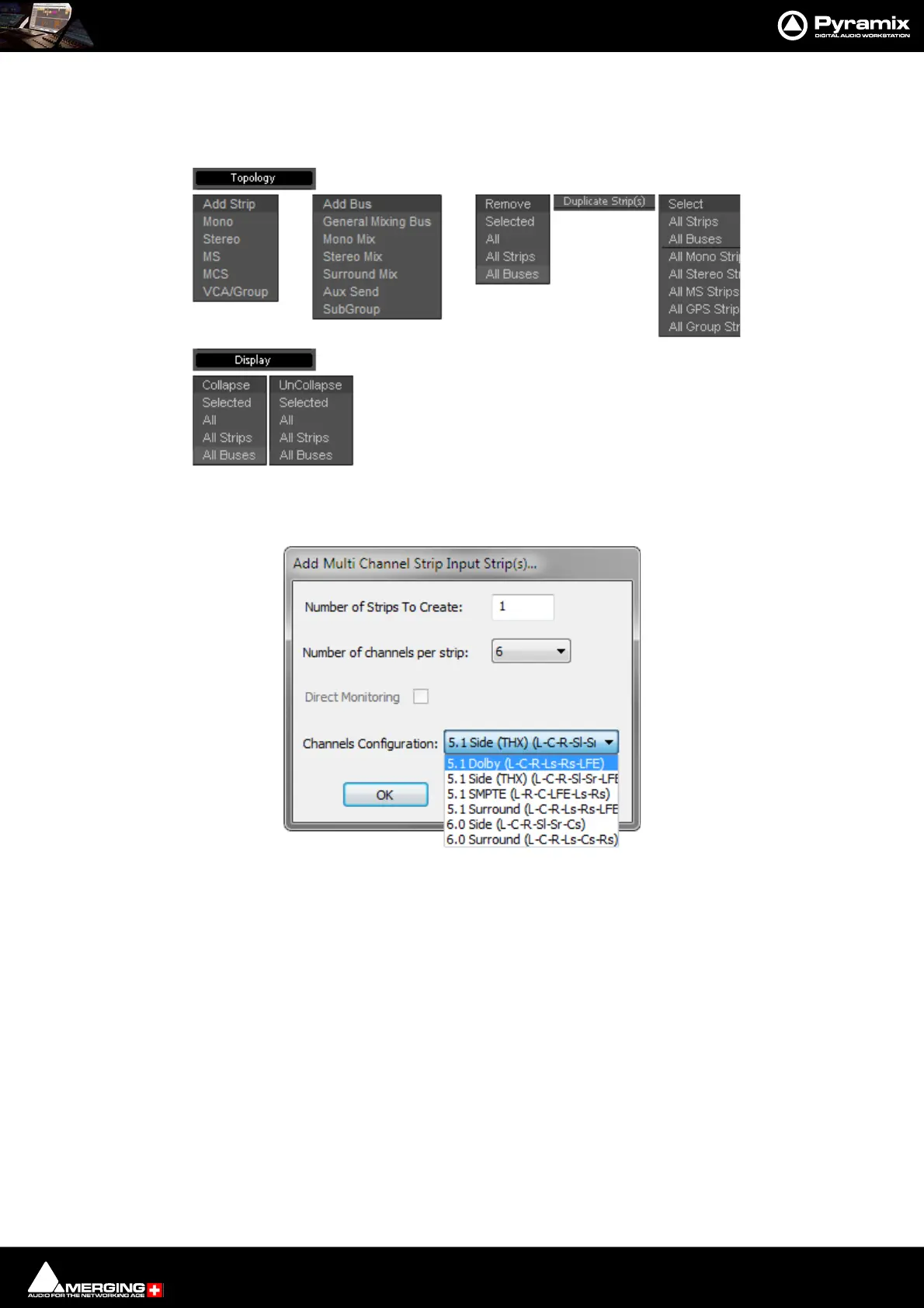
Once selected, strips can be dragged and dropped to reorganize. Other strip operations make use of the Top ol-
ogy and Display menu buttons. Each button pops up a list of options:
Add Strip - Mono, Stereo, MS, MCS and VCA/Group pops up a dialog with appropriate options:
Note: Notice the Direct Monitoring check box. (Grayed out in this case because it is only appli-
cable to Mono, Stereo and MS Strips). When checked, the strip added will be a Direct Monitoring
Strip. Please see Direct Monitoring Input Strips on page 223
Topology and Display menus
Add Multi Channel Strip Input Strip(s)... dialog



 To Next Page