Mixer : Organize Page
10 - 259
Organize Page
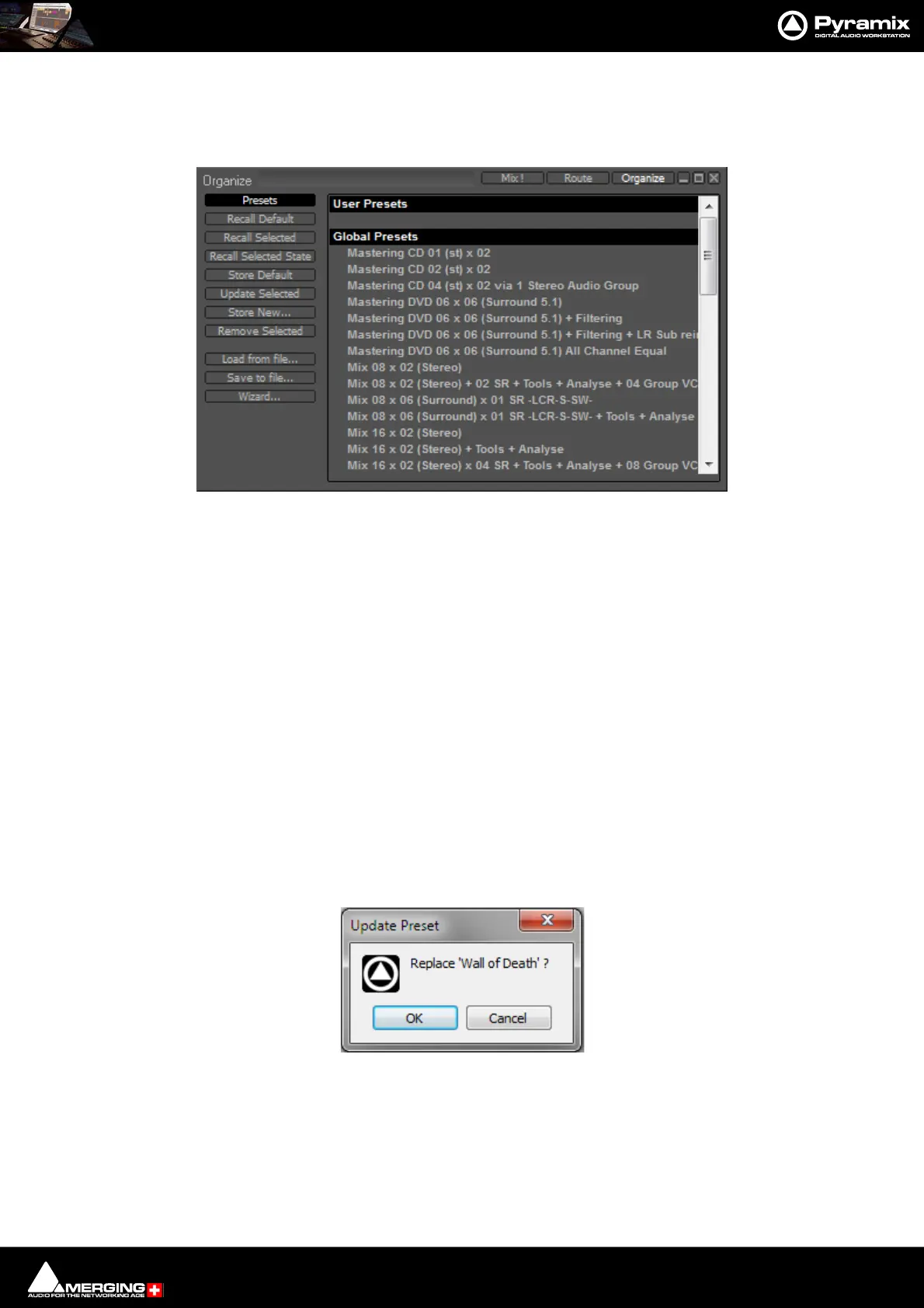
Here, Mixer Presets and Settings can be managed:
Presets
Global & User Presets
All the Factory Global and User Presets appear in the list in the right-hand pane. Global Preset are available to any
user logged on the current machine, User Presets are available only for the User that created the Preset.
Recall Default Recalls the Default Mixer - see below.
Recall Selected Recalls the selected Preset.
Recall Selected State Recalls parameters, panning, levels etc. from a saved Mixer Preset and applies
these to the current Mixer.
Note: This only applies to strips and effects common to both configurations. If the current mixer
does not have the same plug-ins etc. non-coincident items will be ignored. Similarly if you recall
the state of a 100 strip mixer to a 10 strip mixer the last (right-hand end)90 strips are ignored.
Store Default Makes the current Mixer the default. E.g. when called from the New Project Wiz-
ard.
Update Selected Opens the Update Preset dialog:
Replaces the Preset selected currently to match the current Mixer. Click on OK to save it and close the dialog. Can-
cel closes the dialog without saving, leaving the selected Preset unchanged.



 To Next Page