Mixer : Legacy Mixer
10 - 296
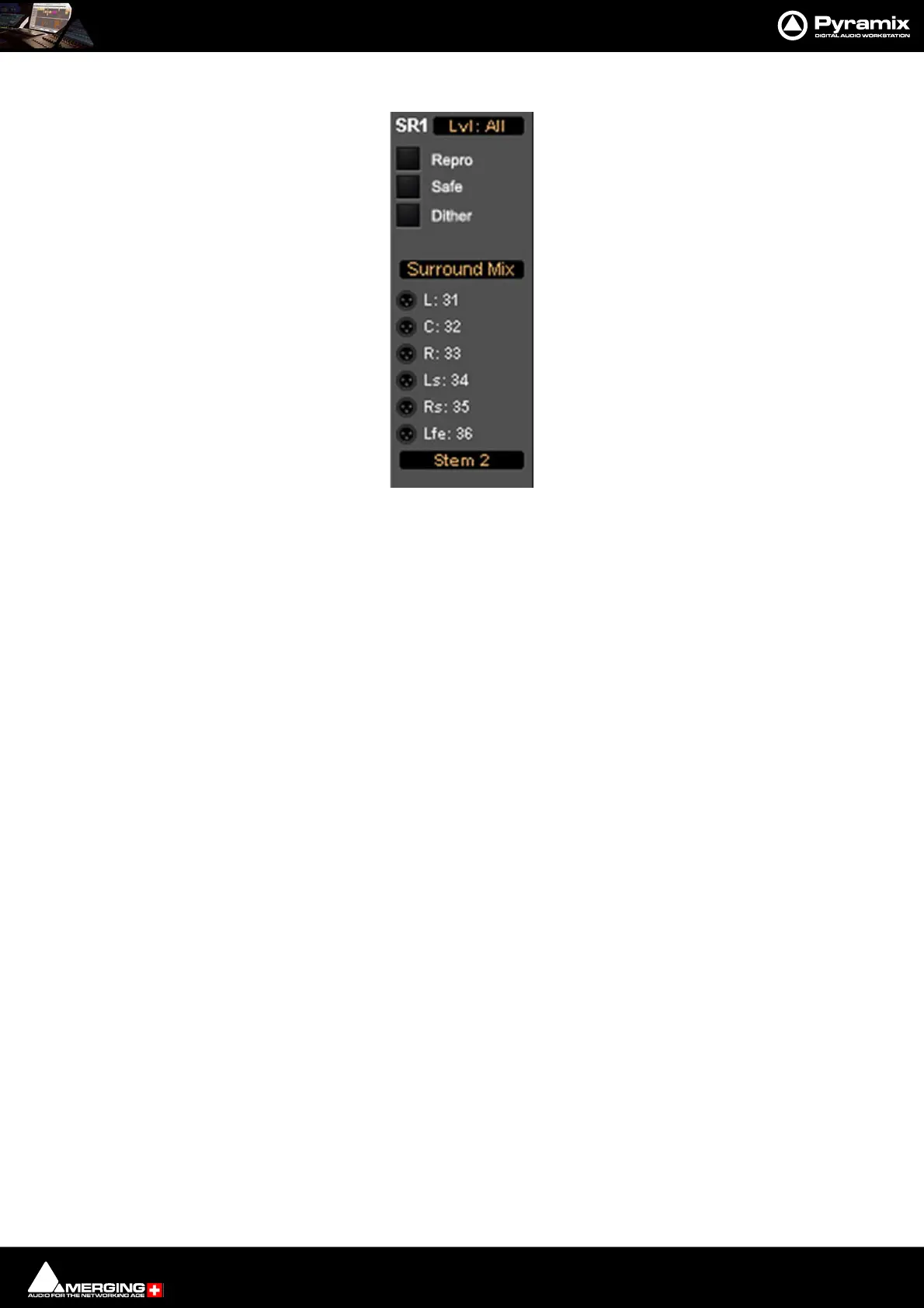
The associated Surround Mix output strip routing is shown below:
The top (SR1) box shows what the meters are displaying. Clicking on it cycles through each Stem and Lvl: All
which meters the sum of all the Stems The bottom box shows and selects which Stem the XLR icons refer to. Rout-
ing to physical outputs or Internal Return Buses is accomplished in the same way as other buses. I.e. right-click the
relevant XLR icon and select Connect > etc. from the menu.
Strip & Bus Channel Types
All Strips and Buses Channels have a custom type that can be manually set manually to:
•Left (L)
•Center (C)
•Right (R)
• Surround Left (Ls)
• Surround Right (Rs)
•LFE (Lfe)
•Left Center (Lc)
•Right Center (Rc)
• Surround Center (Cs)
• No particular type
Mono Strips are tagged by default to no particular type
Stereo Strips are tagged by default to L-R
MS strips are tagged by default to C-W
GPS Strip (General Purpose Strip):
GPS Strips can have from 1 to 8 channels
They can be used as Aux returns or for any kind of direct Input usage e.g. premixes or multi-channel record-
ings.(LCR, LCRS, etc…) By default a 2 channel GPS Strip is initialized to L-R and a 6 channel GPS Strip is initialized to
LCRLsRsLfe 5.1. This can be changed/customized in the Configuration Page.
Multiple Surround Mix Output Routing



 To Next Page