Mixer : Audio Bridge
10 - 285
ASIO Device Mode
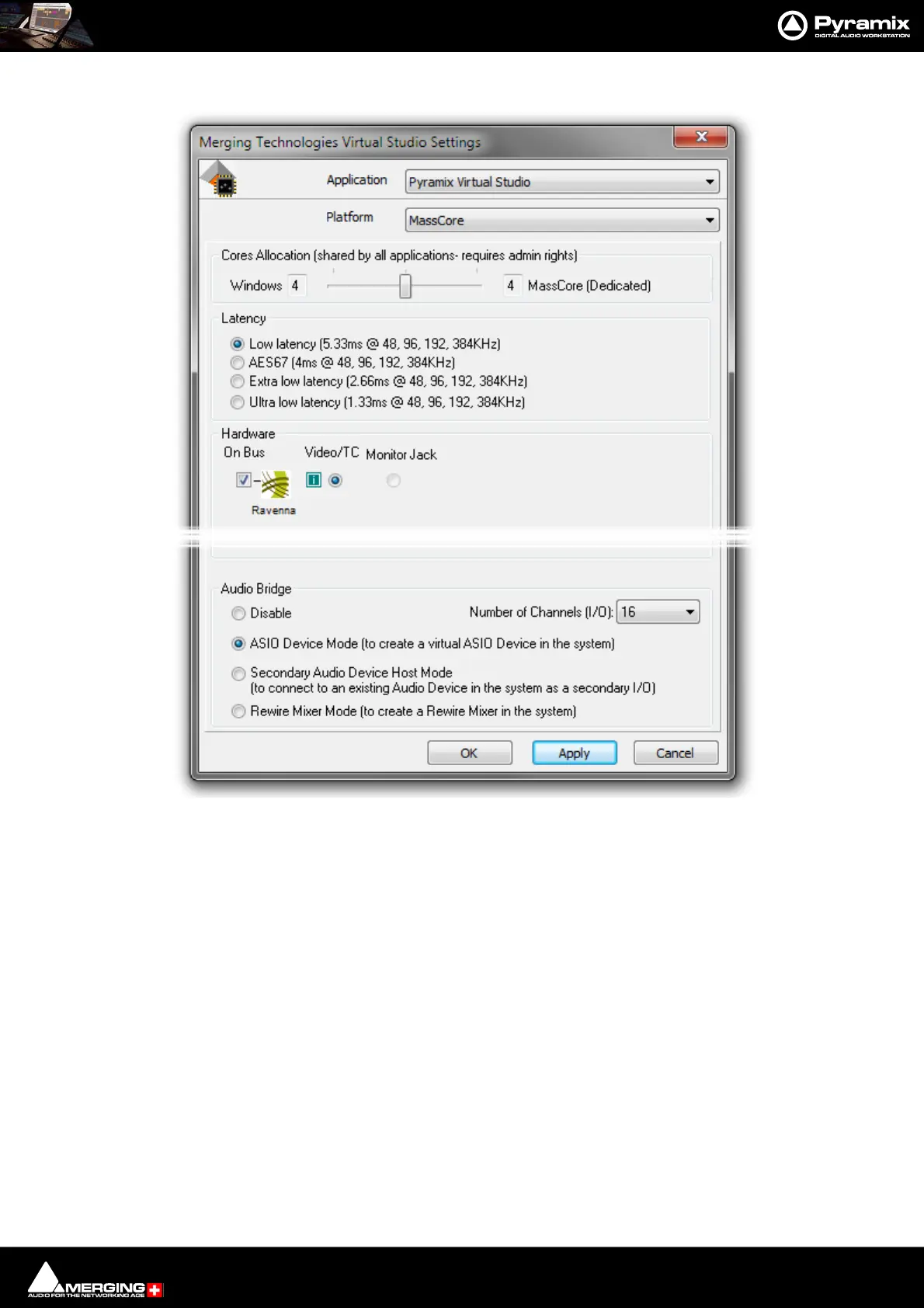
Once the Audio Bridge ASIO option is enabled in the VS3 Control Panel new sources and destinations will show up
in the Input and Output drop-down lists in the Pyramix Mixer/Monitor etc. just like any other source and destina-
tion. E.g. Audio Bridge 1,2,3 etc.
Banks are prefixed by the driver name, for example:
• Audio Bridge Bank 1
• ASIO4ALL Bank 1
Audio Bridge ASIO - VS3 Control Panel



 To Next Page