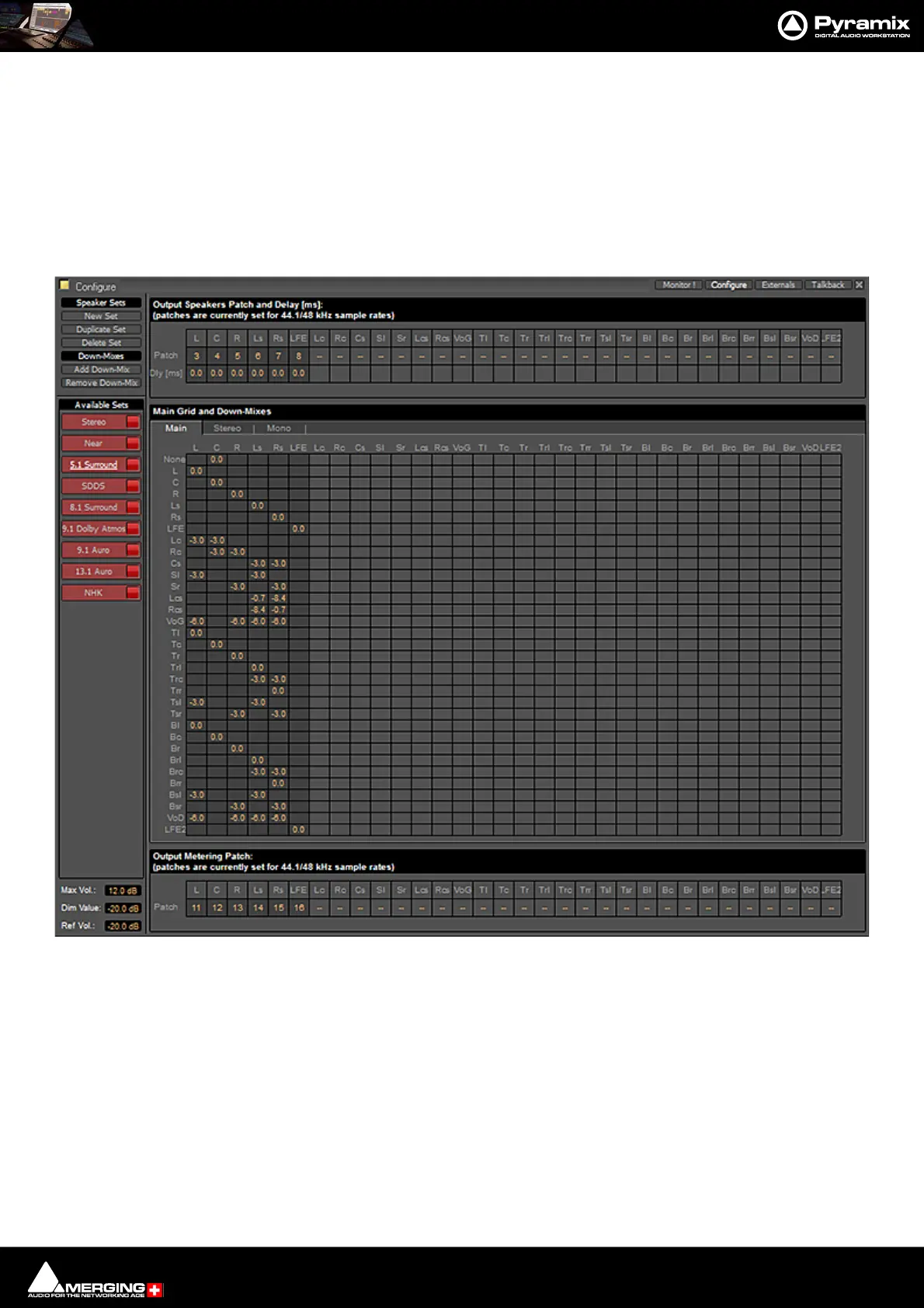
Monitor : Configure page
11 - 318
SDDS
8.1 Surround
9.1 Dolby Atmos
9.1 Auro
13.1 Auro
NHK
They and each of their down-mixes can be enabled/disabled in order to determine which ones are visible in the
main Monitor page.
The Configure page is divided into four main areas; Speaker Sets and Down-Mixes, Available Sets, Output
Speakers Patch and Delay[ms], Main Grid and Down-Mixes and Output Metering Patch.
Available Sets
To select an existing Speaker Set in order to view or alter its settings, click on its title in the Available Sets list. The
label will become underlined and the Set’s parameters will appear in the grid. If the Set has Down-Mixes already
defined there will be one or more tabs next to the Main Tab in the Main Grid and Down-Mixes area.
Nine sets, Stereo and Surround 5.1 are factory defined and cannot be altered. New Sets and Down-Mixes can be
Created, Duplicated and Deleted using the Command buttons.
Max Vol:



 To Next Page