Automation : Automation Modes
14 - 401
Default Mode
The default mode is Auto-Write. When the Automation Transport mode is Write if a control is moved automation
data is written automatically. Press a button and the same applies.
Selecting Automation Modes
Automation modes are set globally for the entire mixer, per strip or per component.
Entire Mixer
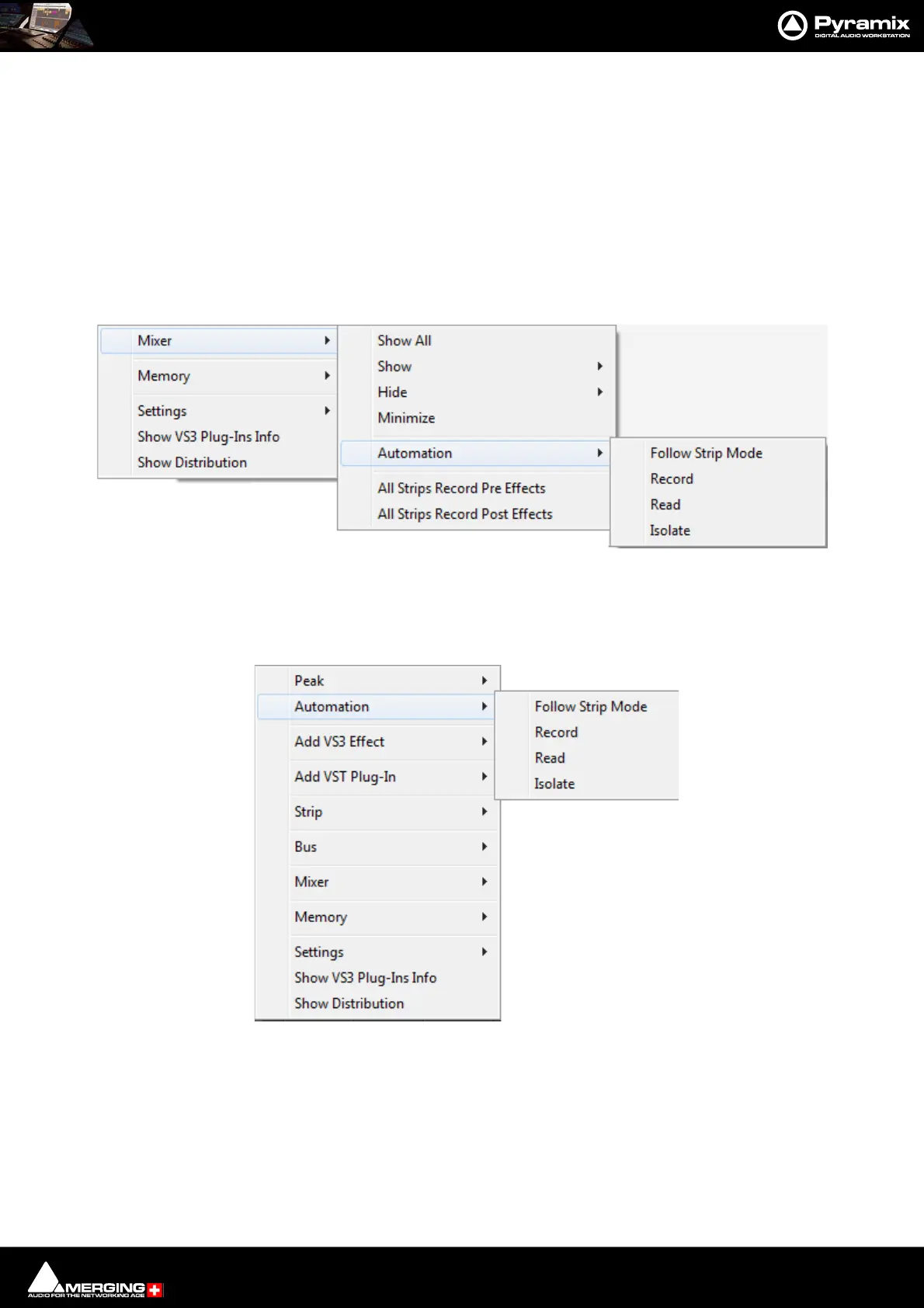
The entire mixer can be set to the same mode from the Automation menu or by right-clicking in a blank area of
mixer panel (E.g. under the bus strips) and selecting the desired mode from the popup menu. Mixer > Automa-
tion > xxxxx
Block, Strip, Bus or Entire Mixer
Right-clicking in a mixer channel strip function-block, e.g. as shown here in the fader area, pops up a contextual
menu. Selecting Automation opens a sub-menu offering a choice of four automation modes:
Mixer context menu Mixer Automation sub-menu



 To Next Page