Appendices : Appendix II VS3 Control Panel
31 - 785
Info
This section shows the following information when ASIO is the selected Platform.
Sample Rate: Shows the Sample Rate the selected interface is operating at.
Inputs: Shows the number of Inputs available on the selected ASIO device.
Outputs: Shows the number of Outputs available on the selected ASIO device.
Buffer Size: Shows the Buffer Size set for the selected ASIO device.
Hardware
All Horus or Hapi units discovered on the RAVENNA network are shown here with check-boxes which determine if
they are On Bus (I.e. will be used), for the selected application and will be used for Video/TC.
Audio Bridge
The Audio Bridge is the mechanism used by Pyramix to accommodate ASIO and Rewire applications into the
Pyramix mixer.
Audio Bridge
The radio buttons offer the choice of
Disable Audio Bridge disabled.
ASIO Device Mode (to create a virtual ASIO Device in the system).
Secondary Audio Device Host Mode Secondary Audio Device
(To connect to an existing Audio Device in the system as a secondary I/O)
Rewire Mixer Mode
Number of Channels
The drop-down list offers the choice of how many channels will be dedicated to ASIO or Rewire.
Please see also: Rewire on page 289, Secondary Audio Device Host Mode on page 286 and ASIO Device
Mode on page 285.
Saving Settings
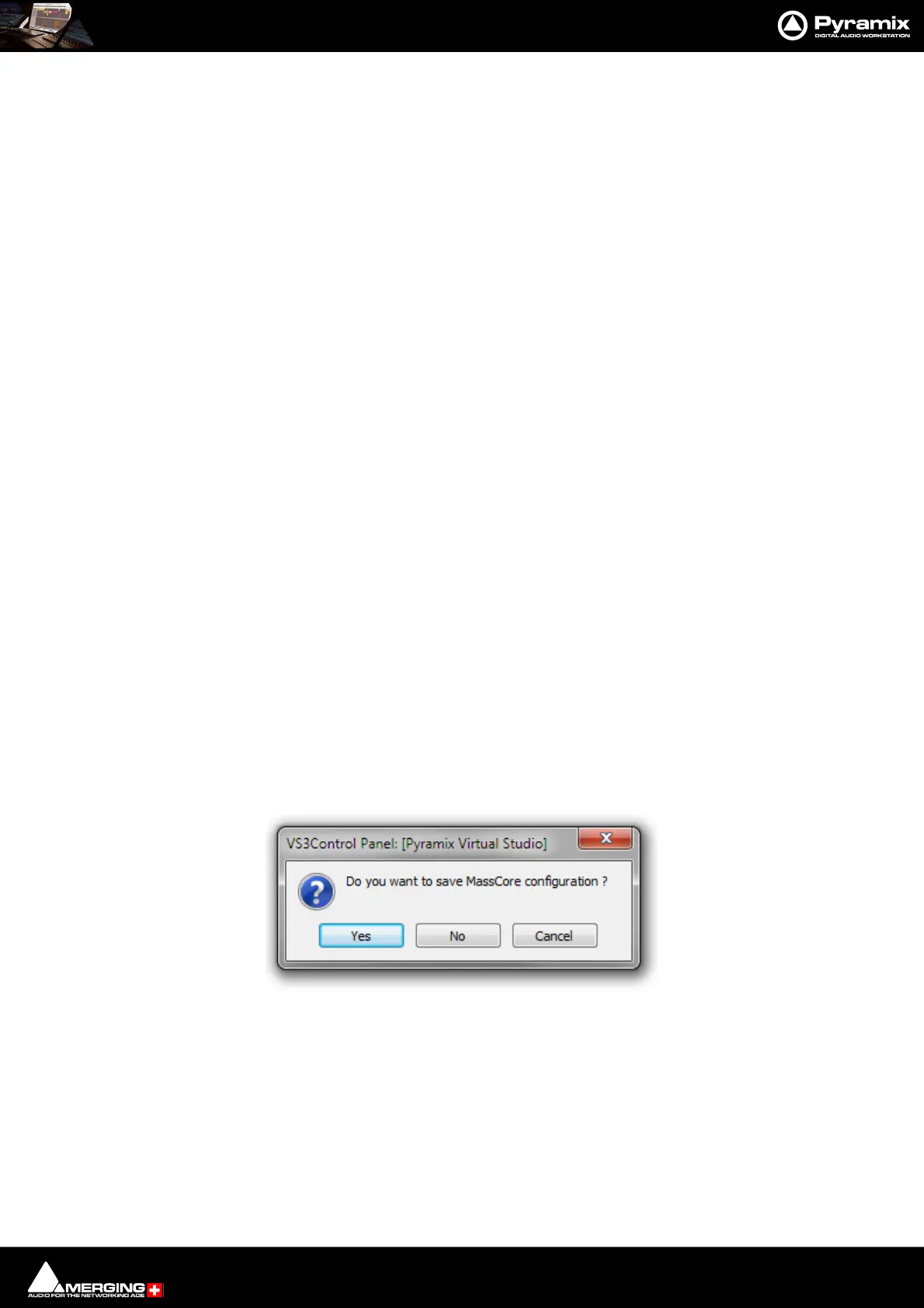
If you change any settings for a given application then clicking on Apply opens the Save MassCore Configura-
tion dialog :
Click on Ye s to save.
VS3Control Panel Save MassCore Configuration dialog



 To Next Page