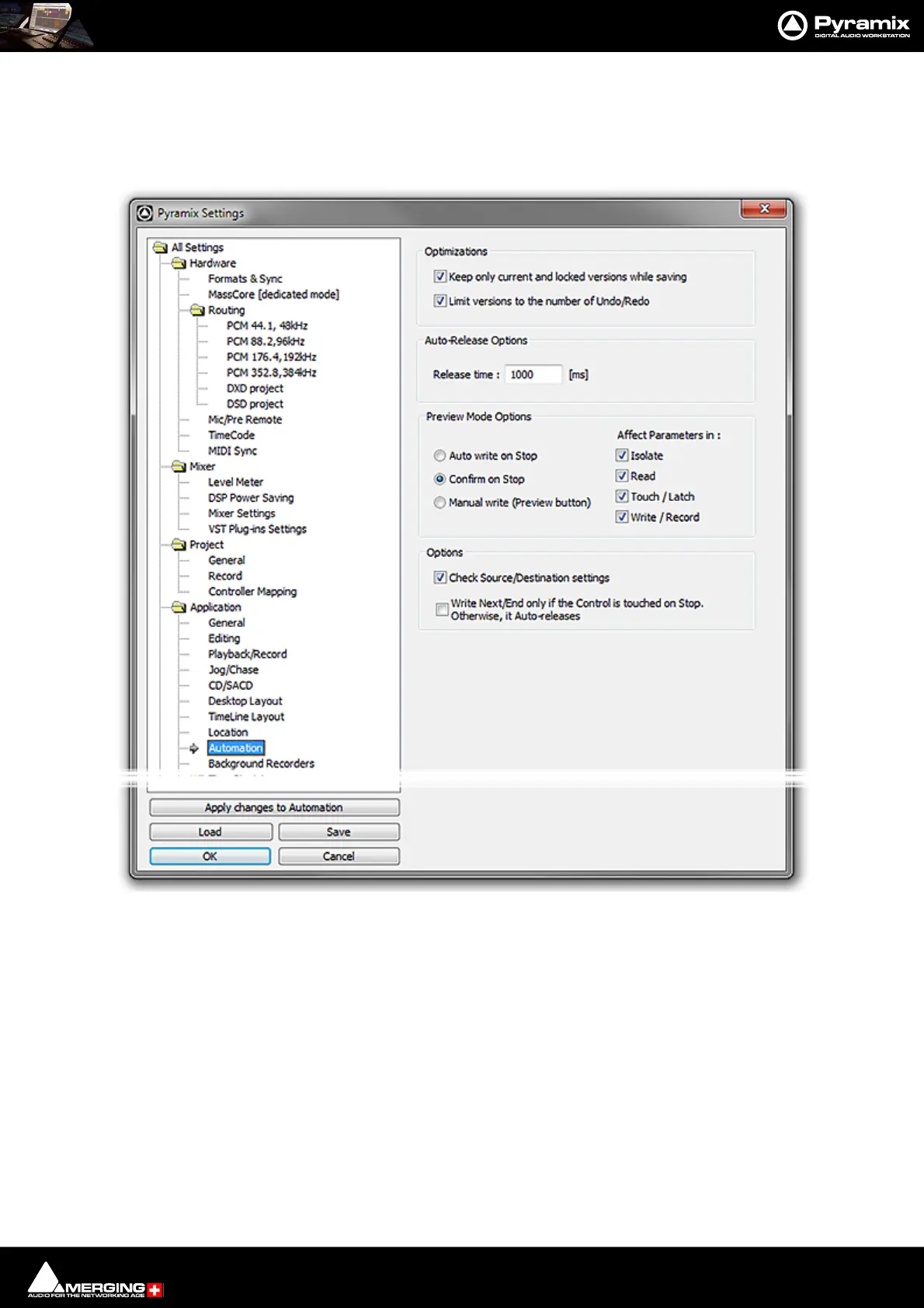
Automation : Automation Settings
14 - 417
Automation Settings
Select All Settings > Application > Automation. (Automation > Automation Settings also takes you to the
Automation page):
Optimizations
Offers a choice of options to enhance system performance when using automation.
Keep only current version while saving when checked, the system only saves the current version of all automa-
tion Tracks. This looses the saved automation versions history, but dramatically shortens the save time for projects
with automation.
Limit versions to the number of Undo/Redo when checked the system only keeps a limited number of versions
in memory (the same as the number of Undo/Redos as defined in the Settings > All Settings > General Page).
This reduces the number of automation versions kept in the history but enhances performance.
Auto-Release Options
If Auto Release is enabled any control will, when released or when the transport is stopped, return to its value or
state in the previous automation pass or the default where no previous pass exists. This occurs either immediately



 To Next Page