Introduction : Pyramix Virtual Studio Overview
1 - 31
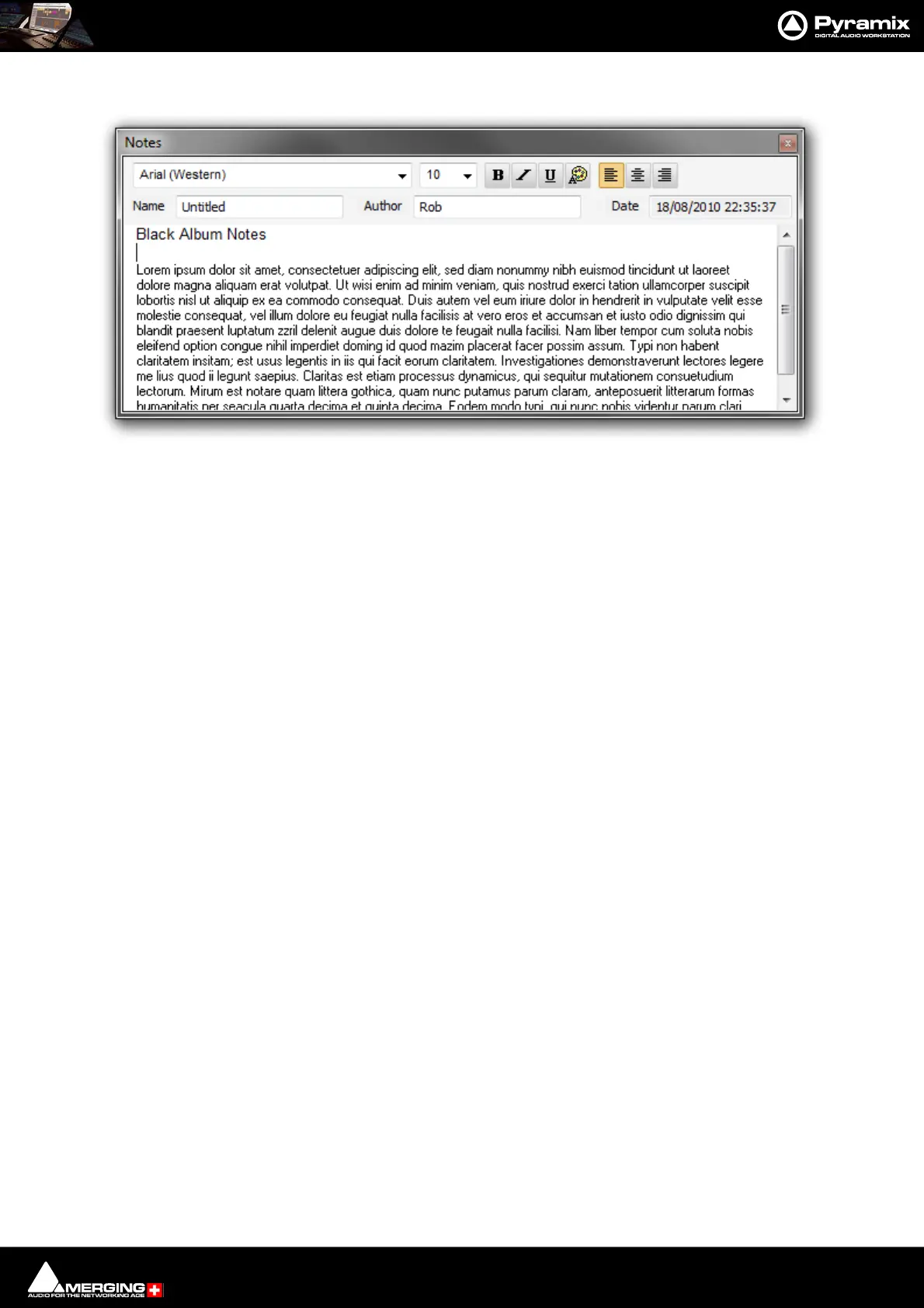
Notes
The Notes Tab provides a simple word processor for adding notes to the Project. Anything written here will be
kept with the Project when it is saved.
Media Management
Please see: Media Management Tab Window on page 60
Global Libraries
Please see: Document and Global Libraries on page 85
ADR
Only available with the ADR option. Please see the ADR User Guide for more information.
Log
Check this Tab Window if you are experiencing problems.
Most of the Tab Windows are fully described in the sections of this document they relate to as in the cross-refer-
ences above.
Metadata
Please see: Metadata Tab Window on page 437
Video
Please see:
FX Rendering
Please see:
Tab Windows Productivity Tips
For more detail on Tab Window functionality, Please see Tab Windows on page 643
Toolbars
The Pyramix main window has a number of Toolbars ranged across the top. All the Toolbars can be torn away and
rearranged. Hovering over a a Toolbar button pops up a tool-tip with its function.
Toolbars can be Shown/Hidden using the View > Scales / Toolbars > menu.
Individual Toolbars can be configured in Settings > All Settings > Desktop Layout (Please see: Desktop Layout
on page 745



 To Next Page