Monitor : Media Manager and Library Monitoring
11 - 321
Media Manager and Library Monitoring
The Pyramix Monitor Panel is used to audition Cues in the Media Manager and Libraries.
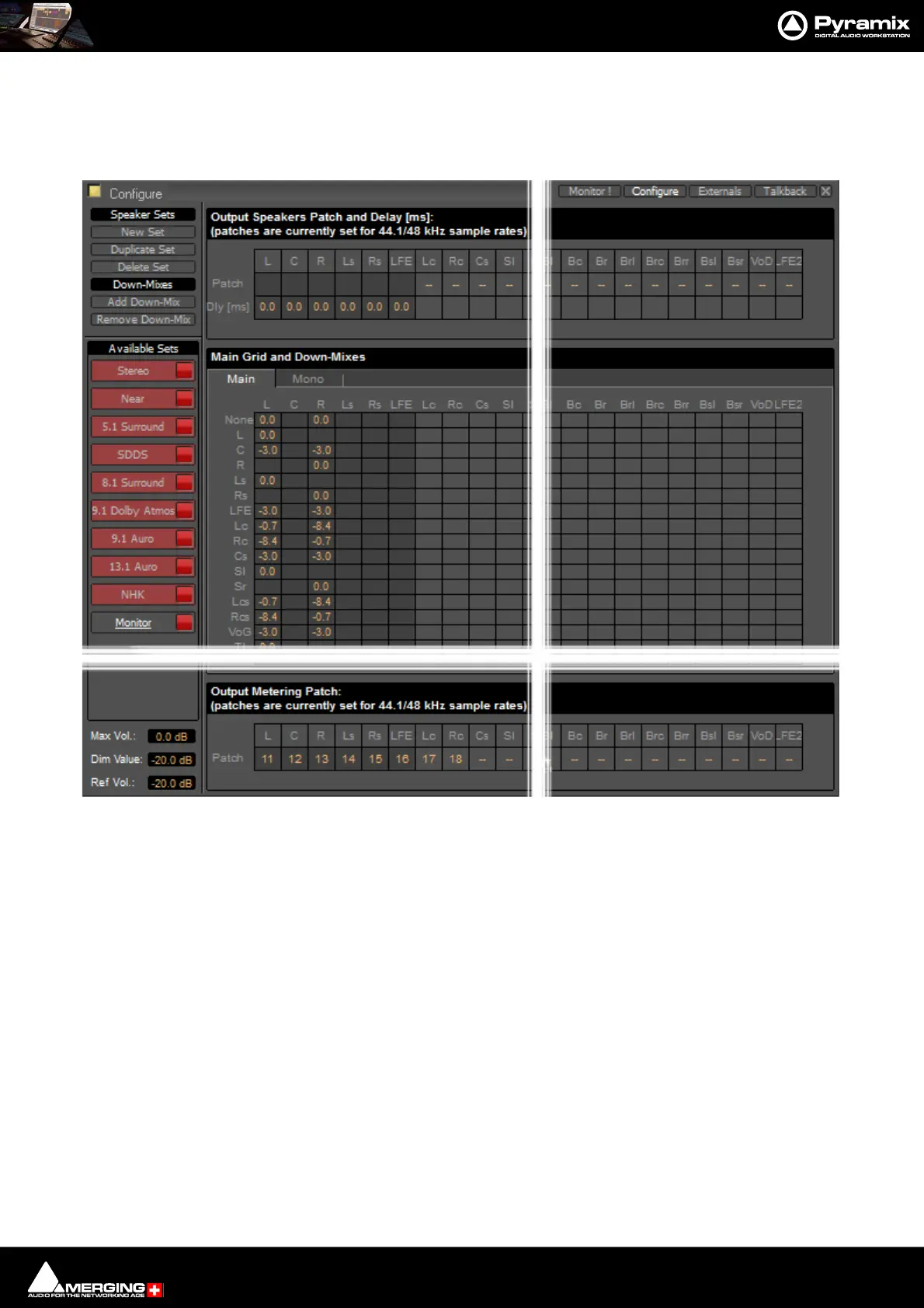
Note: The None channel type is used to monitor media which do not have a channel type set in
metadata. In order to be able to audition such media in the Media Manager and Libraries the L
and R None entries in the Main Grid matrix must be set to a value, e.g. 0.0.If you plan to audition
Surround material also set the C entry to a value e.g. -3.0.
Monitor Configure Media Manager



 To Next Page