Mixer : Creating and Configuring Mixers
10 - 273
Creating and Configuring Mixers
If one of the numerous mixer presets does not quite suit your application it is simple to modify an existing mixer,
create one using the Mixer Wizard or design one from scratch. The Wizard can be started from the New Project
Wizard (Please See: New Project on page 40) or from an existing mixer by right-clicking anywhere on the mixer
surface and selecting Settings > Wizard...
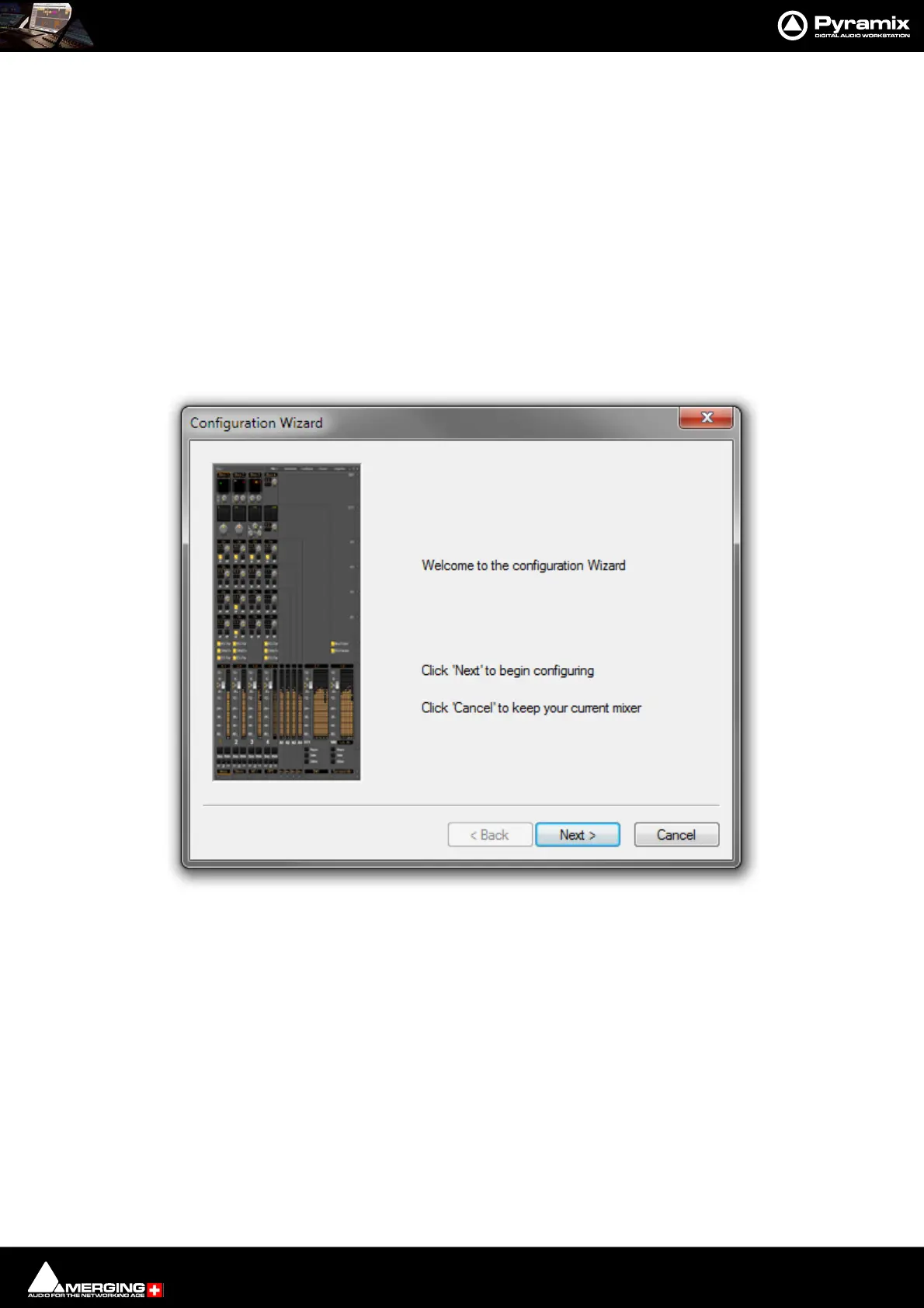
Mixer Configuration Wizard
The Mixer Configuration Wizard can be started from within the New Project Wizard or from the right-click con-
text menu in an existing mixer, Settings > Wizard...
Each dialog has <Back, Next> and Cancel buttons at the bottom.
Note: If the <Back button is used to return to a previous page, settings already made in subse-
quent pages are retained when they are returned to using Next>
Back Grayed out since this is the first page.
Next> Moves to the next Wizard page.
Cancel Keeps the current Mixer and closes the Wizard.
Click on Next to move to the next page:
Configuration Wizard Welcome dialog



 To Next Page