Fade Editor : Parameters & Options Section
9 - 204
•Cosine
•Root-Cosine
•Any User-defined curves
• Load Preset, allows loading a Fade from a choice of:
• Default Fade
• Any user defined Fades
• Save Preset,
• Default Fade
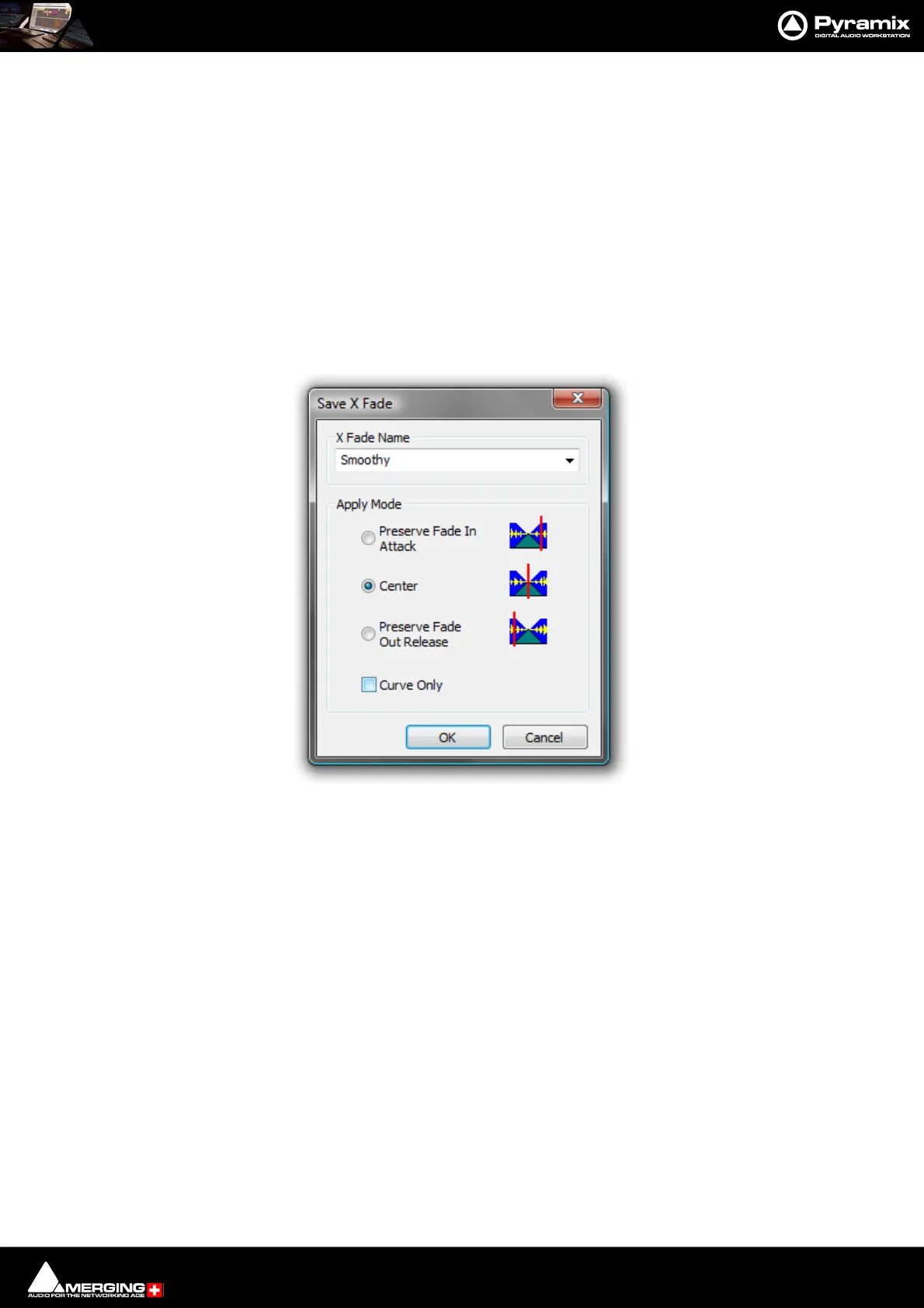
• New opens the Save X Fade or Save Fade pop-up dialog box (See below)
Save X Fade
The dialog box opens with the cursor in the X Fade Name box. Simply type a name for the new preset or choose
an existing one to over-write using the dropdown list. Choose appropriate options and click OK or hit the Enter
key to save the preset.
Apply Mode Options
A number of options are provided which affect the way the Fade will be applied when recalled.
Curve Only
When this box is checked only the curve shape will be recalled and applied to the overlapping Tracks for the dura-
tion of the existing cross-fade. If left unchecked, the original duration and positions of the start, end and reference
point will also be applied to the existing cross-fade.
Preserve Fade In Attack
Fade will be aligned to the left, relative to the edge of the Clip, when recalled.
Center
Fade will be centered, relative to the edge of the Clip, when recalled
Preserve Fade Out Release
Fade will be aligned to the right, relative to the edge of the Clip, when recalled.



 To Next Page