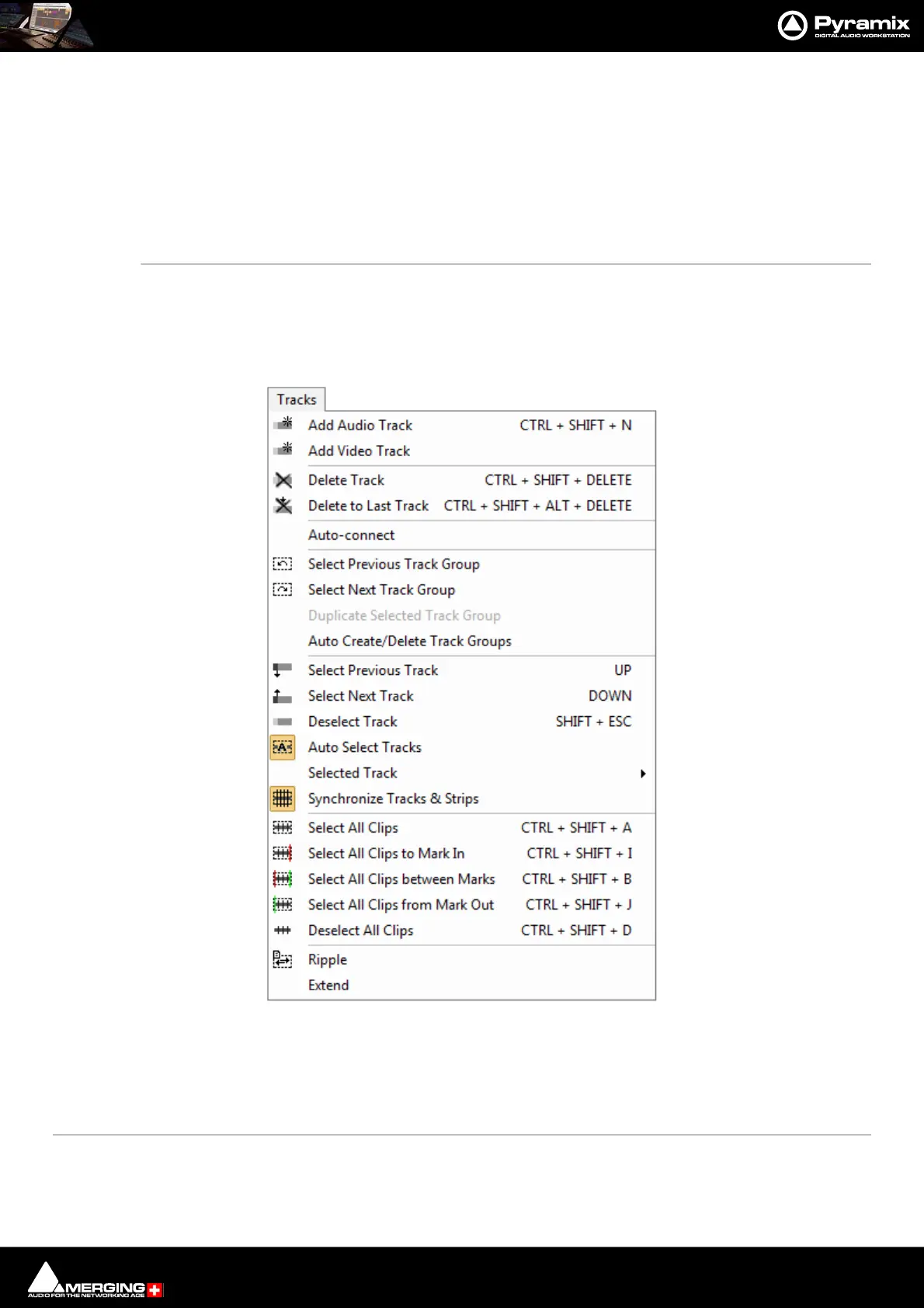
Menus : Tracks
28 - 678
Waveform >
Waveform follow Track Waveform display of the Clip will always correspond to the setting for the entire
Track in the Track information and Settings panel
Waveform force Waveform Clip will always show the waveform display regardless of the waveform display set-
tings for the Track
Waveform force Name Clip will always show the Clip name regardless of the waveform display settings for
the Track
Generate Waveform Generate the waveform data in the background for the selected Clip
Properties Opens the Selection Properties display window, which shows details concerning the
currently selected Clip
Tracks
Add Audio Track Opens the Create Tracks dialog to enable new Audio Tracks / Mixer Strips to be created in
the Timeline and Mixer
Add Video Track Adds a Video Track above the Track selected currently. If no Track is selected adds a Video
Track at the top of the Timeline.
Delete Track Removes the currently selected Track from the composition editor



 To Next Page