Settings : Mixer
29 - 722
Automatic Delay Compensation
When ticked, turns Automatic Delay Compensation On
Note: Any changes to the delay required that occur during playback or recording will only be
computed and applied when the Transport is next in Stop.
Max Mixer Delay Compensation
When required by the Mixer error: Delay compensation dialog the slider should be set to a value just above the
delay latency value requested.
Reset to Factory
Click the button to restore the factory computed maximum delay value.
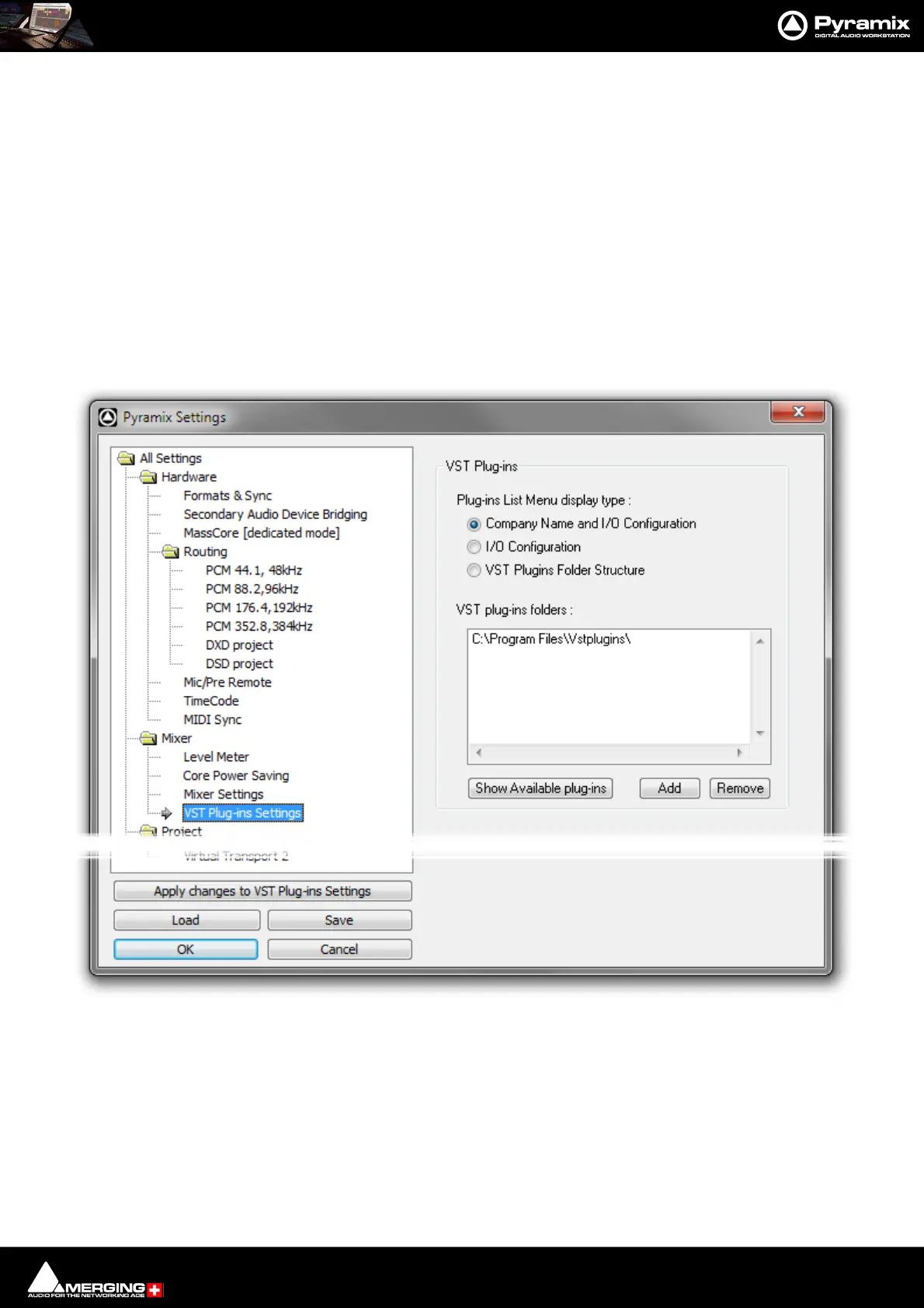
VST Plug-Ins Settings
VST Plug-ins
The buttons offer a choice of how the VST Plug-ins are ordered and grouped in the Plug-ins List Menu.
Company Name and I/O Configuration The list will be ordered by Company Name and the plug-in’s grouped
according to their I/O configuration. I.e. 1 in - 1 out, 1 in - 2 out, 2 in - 2 out and so
on.
I/O Configuration Groups the Plug-ins by I/O Configuration and within each group lists them alpha-
betically by name.
All Settings MixerVST Plug-ins Settings Page



 To Next Page