File and Project Interchange : Import / Export
18 - 501
Cue Sheet Printer
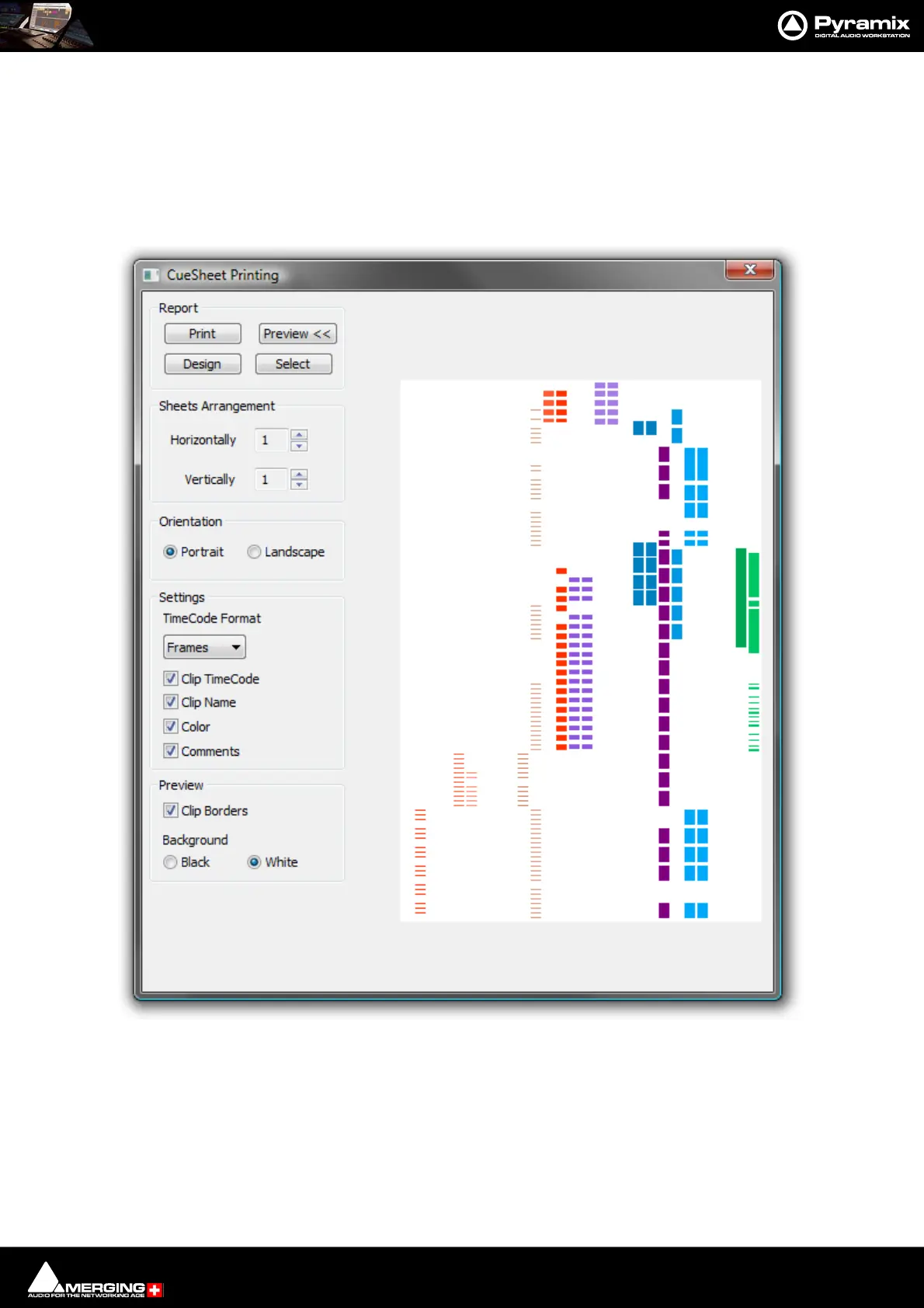
The Cue Sheet Printer offers comprehensive options for printing out a graphic representation of the Timeline.
Cuesheets are frequently a contracted delivery requirement which takes much time and effort to produce.
Select Project > Export. This opens the Project Export dialog box. Select Cue Sheets printer and click on the
Export button. (or simply double-click the Cue sheets printer entry)
The CueSheet Printing window opens. (Shown with the Preview option selected.):
Report
Print
Click this button to print the cue sheet(s) with the selected options. This opens the Print Options dialog box
unless the Orientation selected is different from the printer’s default. If it is the Paper Orientation conflict dialog



 To Next Page