Mixer : Panning Control Group Buses
10 - 232
Panning Control Group Buses
This Bus allows for controlling panning information in 1D (Left/Right), 2D (Surround) or 3D (Full
Space).
The Panning Control Bus does not process audio and has no Channels, no associated Output Strip and no I/O. Any
General Mix Bus / Mix Group / Aux Bus / Aux Group uses the information generated by a Panning Control Bus to
pan sound sent to their respective channels.
The same Panning Control Bus can pan sound for any channel mapping of any General Mix Bus. I.e. the panning
parameters of an input strip can control for example, the sends to a 9.1 Mixing Bus, a 5.1Mix Group and a Stereo
Aux Group simultaneously.
Generally, only one Panning Control Bus is required for all Mixing Buses, however multiple Panning Control Buses
can be created if different panning information is required for an Strip to different Mixing Buses. (Right-click con-
text menu: Bus > Add > Panning Control Bus)
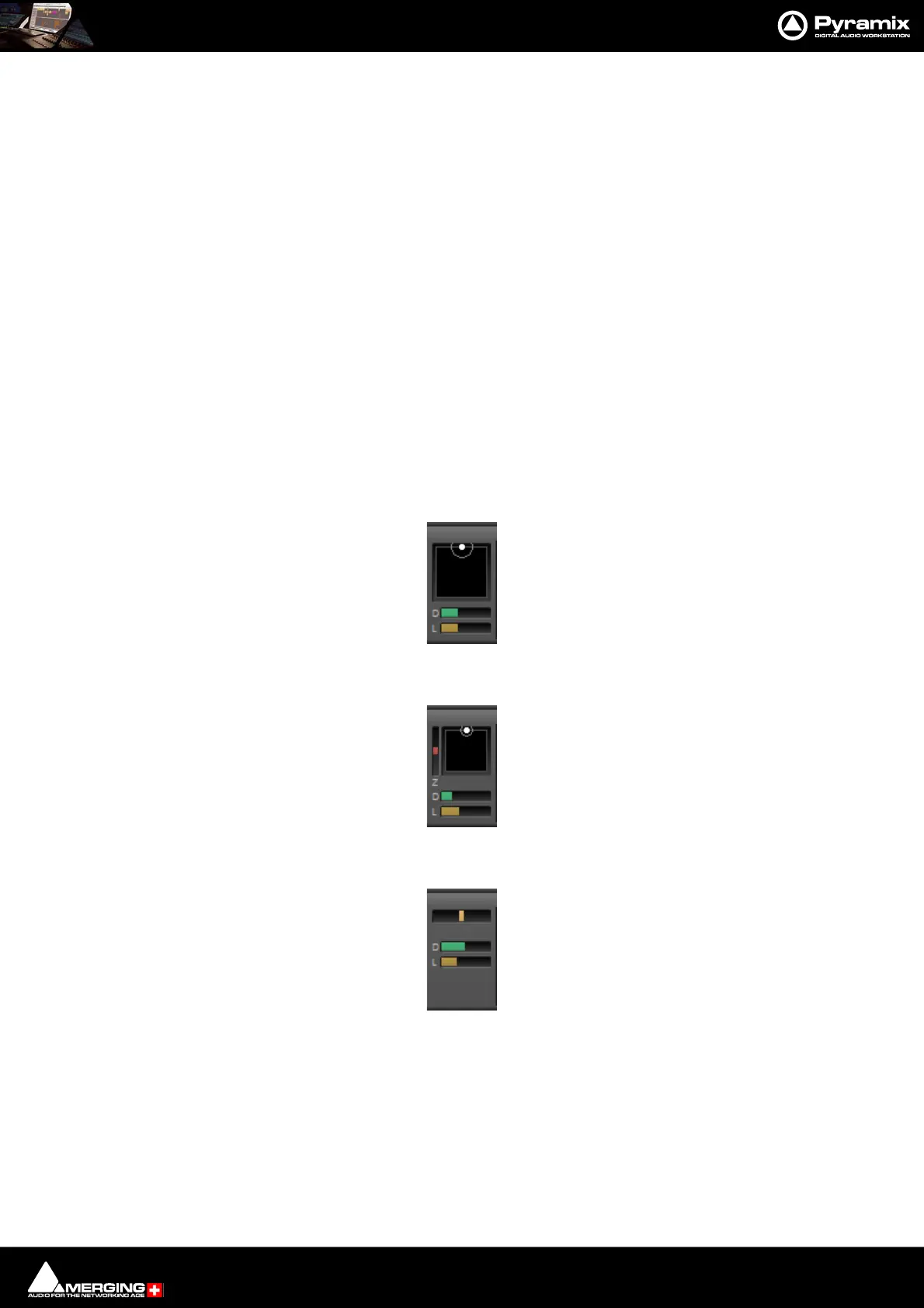
The in-strip User Interface for the Panning Control Bus is switchable between three different Types of Panner.
(Right-click over the Panner in the Strip to open the context menu: Set Panner Type):
None
2D Panner Pans in 2D space. I.e. Left/Right and Front/Back and provides control of Diver-
gence and LFE gain.
3D Panner Pans in 3D space. I.e. Left/Right and Front/Back, Up/Down and provides control of
Divergence and LFE gain.
Pan/Balance Pans in 1D space. I.e. Left/Right and provides control of Divergence and LFE gain.
When the Strip is Mono the control is always Pan.
When the Strip is Stereo there are three different types of Pan/Balance available as
Dual Source Mode. Right-click over the Panner in a Stereo Input Strip to open the
context menu and select Dual Source Mode and one of the following options:



 To Next Page