Machine Control : Transport Control Panel
23 - 575
Generator register shows the current TimeCode outgoing on the LTC or MTC physical or logical outputs
In the case of VT, Virtual Transport, the Reader Timecode is the VT TimeCode and the Generator is the TimeCode
reported by Pyramix on the corresponding Pyramix VT client.
Controllers Section
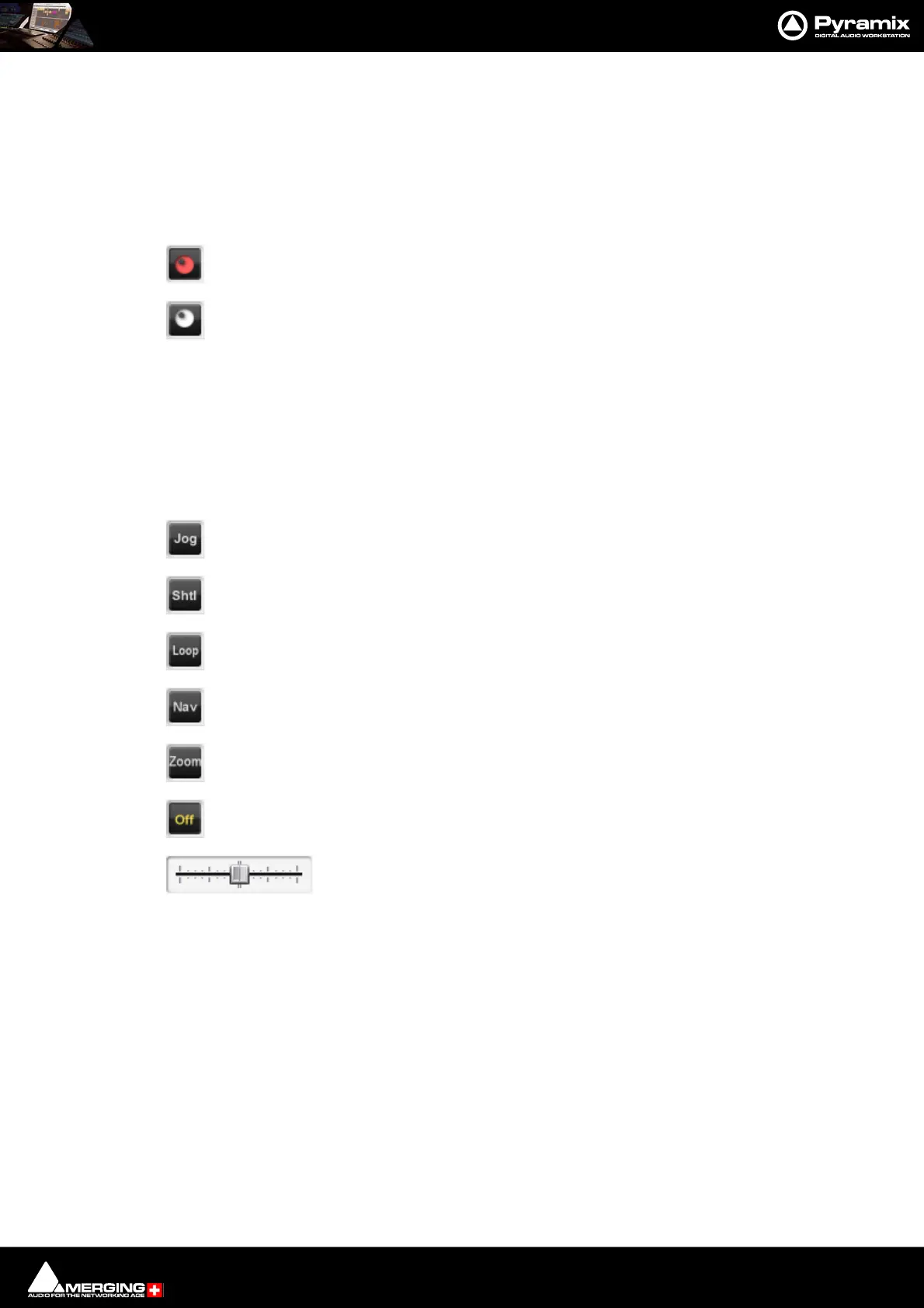
Controllers Online/Offline
When the Controllers button is lit red all connected Controllers are set Offline
Press the button again to toggle to Online.
Offline ensures no External Commands can be sent to Pyramix while a maintenance or housekeeping operation
is in progress.
When performing a Mix-down, Generating a CD image, or during any Surround encoding operation, Pyramix
automatically sets all controllers offline to ensure the operation is not inadvertently interrupted and to prevent
exaggerated motor fader movements during non real-time processes.
Jog Wheel Mode
Jog
Shuttle
Loop
Navigate
Zoom
Off
The buttons select the hardware Jog Wheel Mode from a choice of Jog, Shtl, Loop, Nav, Zoom or Off. Many con-
trollers will have buttons either corresponding directly to these functions or mappable to them.
Note: Further Jog Wheel Modes are available in Machines > Controllers.
The selected function is lit in yellow. (Off in the images above.)
The Shuttle slider is provided for convenience when using the Transport Control Panel.



 To Next Page