MassCore : Core Load Indicators
2 - 36
Core Load Indicators
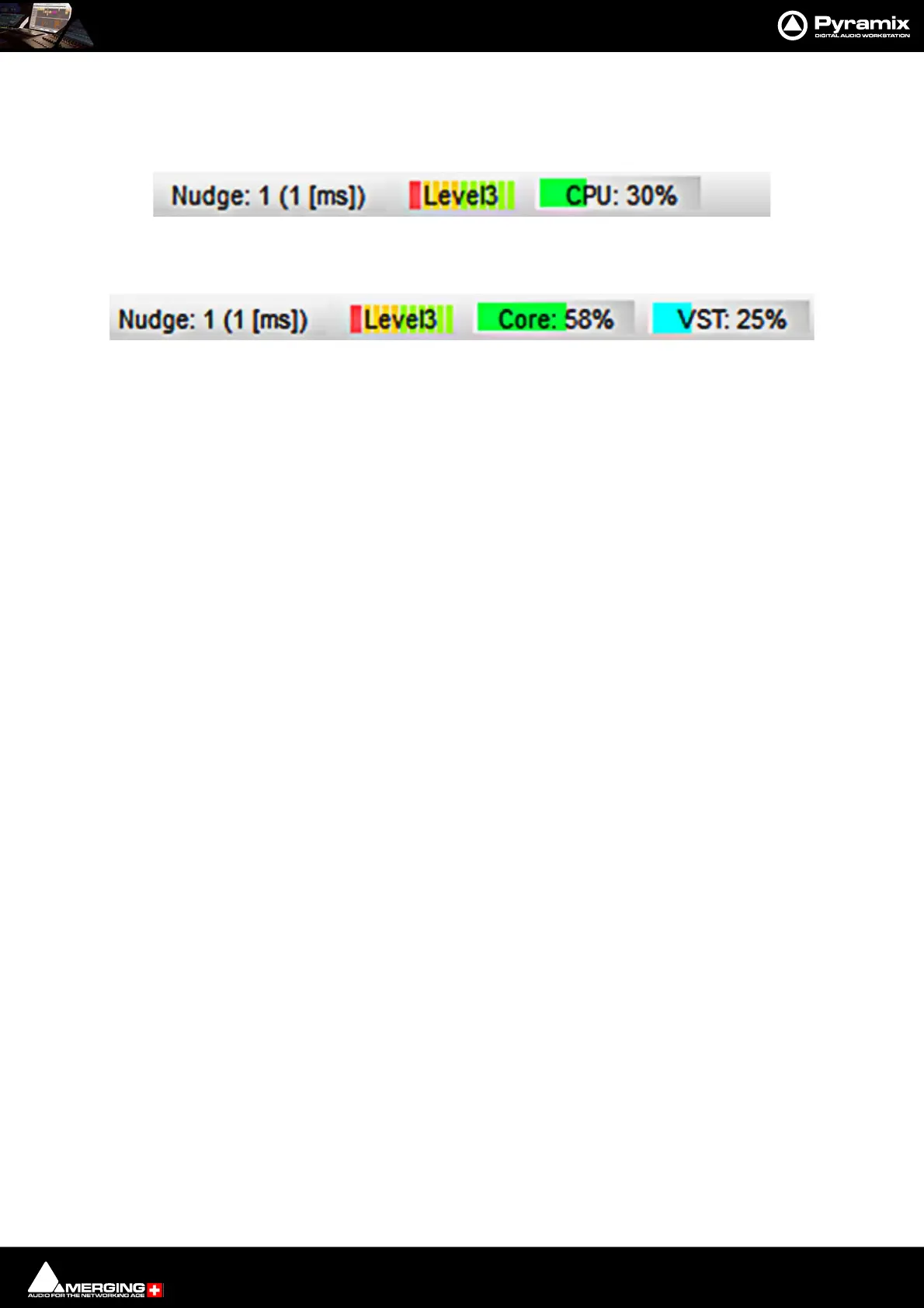
In Native systems a single CPU: load indicator is present in the Title Bar:
In MassCore based systems the CPU: load indicator is supplemented by a VST: core load indicator in the Title Bar:
MassCore Load
(Green bar, orange when heavily loaded, red when overloaded): Indicates the MassCore Load.
VST Core load
(Blue bar, orange when heavily loaded, red when overloaded): Indicates VST core load for VST processing.
In both screenshots the left-hand bargraph display shows disk buffering.
MassCore & CPU load indicator range
• Green from 0% to 74% = Safe mode*
• Orange from 75% to 84% = Moderate Risk*
• Red from 85%->100% = High Risk
*MassCore users: Will have enhanced Core stability when using recommended dedicated Graphic Cards.
*Native users: Owners of recent laptops owners often experience performance problems when the CPU load
reaches somewhere around the middle point of load, then random CPU jumps causing sudden glitches are possi-
ble. This has also been seen when benchmarking with Non-Merging Applications on recent laptops.
Core Load Indicator - Native in Title bar
Core Load Indicators - MassCore in Title



 To Next Page