Monitor : Talkback
11 - 331
Foldback
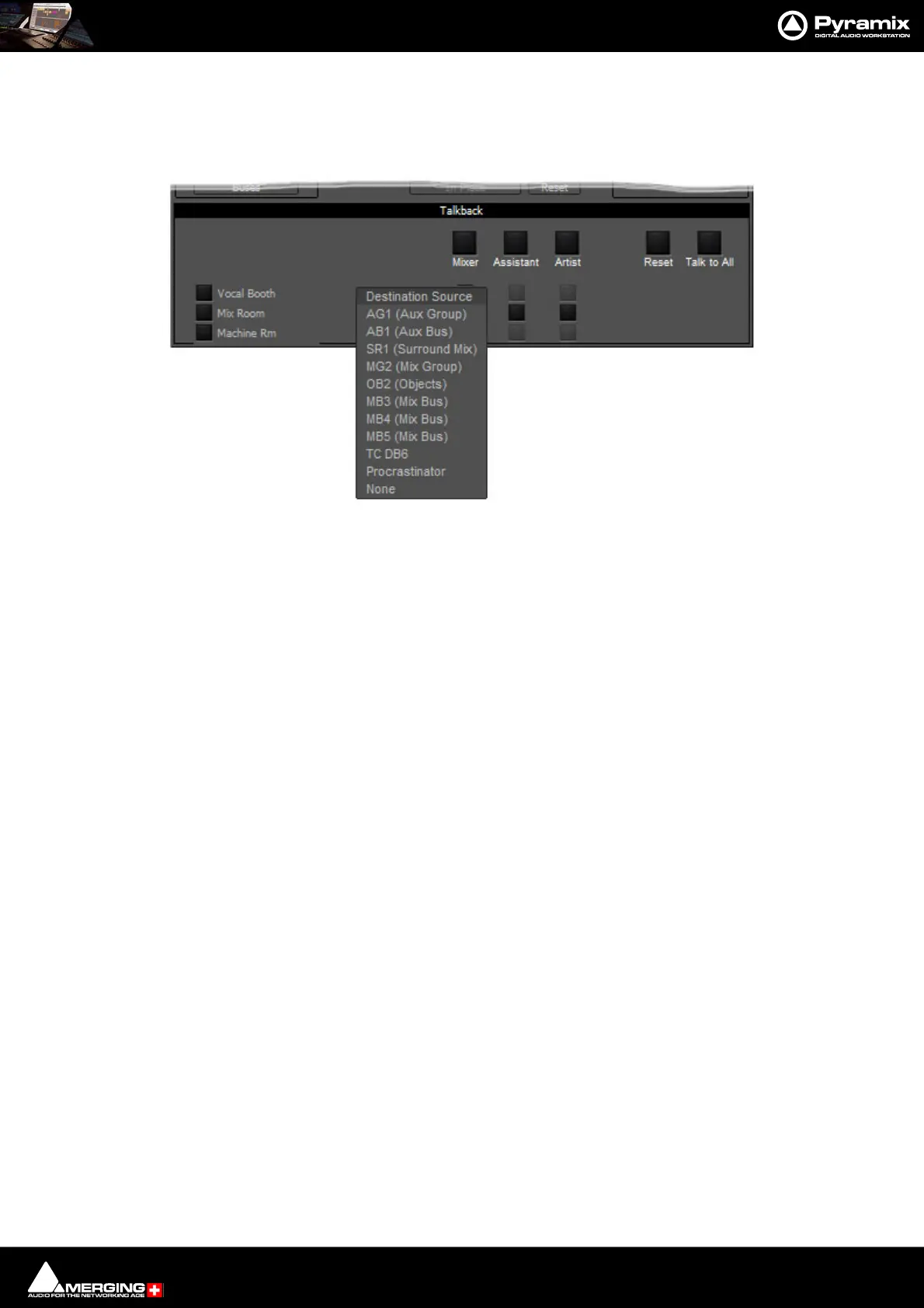
Continuing the foregoing Talkback example it is also possible to add foldback to the Talkback outputs. To add
Foldback to the Vocal Booth Talkback outputs click on the black box to the right of the Vocal Booth label to drop-
down a list of available Foldback sources:
Select the required Foldback Studio Monitor Source.
Note: You can add a bus in the mixer specifically to produce a mix for Foldback.
Monitor Talkback page : Select Foldback Source



 To Next Page