Effects and Plug-Ins : External Effects
13 - 395
External Effects
Pyramix General Purpose Mix Bus Types, Mix Bus and Aux Bus, can be routed to any physical output. Thus, an
Aux can be routed via a physical output to an external effect. The output of the external effect is simply brought
back into Pyramix via one of the physical inputs. However, a delay will be introduced by the external processor and
the converters. If the return needs to be time-aligned with other signals please see: Mixer Delay Compensation
on page 268
External Insert
To add an External Insert simply right-click over the strip where the plug-in is to be added and choose: VS3 Effects
> Add > Other > External Insert
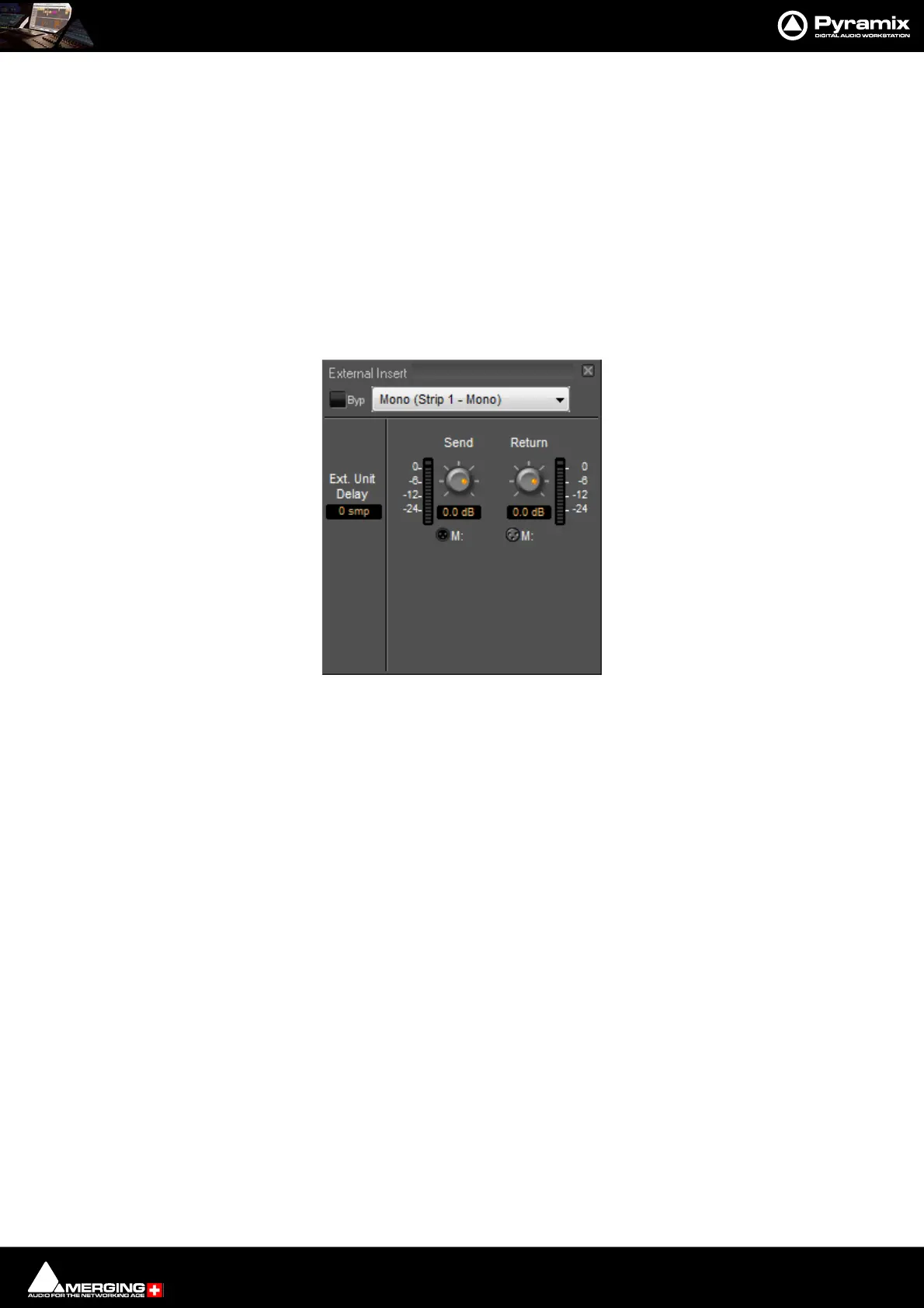
Clicking on the External Input name in the strip opens the External Insert Control Window.
Send and Return Connections can be made by clicking on the XLR icons and levels set with the knobs. When you
have determined the delay introduced by the I/O loop including the external effect the value in samples should be
entered in the Ext. Unit Delay field.
Mixer Strip External Insert Plug-in Control Window



 To Next Page