File and Project Interchange : Import / Export
18 - 489
AES-31
Straightforward Import and Export in AES-31 format.
Genex Cuepoint files are supported. If a .CPT file exists near the .ADL file, cue points will be converted to Pyramix
markers.
Audio File import
Since Pyramix is capable of reading the audio data directly from an Akai disk, it is not necessary to import the
actual audio files into a local Windows drive. Thus, when you click the Import button, a dialog box is displayed: Do
you want to import the Audio Files used by this/those projects? If the answer is No, only references to the
audio files will be stored in the local Windows Media folder instead of copies of the actual audio data. The audio
will play correctly but no waveforms will be displayed.
Closing the Akai loader dialog
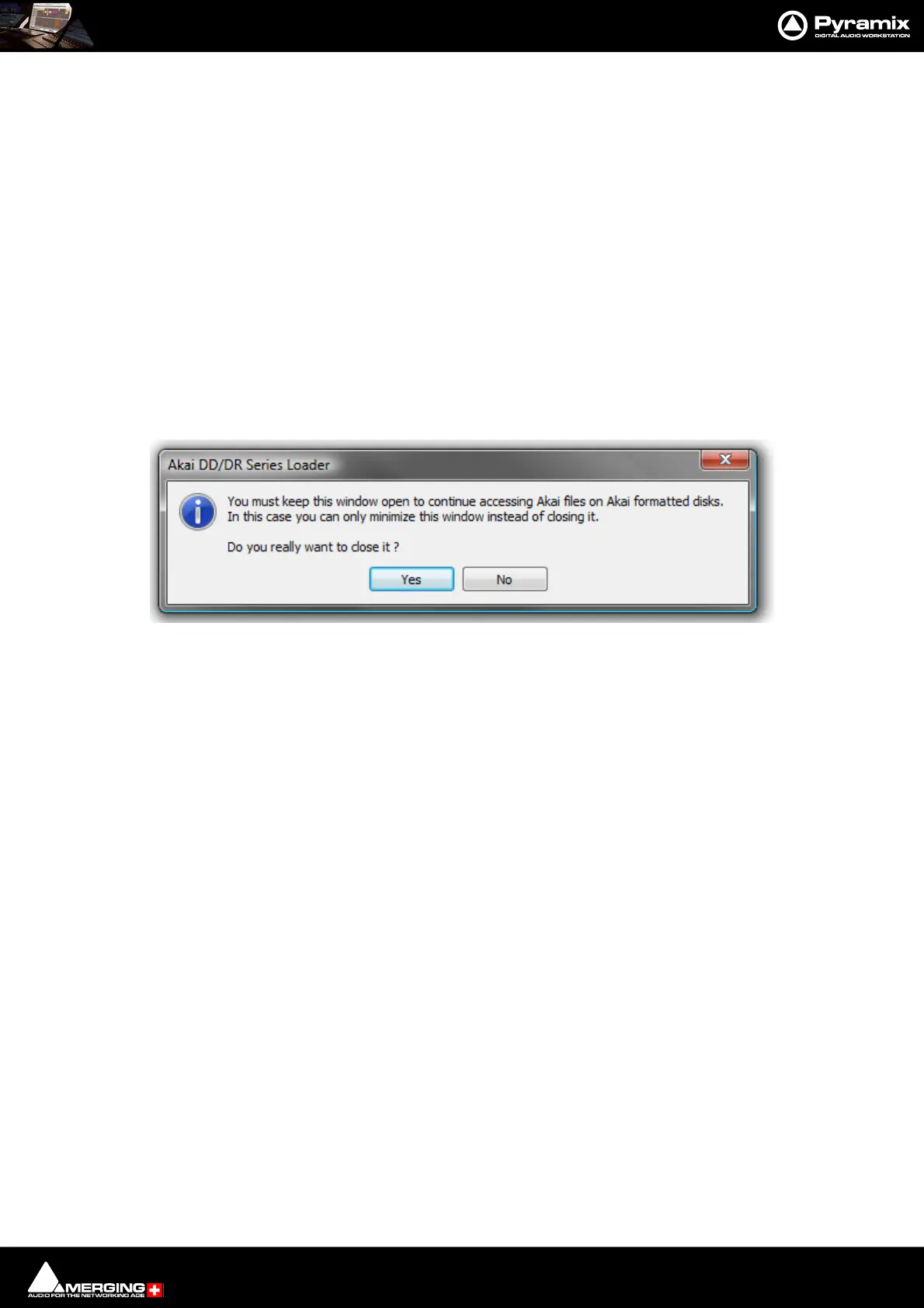
If you attempt to close the Akai DD-Series File System Loader the following dialog appears:
If you wish to continue to directly access Akai files click NO and minimize the window.
Akai DD/DR-Series Loader dialog



 To Next Page