Settings : Hardware
29 - 708
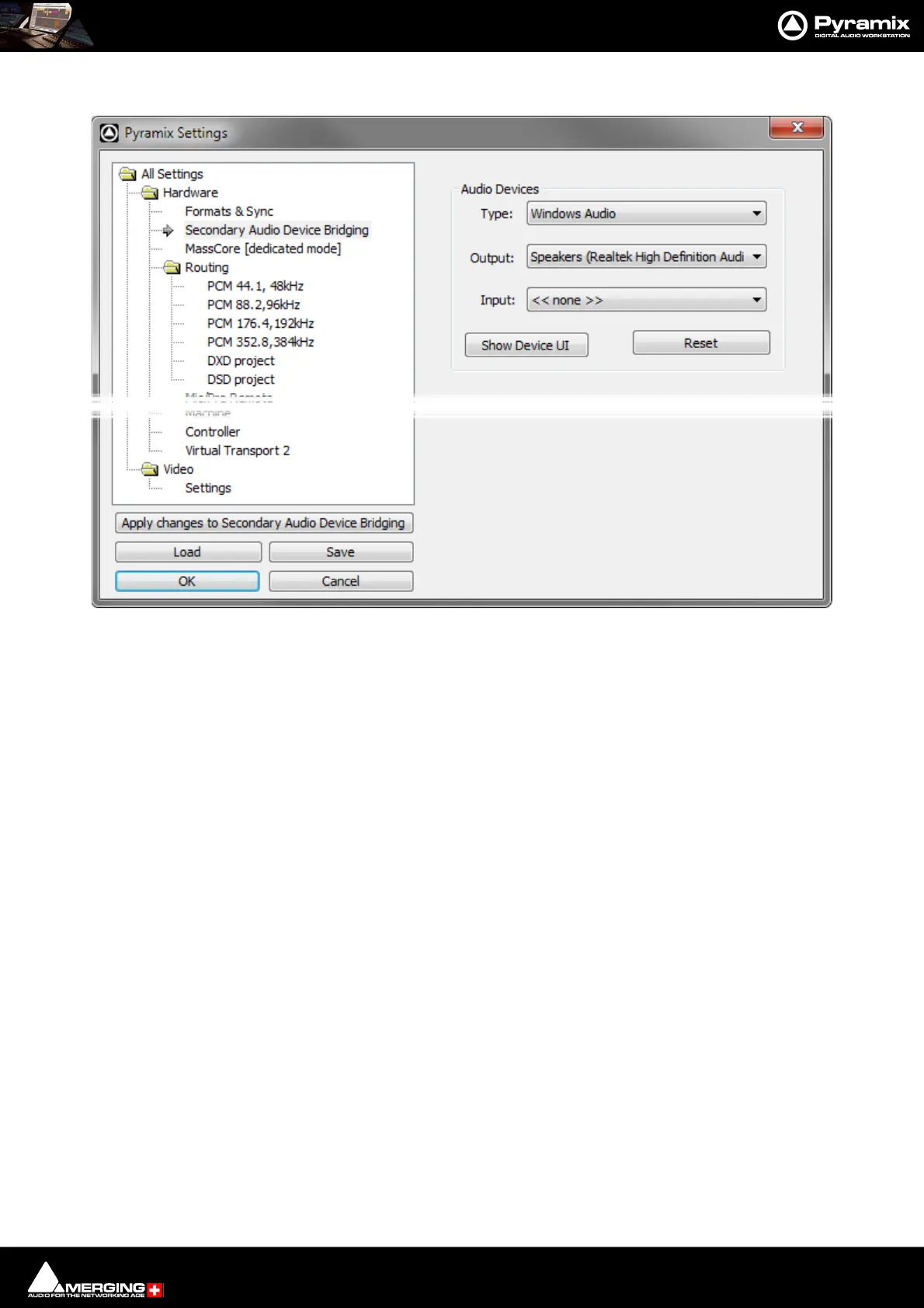
Secondary Audio Device Bridging
Audio Devices
Type: The drop-down list offers the choice of Windows Audio, DirectSound or ASIO.
Note: ASIO only supports Outputs.
Output: The drop-down list offers the choice of all audio devices with drivers of the Type
selected.
Input: The drop-down list offers the choice of all audio devices with drivers of the Type
selected. (Windows Audio or DirectSound only.
Show Device UI Opens the User Interface for the selected Audio Device.
Reset Reinitializes the Secondary Audio Device. Use if you experience Mutes or glitches.
Note: This Settings page is only present when Secondary Audio Device Mode has been selected
in the VS3 Control Panel.
All Settings > Hardware > Secondary Audio Device Bridging



 To Next Page