Mixer : Mixer Configuration from the Mix! page
10 - 247
Mixer Configuration from the Mix! page
Adding Strips
Adding Input Strips
Access the right-click context menu with the mouse cursor over a blank area in an existing strip.
Choose Strip > Add:
Mono Adds a single Strip.
Mono - Direct Monitoring Adds a single Strip.
Stereo Adds a single Strip.
Stereo - Direct Monitoring Adds a single Strip.
MS Adds a single Strip.
MS - Direct Monitoring Adds a single Strip.
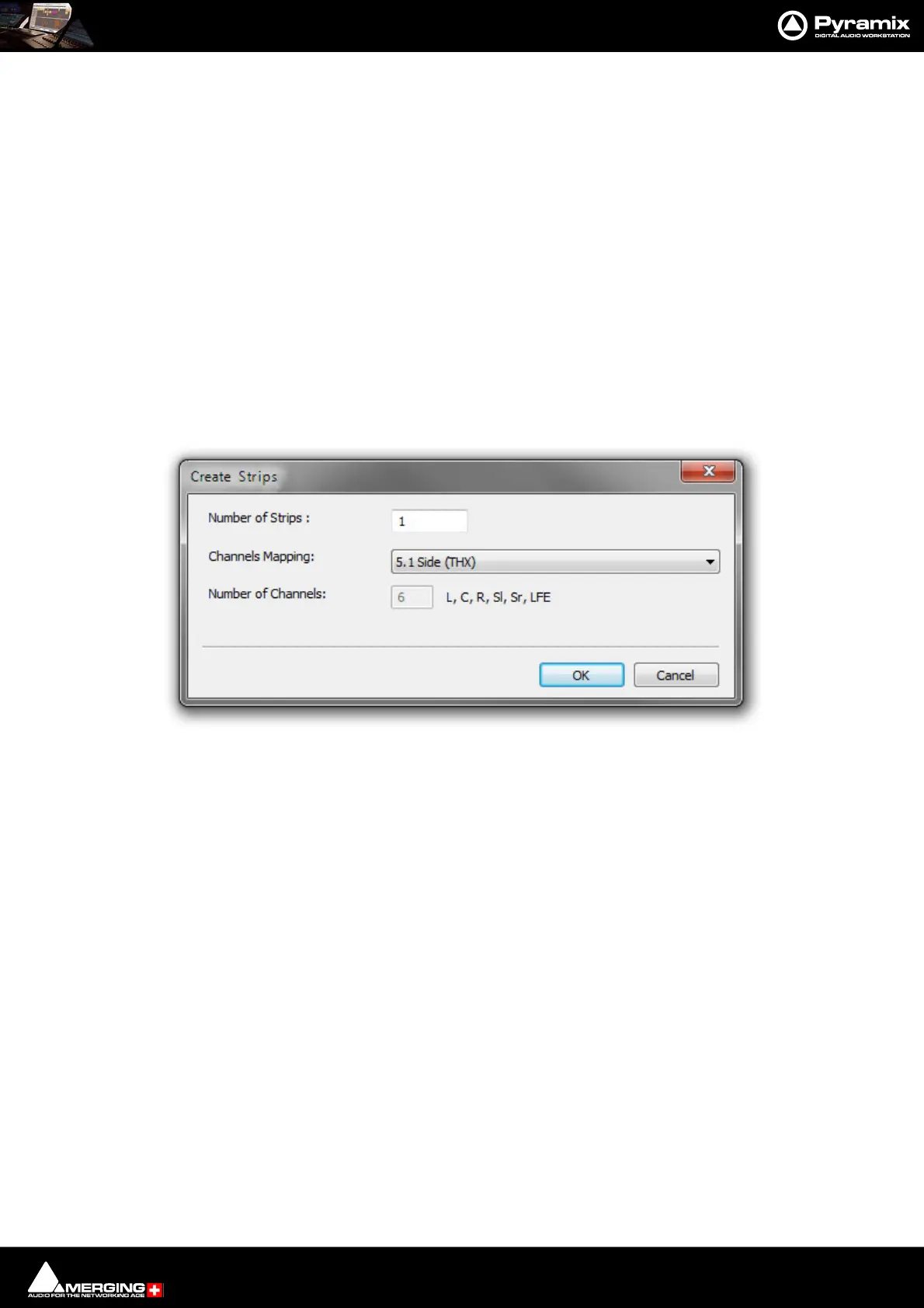
Multi - Channel Strip Opens the Create Strips dialog:
Number of Strips : Type the number of strips required in the field.
Channels Mapping: Select a Mapping from the drop-down list (52 available) plus Custom.
Number of Channels Shows the number of Channels and their designations. The number field is
grayed and can only be typed in when Custom is chosen as the Mapping.
Note: If you wish to add multiple Mono or Stereo Strips it is much quicker to use the Multi-
Channel Strip option and choose Mono or Stereo as the Mapping.



 To Next Page