File and Project Interchange : Import / Export
18 - 499
Video Clips
Pyramix
Please see: Importing Video Clips on page 521
VCube
Note: If using the ASIO bridge for VCube audio I/O then prior to importing video clips launch
Pyramix followed by VCube when Pyramix has finished starting. Check that the VCube is shown
and connected in Settings > All Settings > Remote Control > Virtual Transport 2.
(If using a separate ASIO device or no VS3/ASIO audio then the boot order is unimportant.)
Import
Note: Prior to using Project > Import : Video Clips VCube should be running and connected via
VT2. To ensure that imported Clips open in VCube when the Project is reopened subsequently
make sure that Save the VCube composition in the Pyramix project is active in the Settings >
All Settings > Remote Control > Virtual Transport 2 page.
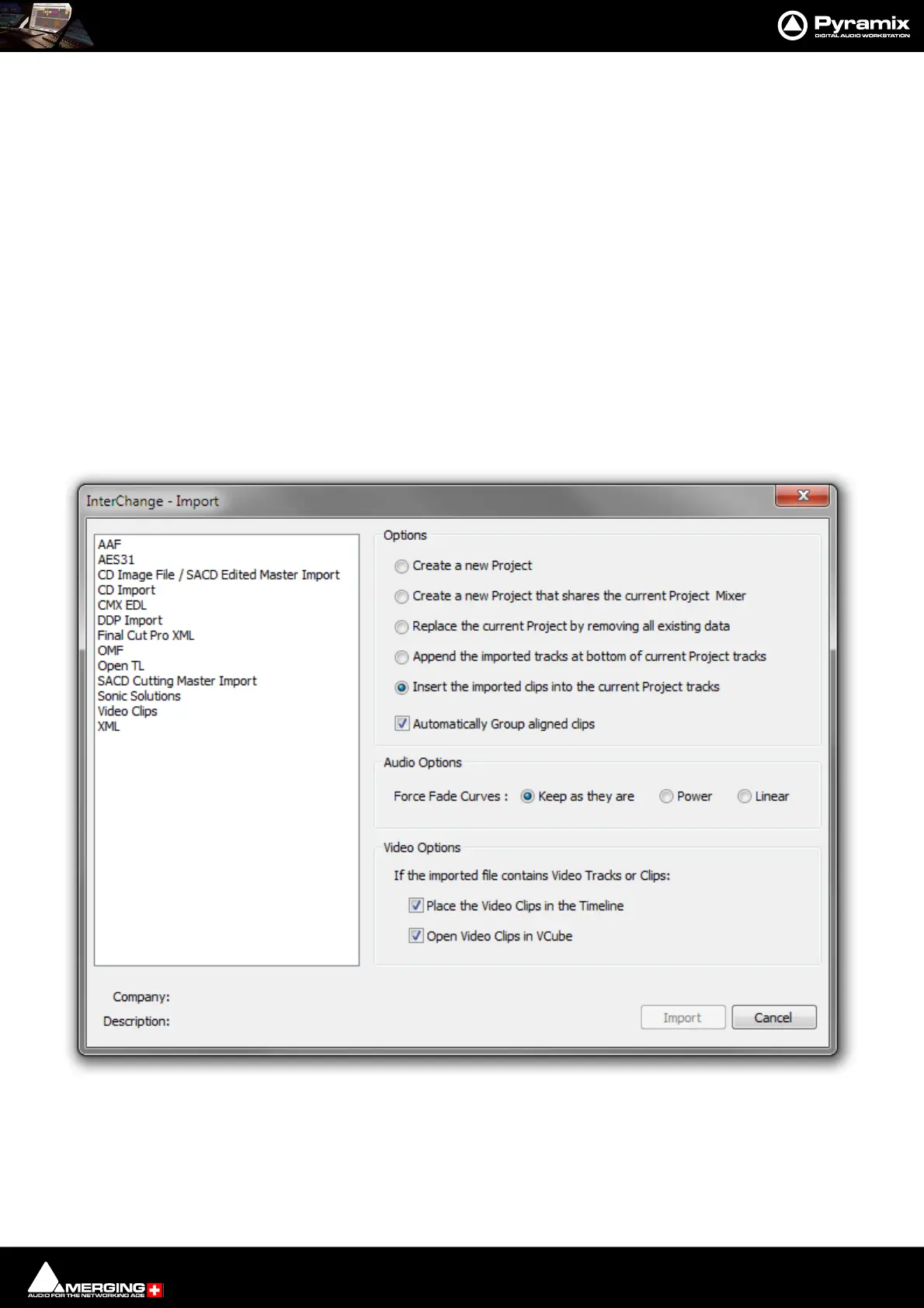
Selecting Project > Import... opens the Interchange - Import dialog.
1. Select Video Clips in the left-hand list.
2. Choose the appropriate Import Options.
3. Click on Import.
4. The Import Video File browser window opens.
Interchange - Import dialog



 To Next Page