Effects and Plug-Ins : Effects and Plug-ins
13 - 342
Effects and Plug-ins
This chapter describes individual effects and their components as they are applied in the Pyramix Mixer.
For rendered effects please see : Effects Rack on page 450, ReNOVAtor on page 384 and Prosoniq MPEX 4
on page 453
Adding and Managing Effects
Please see: Effect Management on page 249 and Native VS3 Effects and VST Plug-Ins on page 240
Note: If a Plug-in is unregistered then (unregistered) will be appended to the name in the list.
For more detailed information about registration status open the VS3 Plug-ins Information
window.
VS3 Plug-In Support
VS3 Plug-ins are Pyramix native. A wide selection is available both from Merging Technologies and from third-
party authors. VS3 Plug-ins operate over a maximum of 8 channels per iteration. If you wish to affect more than 8
channels, e.g. in a multichannel bus with n channels then it is necessary to use more than one iteration of the
plug-in and route each accordingly.
VS3 Plug-ins Maximum Sampling Rate
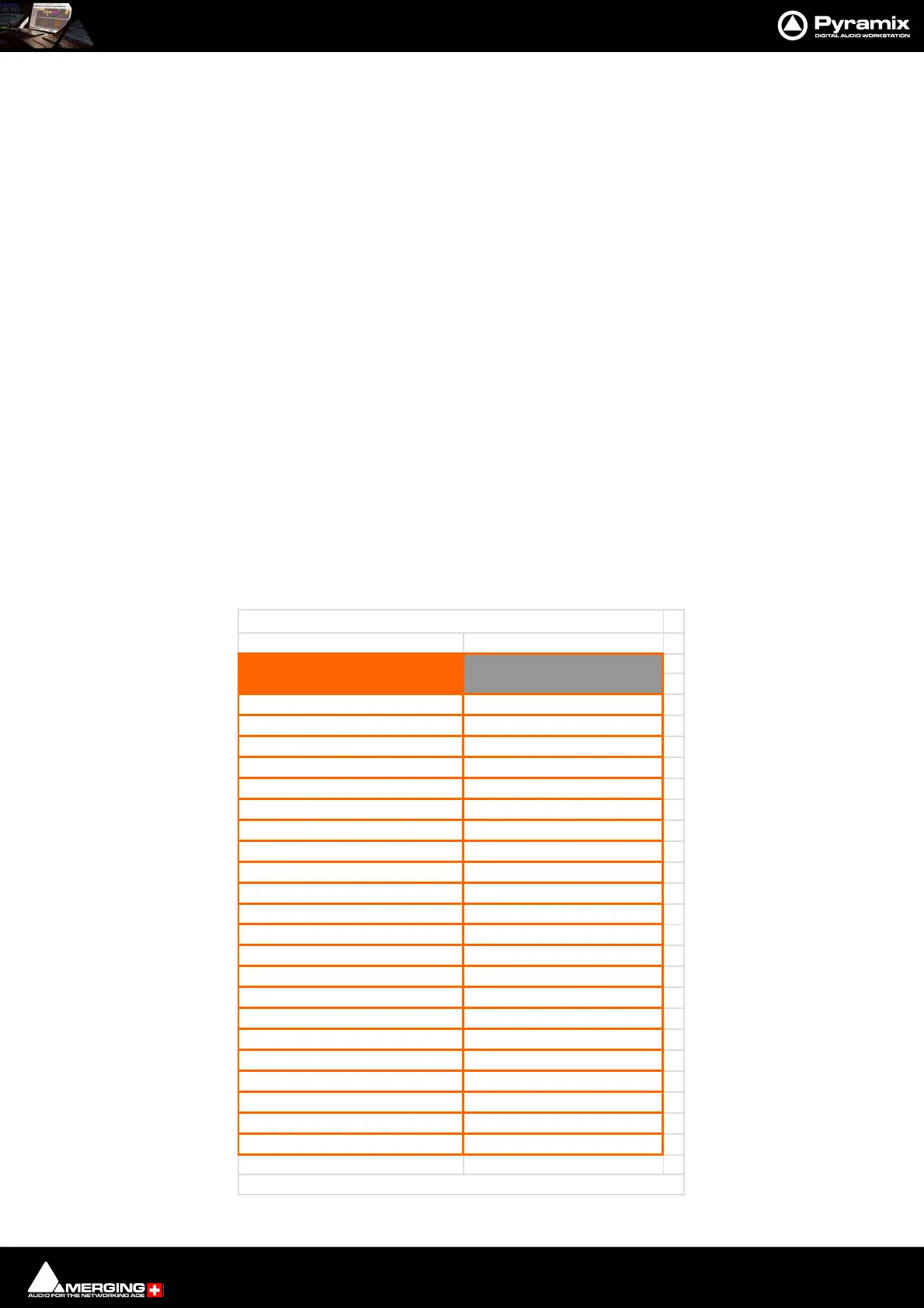
Most VS3 Plug-ins work in DXD Projects without conversion. The following table shows which plug-ins work directly and which
convert:
10 Band EQ 96kHz
Al
orithmix Plu
-in
DXD/384kHz
An
udion I & II DXD/384kHz
Aphro DXD/384kHz
Bus Tools & Strip Tool
DXD/384kHz
Cedar VS3 Renderer* DXD/384kHz
DC Mete
DXD/384kHz
Dela
DXD/384kHz
D
namic
DXD/384kHz
EqX DXD/384kHz
Flan
e
DXD/384kHz
Flux Plu
-in
DXD/384kHz
Generato
DXD/384kHz
Modulomete
DXD/384kHz
MS Encode
DXD/384kHz
Parametric Equalize
DXD/384kHz
Phase-Oscillo DXD/384kHz
Surround Mete
DXD/384kHz
Tone 48kHz
B Plu
-in
See table below
U Mete
DXD/384kHz
Wordlen
th Mete
DXD/384kHz
VS3
Plu
-ins Maximum Sam
lin
Rate
Max Sampling RateVS3 Plug-ins
High Track count above 4FS can cause performance issues.



 To Next Page