Mixer : Configure Page
10 - 251
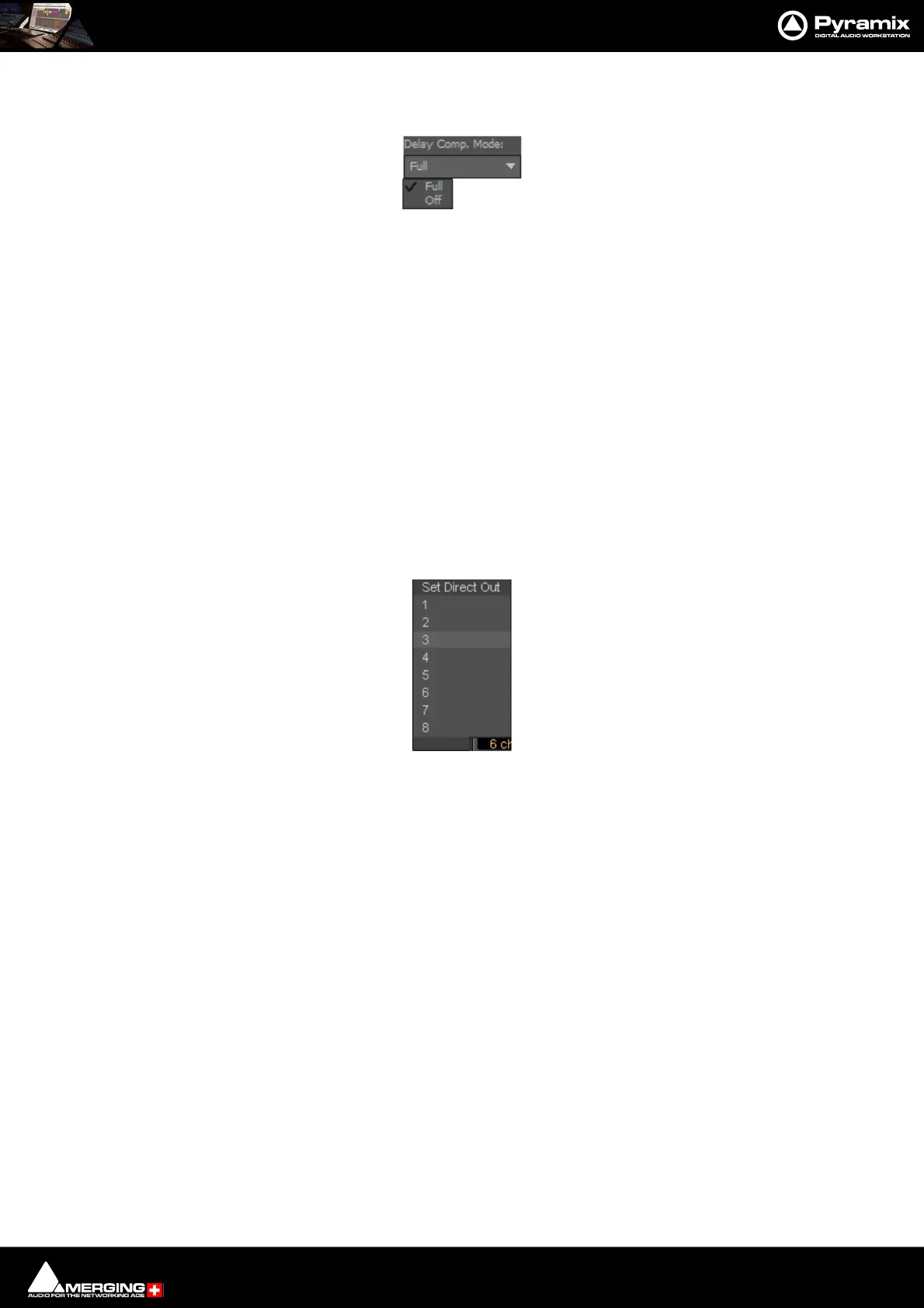
Delay Comp Mode
Drop down list menu:
Offers the choice of Full and Off.
Please see: Mixer Delay Compensation on page 268
Mixer Configuration Summaries
The two panels at bottom right summarize the current mixer configuration. Input Strip Summary lists the total
number of Channels and Input Strips and the quantity of each type. Buses / Masters Summary lists the total
number of bus channels and buses strips with the quantity of each type.
Note: Rebuilding a large mixer with many effects can take some time.
Direct Outputs
The Direct Out connection is disabled by default. It can be enabled in the Configuration Page by selecting the
strip and clicking on the DO: Off box or disabled if the box shows DO: On. Alternatively Direct Out can be set in
the Route Page by clicking on the Strip Header.
The Direct Out can be routed by Channel to any physical output. The Direct Out can be sent Pre or Post Fader.
Click on the DO: Post box in the Mixer I/O section to toggle. The Direct Out is currently always Post Effects. For
multi-channel strips clicking in the box above the DO: box pops-up a Set Direct Out list:
Highlight the required channel. This will be fed to the logical output assigned in the Mixer Route page or by click-
ing on the DO XLR icon in the Mix page.
Selecting Strips
Strips can be selected by clicking on the label at the top of the strip which turns orange to show it is selected.
Selection uses the conventional modifier logic: Clicking a second strip while holding SHIFT selects all strips in
between and strips can be individually added or subtracted from a selection by clicking with the Ctrl key held
down. Ctrl + A selects all strips. Strips can be selected by type using the Select context menu.
Strip Display
Click and drag the separator bar between Strips and Buses to show more or less Buses. The scroll bars give access
to Strips and buses currently off screen.
Double-clicking the label at the top of a strip minimizes the strip. Double-clicking the label button on a minimized
Strip restores it to full width.



 To Next Page