Monitor : Talkback
11 - 325
Setting Up
Talkback Page
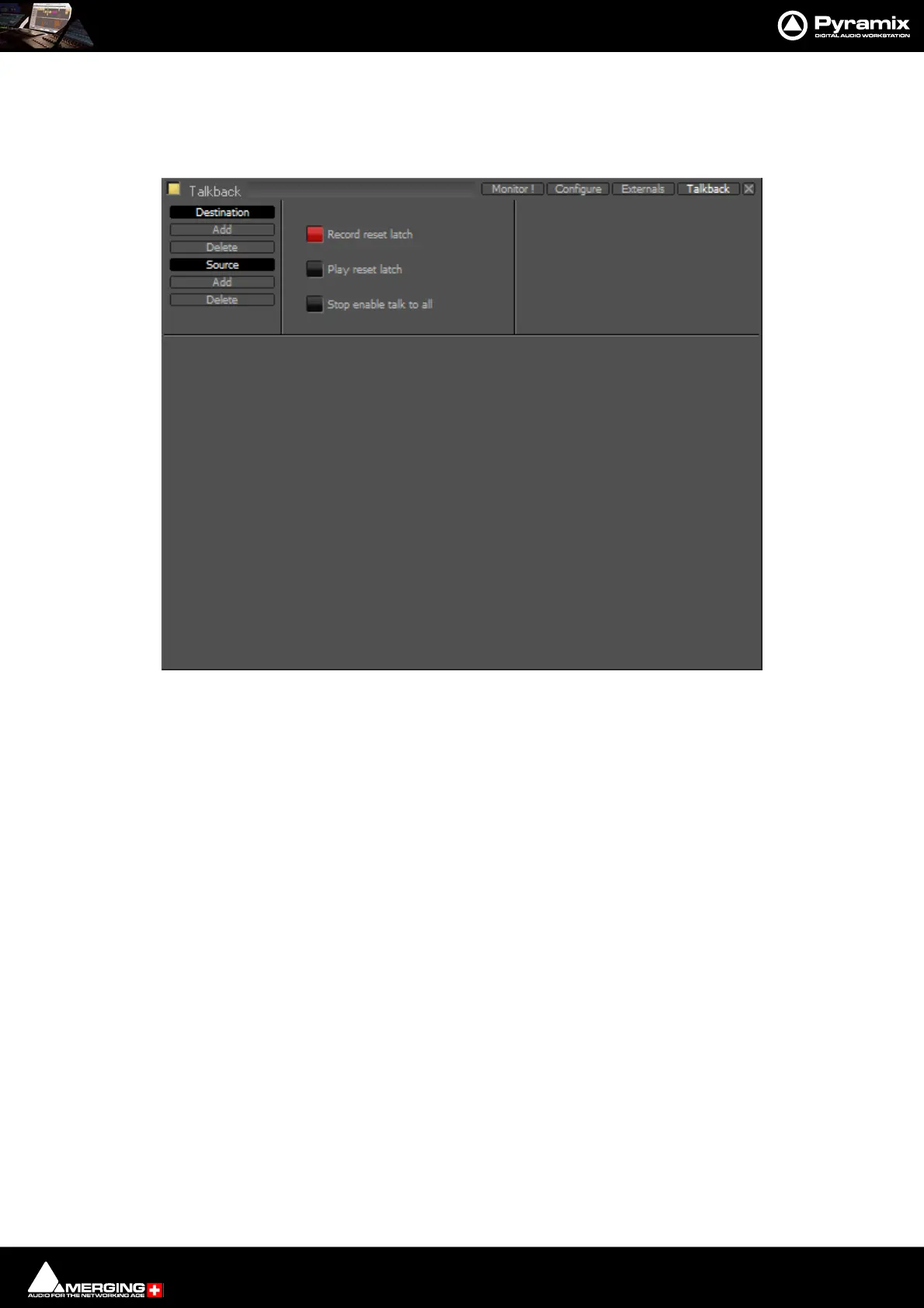
You can add up 8 Studios (Destinations) and 3 Talkbacks (Sources) in the Talkback page:
Destination
Add Adds a Destination
Delete Deletes the selected Destination or the remaining one when there is only one shown.
Source
Add Adds a Source
Delete Deletes the selected Source or the remaining one when there is only one shown.
Record reset latch
When lit red all active conversations are muted when the transport is in Record.
Play reset latch
When lit green all active conversations are muted when the transport is in Play
Stop enable talk to all
When lit yellow the Talk To All function is activated when the transport is in Stop.
Example
This is how you would set up talkback for a simple facility with a Mix Room, Studio and Machine Room.
•The Mixer will be able to speak to the Vocal Booth or the Machine Room independently.
•The Assistant will only be able to speak to the Mix Room.
•The Vocal Booth will only be able to speak to the Mix Room.



 To Next Page