Settings : TimeCode Setup
29 - 716
TimeCode over Physical MIDI (MTC) Horus/Hapi
Horus/Hapi firmware supports of the transport of TimeCode over physical MIDI (MTC) using the DIN connectors on
the Sync breakout cable (part code: CON-D15-VTC). Timecode is transmitted to the workstation via the network
(RAVENNA connection).
Note: Horus / Hapi firmware version 3.1.0 b28867 or above is required.
Horus/Hapi hardware Prerequisite:
Please refer to the Horus or Hapi User Manuals. The Ethertube dip switches (1 and 2) must be set to OFF in order to
enable physical MIDI (MTC) support over the Sync breakout cable (part code: CON-D15-VTC).
Pyramix Configuration
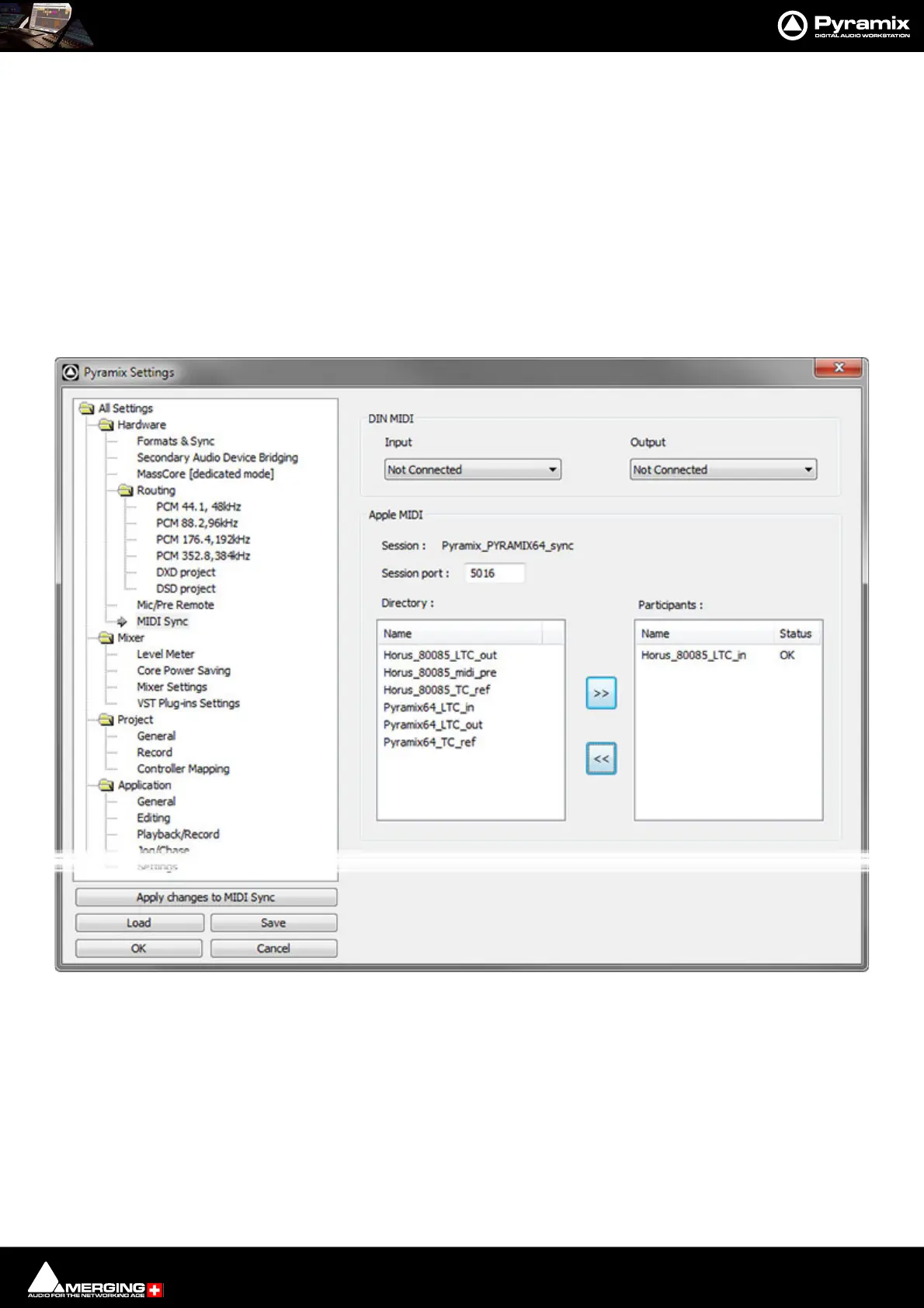
Configuration is undertaken in the Settings > All Settings > Hardware > MIDI Sync page:
In the Directory: list, choose an Apple MIDI service with a ...midi_din suffix. This nomenclature corresponds to
the Physical MIDI DIN port of a Horus/Hapi.
Settings > All Settings > Hardware > MIDI Sync



 To Next Page