Effects and Plug-Ins : Adding and Managing Effects
13 - 344
Viewing Plug-in Information
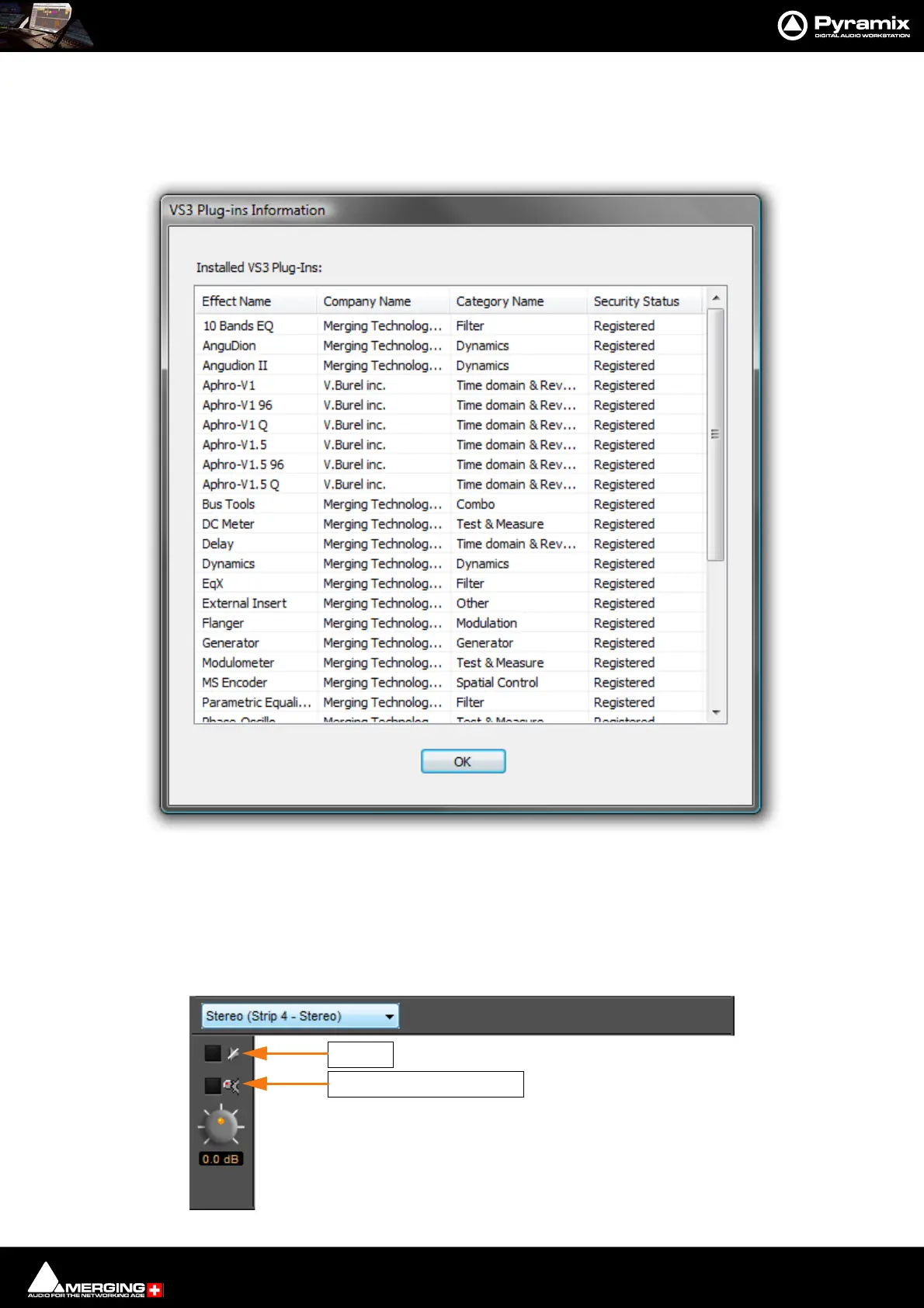
VS3 Plug-Ins Information
The Mixer right-click context menu has an option to pop-up the VS3 Plug-Ins Information WindowT
This window shows all effects currently present on the machine. Fields show the Effect Name, the manufacturer/
developer Company Name, the Category Name and Security Status. I.e. if the plug-in is currently authorized.
Common Components
Several of the following Pyramix Effects share common components.
VS3 - Plug-Ins Information Window
Intelligent Gain Make-up
Bypass



 To Next Page