Mixer : Buses
10 - 227
Bus Sends
General Mixing Bus sends have similar controls in the Mixer user interface
Mix Bus & Mix Group Send:
Send peak meter Clicking on the meter collapses/expands the bus send.
An On/Off button When lit the Bus send is active.
Panning/Routing option box
Clicking in the box pops up the Routing context menu. This lists all Panning Control Buses present in the mixer
and Channel Router.
When Panner is selected (or Panner 1, Panner 2, etc.) the Bus send follows the selected Panning Control Bus
parameters to pan/mix the signal in its channels. Please see: Panning Control Group Buses on page 232.
Bus Trim
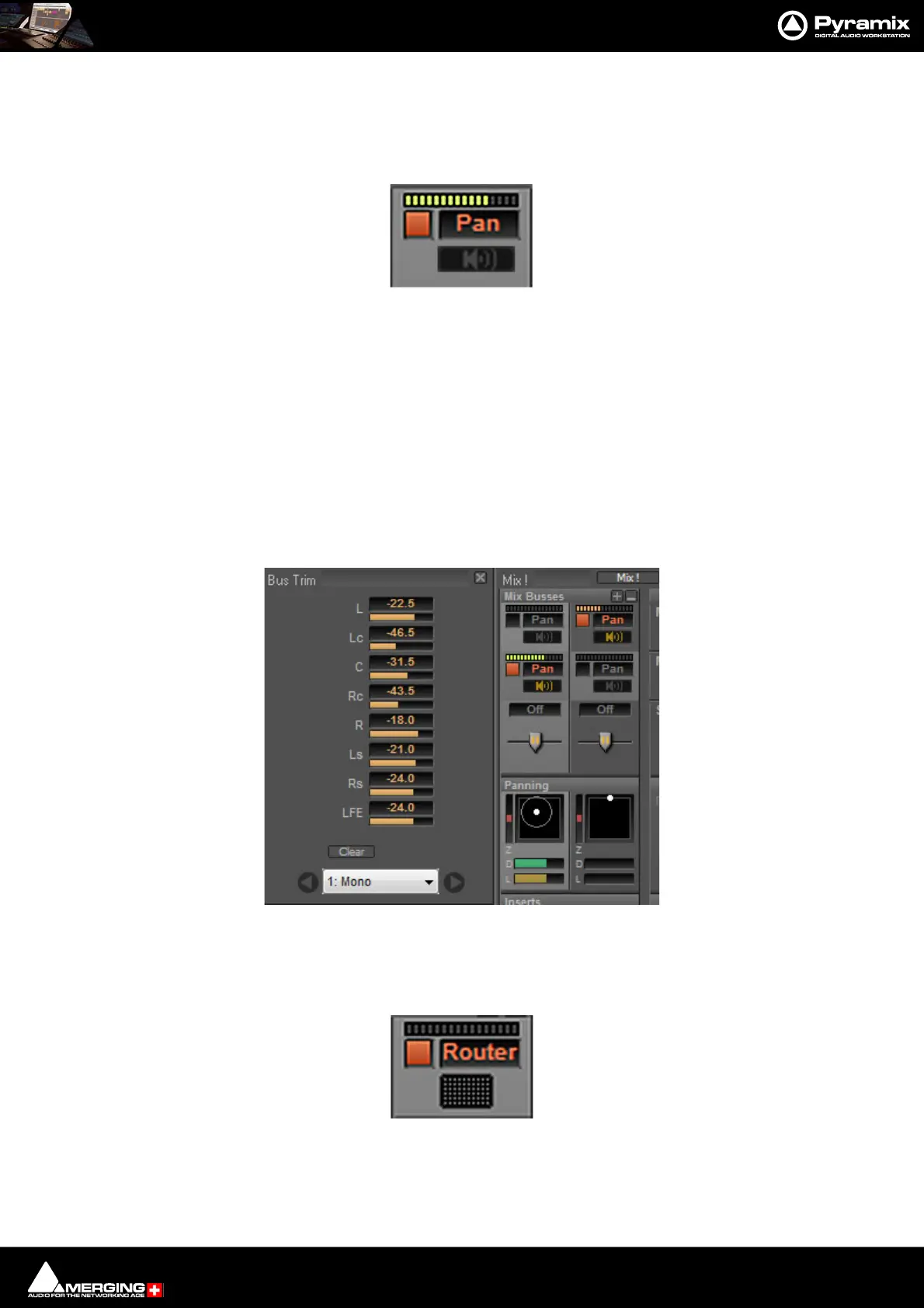
Bus Trim Only present when Bus Send is set to Pan. Clicking on the button opens the Bus
Trim pop-up:
The sliders are used to trim the send level to each speaker present in the Bus. Values may also be entered directly
by clicking in the numeric field and typing a value (e.g. -22.5)
When Channel Router is selected, a small grid icon appears below the box.
Clicking on this opens a Channel Routing grid window



 To Next Page