Settings : TimeCode Setup
29 - 715
Networked Audio Interface LTC IN-OUT for MassCore users
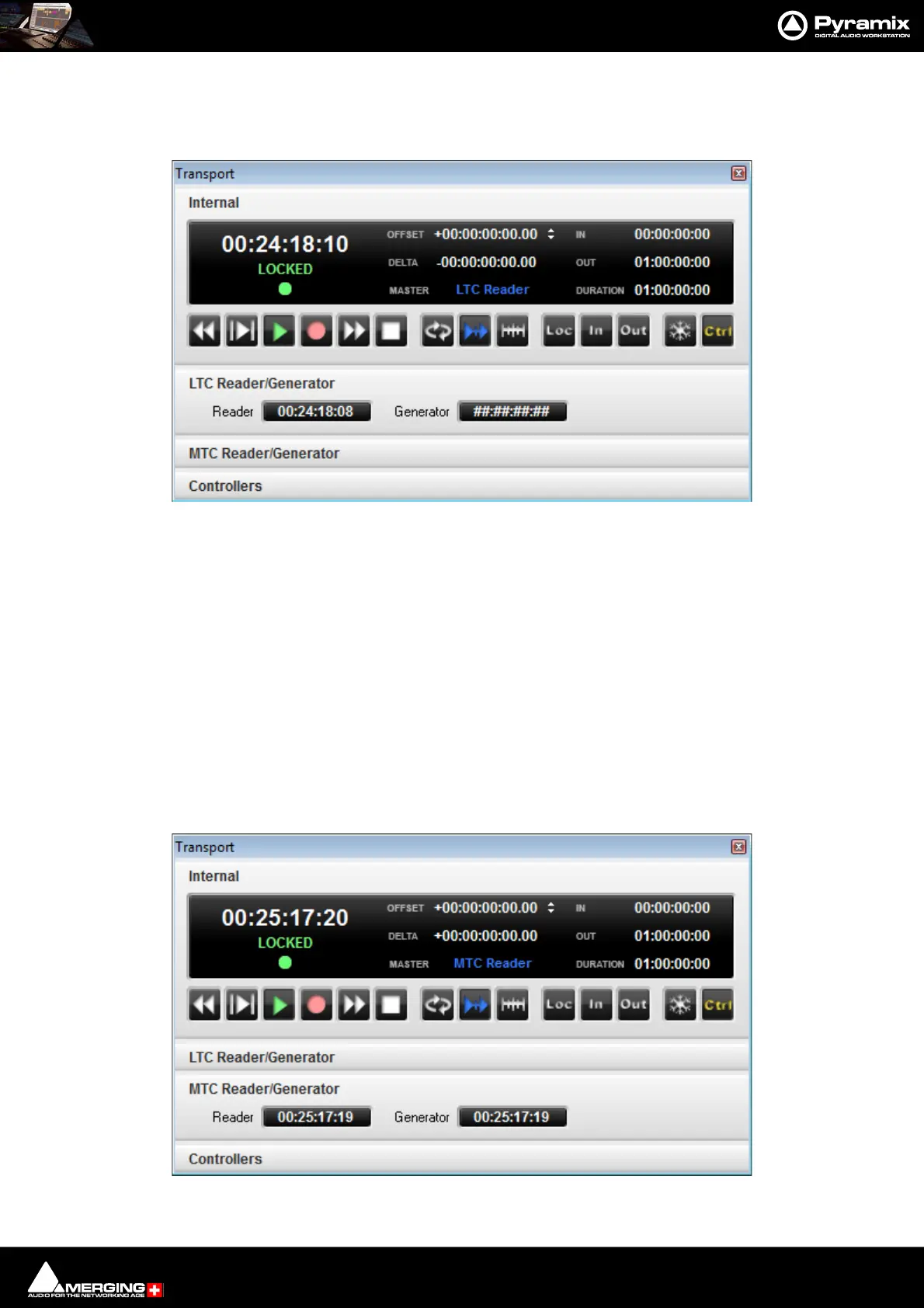
MassCore users please refer to the RAVENNA Network Guide, use the Easy Connect TimeCode connections and
set the Pyramix Transport to LTC Reader chase mode.
Note: We recommend NOT using the Settings > All Settings > MIDI Sync : Participant entries.
Networked Audio Interface LTC IN-OUT for Pyramix Native users
• Ensure that the Project Frame Rate is set to match the incoming TimeCode.
•Open Settings > All Settings > Hardware > MIDI Sync
• Add the Networked Audio Interface LTC IN and Networked Audio Interface LTC Out entries to the Par-
ticipants : list.
•Click on OK to save the settings and close the window.
• Open the Pyramix Transport window. [Alt + T].
•Set the Pyramix to Chase the MTC Reader.
• Pyramix will Generate MTC once a MIDI connection is on the Participants : list.



 To Next Page