Video : Video Tracks
21 - 521
The new Video Track will be added above the Track selected currently or above the first track if no Track is selected
currently.
Video Tracks are added automatically when importing.
Where Video Tracks already exist the Media Manager may be used to place Video Clips in the same way as Audio
Clips.
Supported Video Formats
Pro Res or DNxHD files are recommended for editing and performance purposes.
Importing Video Compositions
AAF and XML are supported via Project > Import: AAF or XML. Please see: Import on page 478
Importing Video Clips
Video Clips are imported via Projects > Import: Video Clips. Please see: Import on page 478
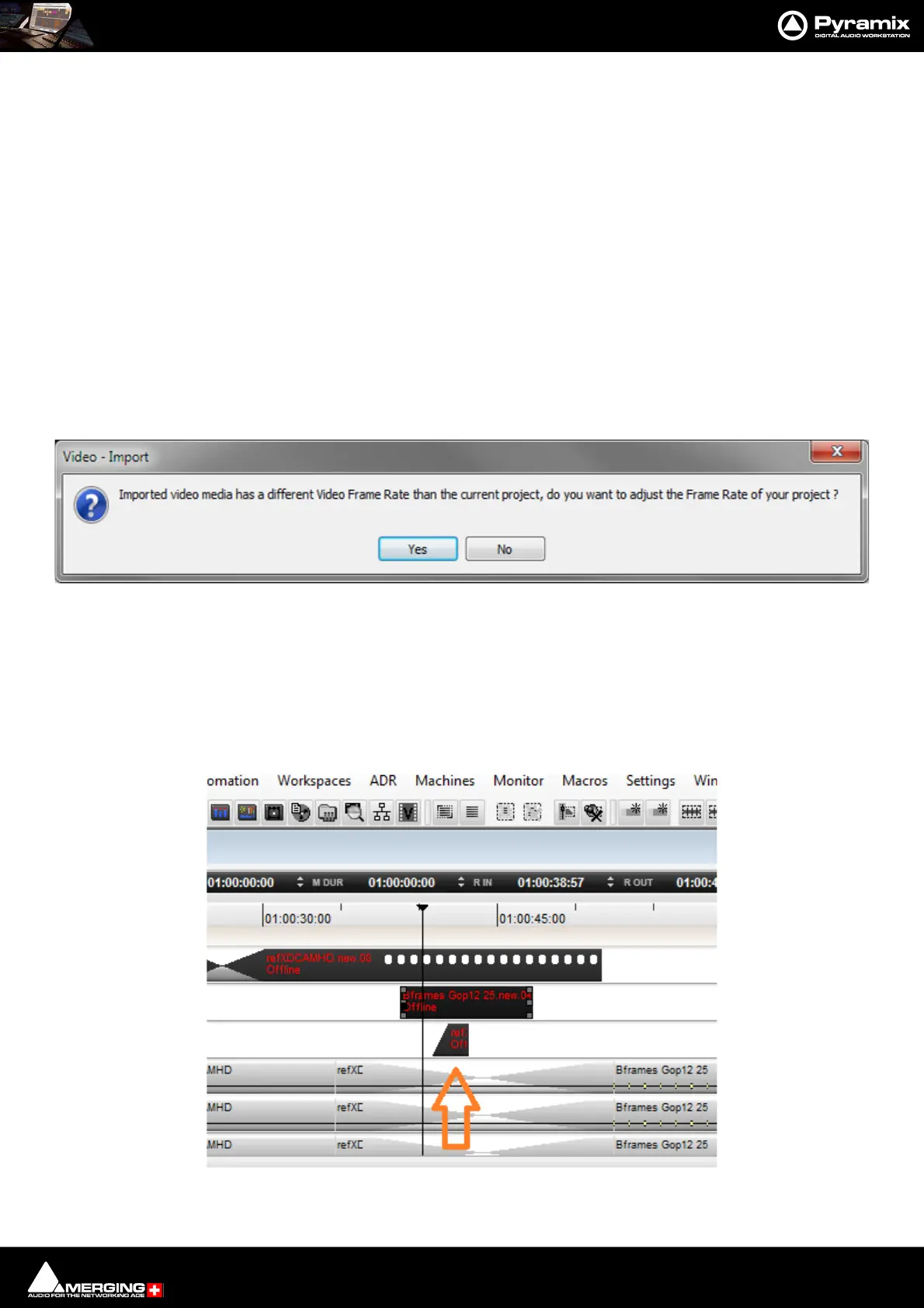
If a Video Clip is imported which has a different Frame Rate to the current Project a dialog will appear asking if the
Project Frame Rate should be adjusted to match the imported video media. Choose Ye s to change automatically :
Video in Media Manager
Video Clips can be placed from the Media Manager in the same way as Audio Clips.
Multi Layer Compositions
When a multi-layer composition is imported, Pyramix displays the layers under the main video track (layers are
inverted compared to most video editors). The compositing is done bottom-up. In this example the smallest video
clip will overlay the 2 other clips:



 To Next Page