MassCore : Core Load Indicators
2 - 37
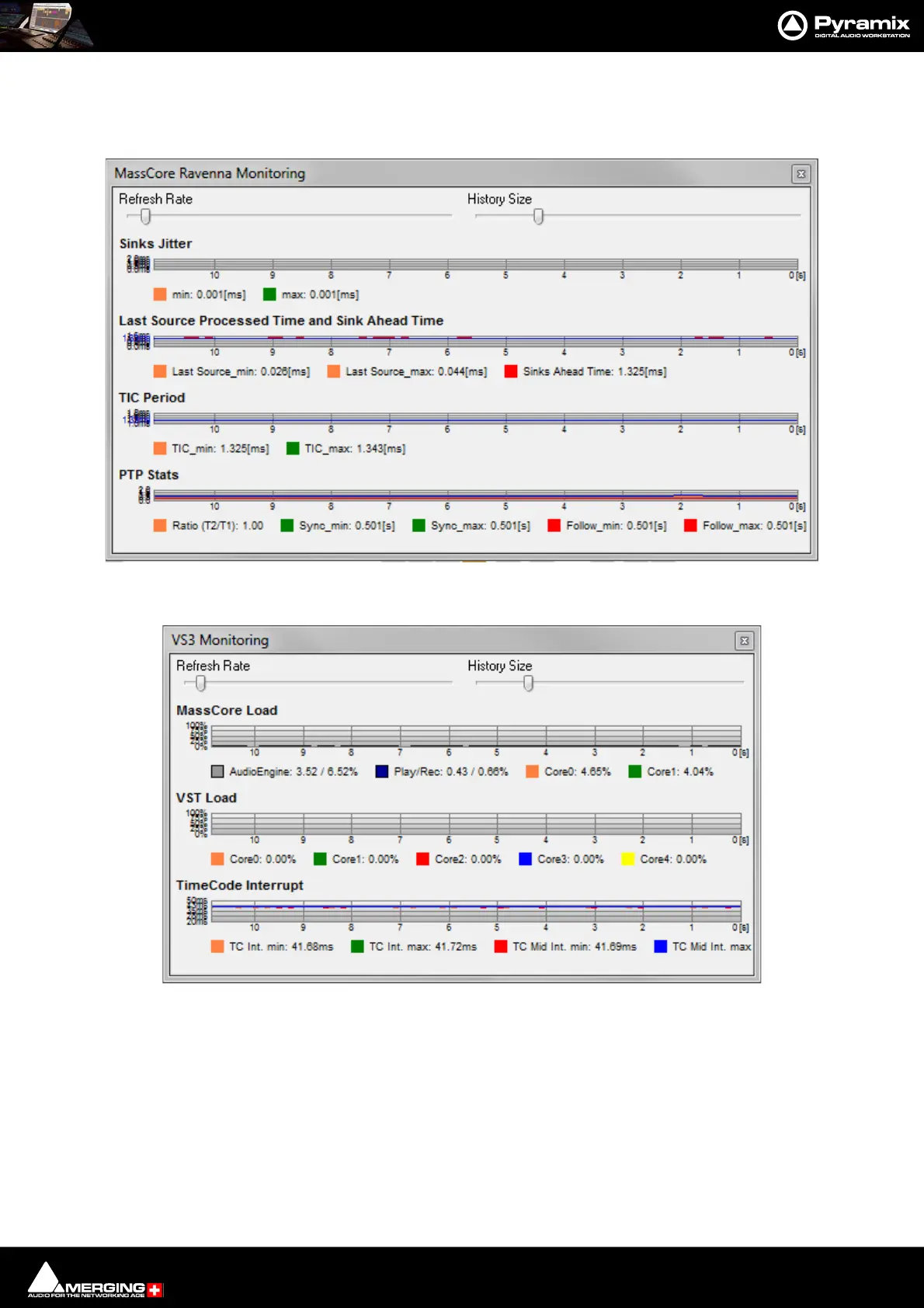
MassCore and VS3 Monitoring Debug Windows
To see more detailed information about both Core Load Indicators, [Shift + Click] on them to open the two Mon-
itoring debug Windows:
In order to support some VST plug-ins which need a big buffer to be efficient (e.g. Algorithmix EQ Orange/Red,...)
we recommend that you increase the VST Plug-ins engine Latency size up to 8192 smpl (samples) using the
VST Plug-ins Engine Latencies slider in the All Settings > Hardware > MassCore page.
Note: this value can only be adjusted when no project is open.
Important! If a Drop (glitch) occurs, the Core indicator will blink. Click on it to reset it.
Note: This indication may be useful if, for example, you do a Realtime Mixdown or Recording
and leave the Studio for a minute to get a coffee. If, on your return, you see the Core blinking this
MassCore Ravenna Monitoring Window



 To Next Page