Mixer : Organize Page
10 - 260
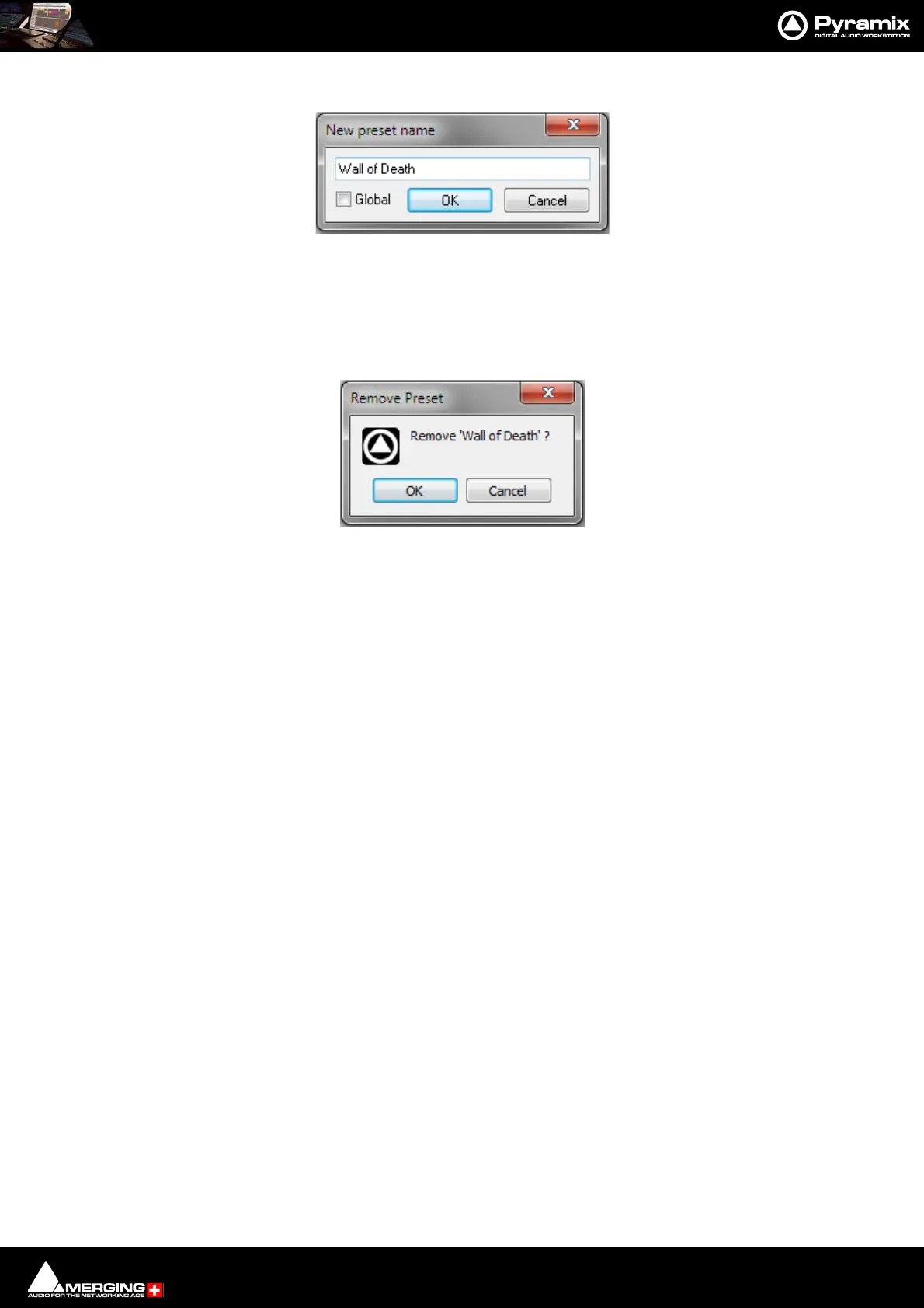
Store New... Opens the New preset name dialog:
Type a suitable name for the Mixer. If the Global box is ticked the Mixer Preset will be available in all Projects in the
Global section of the Presets list. If unchecked it will appear in the User Presets section. Click on OK to save it and
close the dialog. Cancel closes the dialog without saving.
Remove Selected Opens the Remove preset dialog:
OK deletes the selected Preset and closes the dialog. Cancel leaves the Preset intact and closes the dialog.
Load from file... Opens a Windows File Browser window to enable a Preset to be loaded from a Win-
dows Folder.
Save to file... Opens a Windows File Browser to enable the current Preset to be Saved to a Win-
dows Folder.
Wizard... Opens the Mixer Configuration Wizard. Please see: Mixer Configuration
Wizard on page 273.



 To Next Page