Mixer : Configure Page
10 - 253
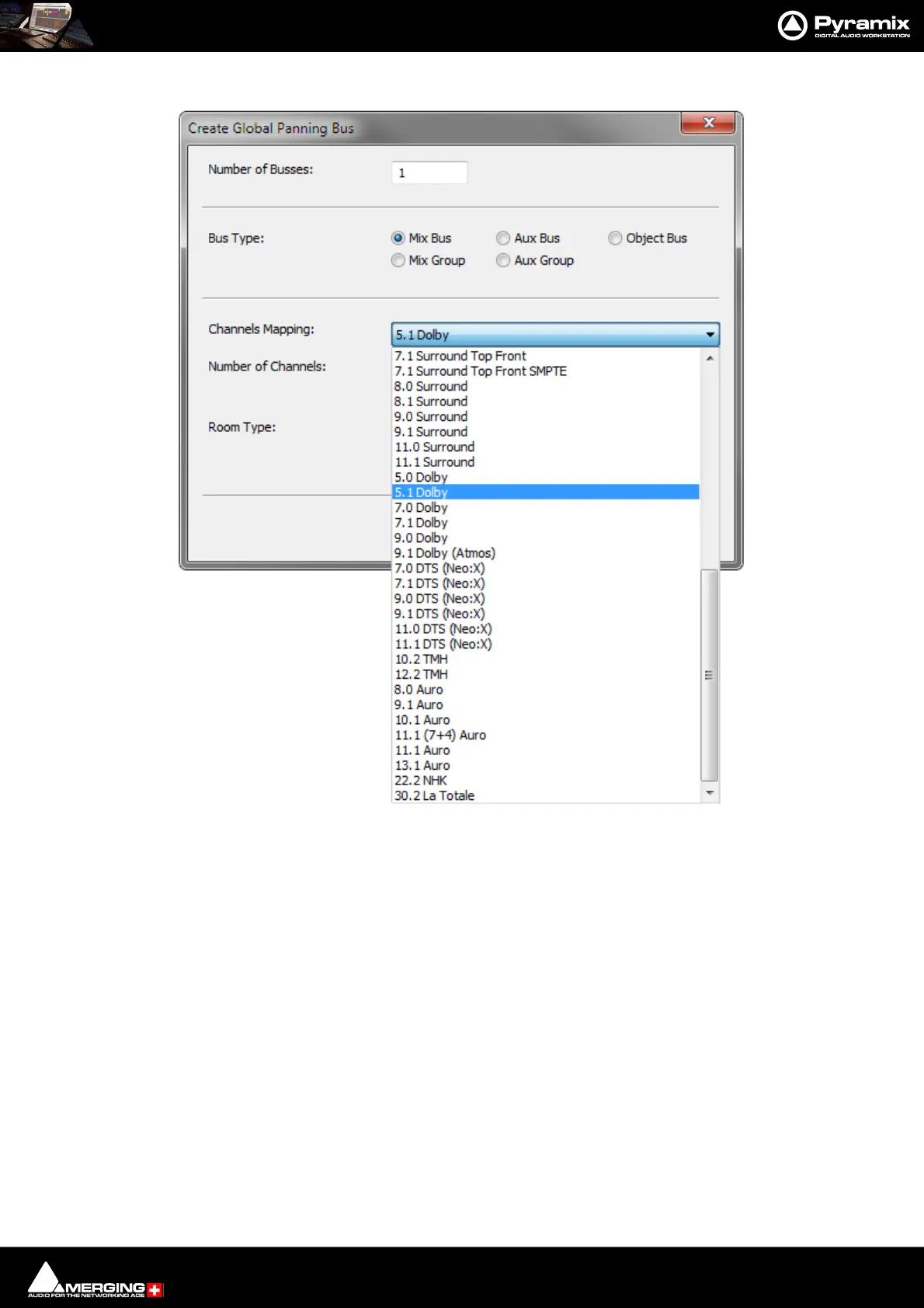
Add Bus opens the Create General Purpose Bus dialog:
Choose the Number of Buses, The Bus Type, The Channels Mapping: from the drop-down list. Number of
Channels: is for information only. Also select the Room Type.
Duplicate Strip(s) adds a copy of the selected strip(s) to the right of the selected strip(s) including settings (pan,
gain etc.) and effects.
Select Offers selection choices to speed up configuration.
All Strips
All Buses
All Mono Strips
All Stereo Strips
All GPS Strips
All Group Strips
Productivity Shortcuts
Ctrl + A selects All Strips, DELete, deletes all selected strips.
Create Multi Purpose Bus Strip(s)... dialog



 To Next Page