Recording and Acquisition : Importing Audio Files into Pyramix Virtual Studio
7 - 164
6. Conversion Quality defaults to Very High. In the Dithering section there is a check box to enable dithering,
a Requantization drop-down to select the desired bit depth and a further drop-down to select the desired
Noise Shaping. Finally click on OK to close the dialog
7. Choose OK in the MT Hepta SRC module dialog box to begin the conversion. When converting multiple files,
choose OK to convert the files one at a time with the possibility of changing parameters on each file or, if Add
Suffix was chosen in step 2, you can choose OK All to convert all the selected files in one operation.
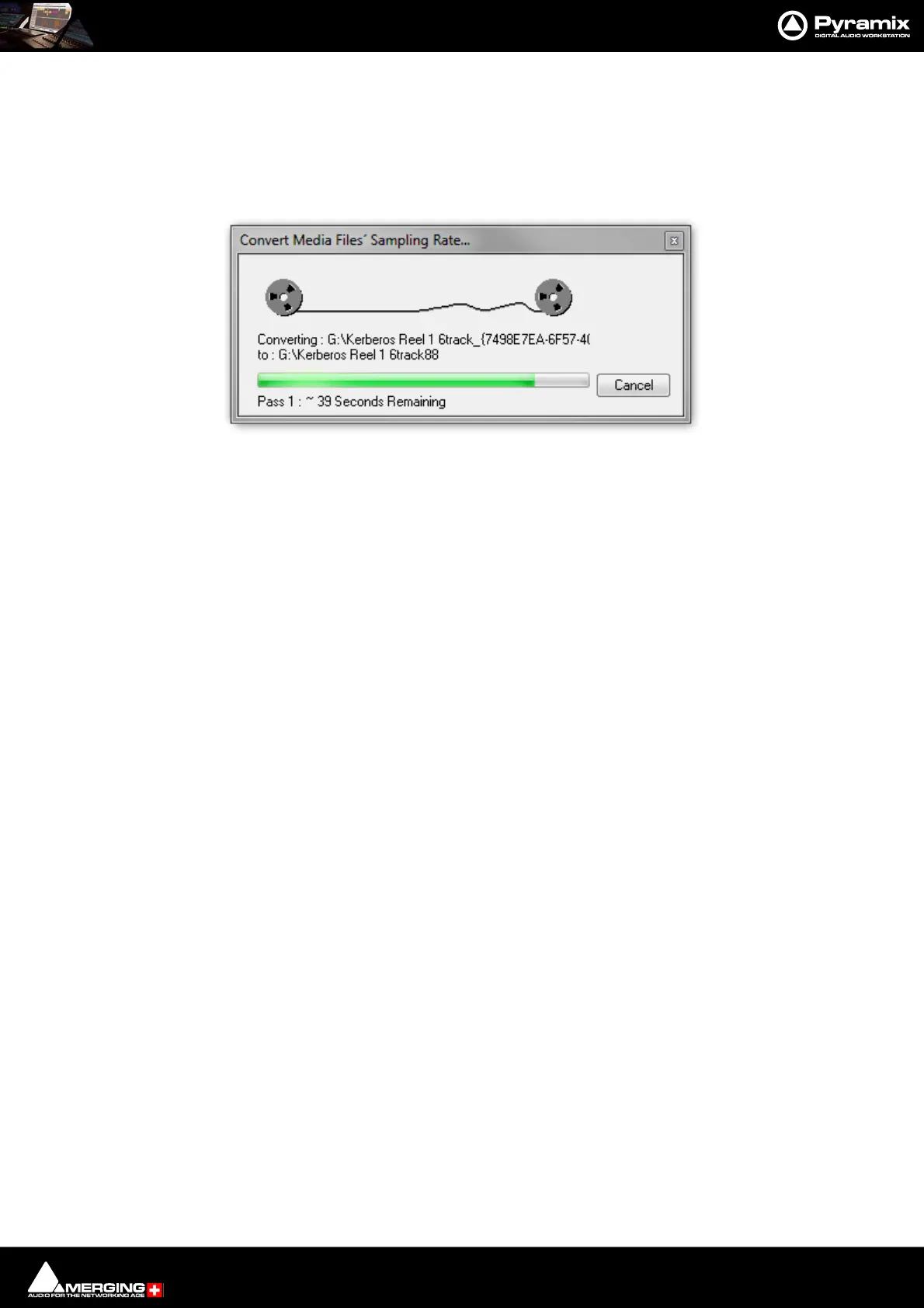
Convert Media Files Sampling Rate... dialog



 To Next Page