Mixer : Mixer Pages
10 - 211
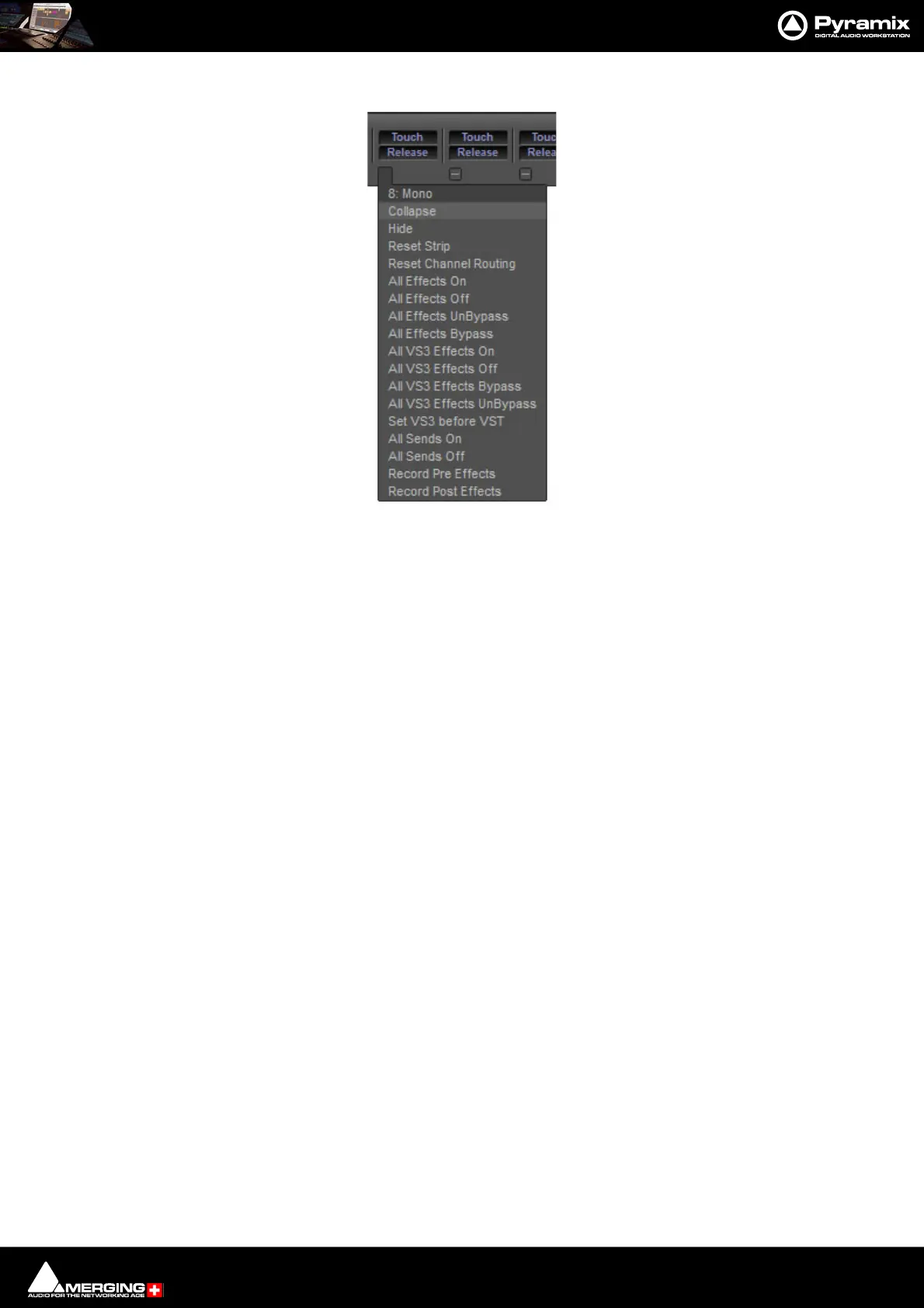
Strip Pop-up Menus
The precise contents of the Strip pop-up menu will vary according to the Strip type. The following is a selection of
important functions:
Collapse Collapses the Strip to a narrower Strip. If the Strip is collapsed the - changes to +.
Clicking on + restores the Strip to full width.
Hide Removes the Strip from the Console UI. To restore hidden Strips hover over the
Mixer +button and select Show All in the Input Strips or Masters section as
appropriate.
Reset Strip Resets all Strip controls to their defaults.
Reset Channel Routing Creates a diagonal unity routing when both the Strips and the Buses channel types
are set to none.
The other entries are self explanatory.



 To Next Page