Effects and Plug-Ins : EQ-X
13 - 372
ing numerical parameters in the boxes beside the knobs or by clicking and dragging on one of the five colored
box nodes which appear when the mouse cursor is over the response graph. Left-clicking enables level and fre-
quency to be adjusted, right-clicking then dragging left or right allows adjustment of Q.
All bands are full range. Boost and cut of up to 24dB is available. Q can be set anywhere from 1.0 (wide) to 100 (nar-
row). Master Gain enables the overall level to be adjusted to suit the applied eq.
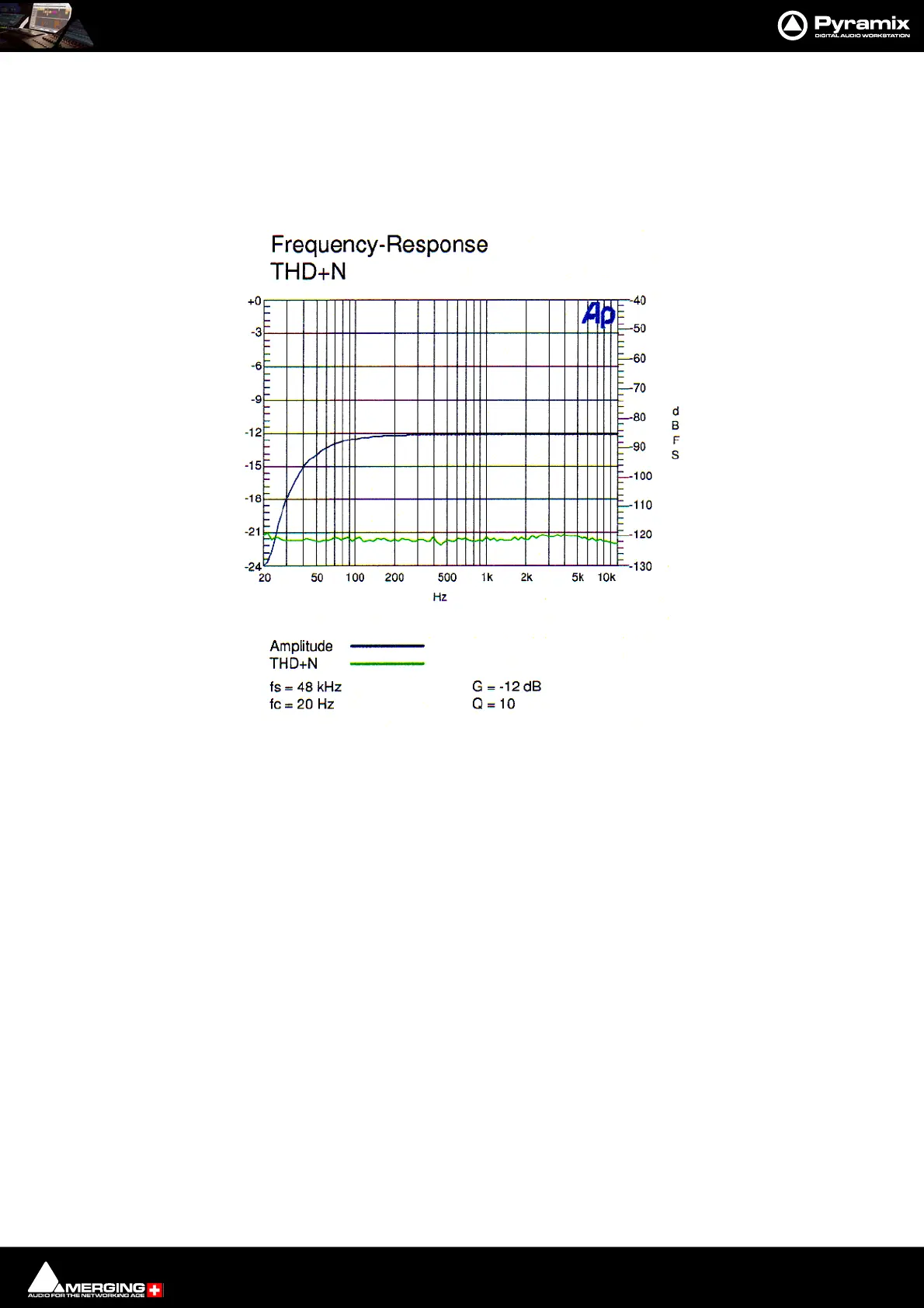
EQ-X Frequency Response THD+Noise



 To Next Page