Automation : Editing and Automation
14 - 412
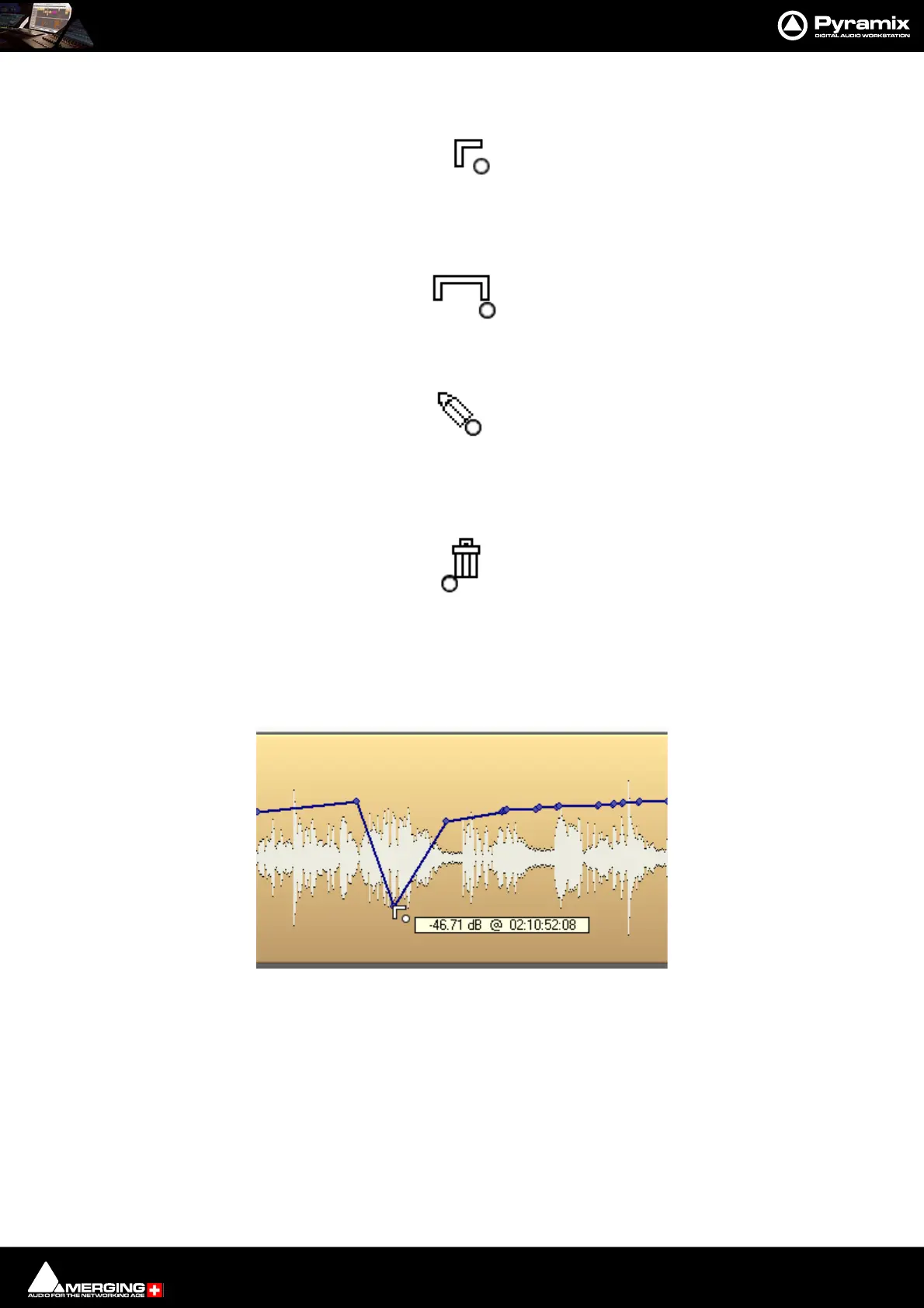
Left Click on an existing node to adjust it:
Ctrl + Click on an existing node to adjust all nodes in the Region selected currently. New nodes are inserted auto-
matically at the Region borders if necessary:
Ctrl + Shift + Click anywhere on the Automation or Envelope curve line to draw nodes freehand:
Ctrl + Alt + Click on an existing node to erase it
Ctrl + Alt + Click & hold Deletes any existing node the mouse moves over.:
Edit
Automation data can be edited directly with the mouse. When the mouse is over the of automation curve, the cur-
sor changes into an add node symbol. When the mouse is over a node of the automation curve, the value and
timestamp of the point is displayed.
The value can be adjusted by clicking on the node and dragging. If you click anywhere on the automation curve, a
new node will be inserted.
Dragging an automation node



 To Next Page