Project Processes : Archiving Metadata
16 - 438
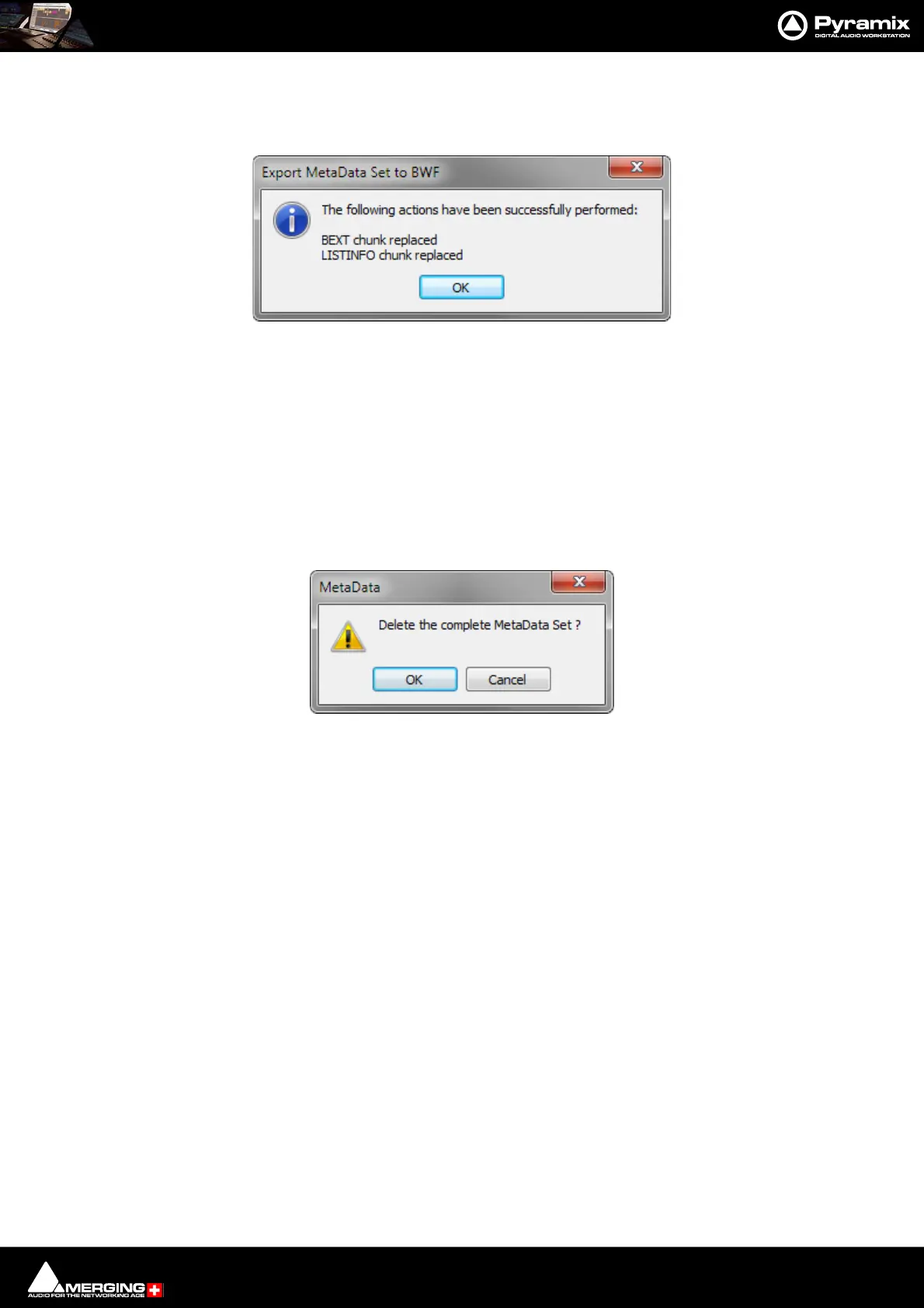
Export Metadata Set to BWF Opens a File Browser window to locate the target file. When the target file is
selected, clicking on Open updates the Metadata in the target file. A message box
pops-up to confirm that the action has been carried out:
Click on OK to close the box.
Enable Metadata Set definition Editing gives control over Metadata editing:
When checked, the Name, Mapping, Database Mapping and Value fields are
editable and new Metadata entries can be added. This is for editing the Metadata
Set definitions.
When unchecked, only the Value field is accessible for modification. No new Meta-
data entries can be added. This is for normal operation of editing Metadata con-
tent.
Clear Metadata Set This button deletes the entire Metadata Set currently present in the Metadata Tab
Window. A confirmation dialog pops-up for safety:
Click on OK to confirm the deletion or Cancel to cancel.
Export MetaData Set to BWF message box
Delete MetaData confirmation dialog



 To Next Page