File and Project Interchange : Project Interchange
18 - 477
Import and Export are handled by InterChange. In the Project menu the Import and Export options each open a
window where a list of available InterChange plug-ins is presented.
Note: On export, the Volume Automation can be set to represent the Clip Gain, the Clip Enve-
lope or a combination of both.
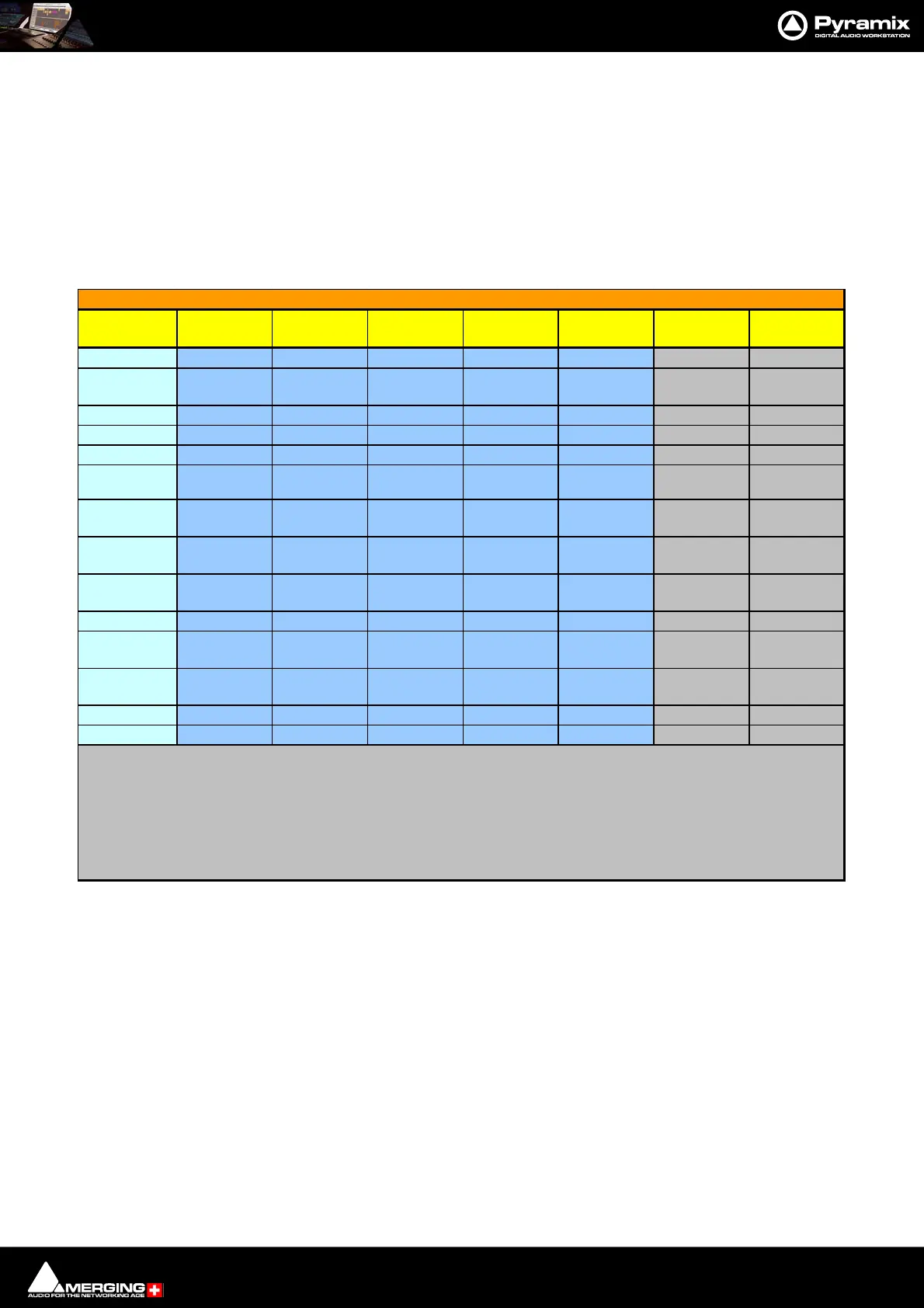
Interchange
Format
Clip Name
Clip
Ga in
Clip
Envelope
Clip
Fa de s
X-fade
Curves
Markers
CD/SACD
Markers
AAF yyyyynn
AES31 y y
y
(note 1) y y n n
CD Import y y
CMX-EDL
DDP Import y y
Final Cut Pro
XML (v7) y
OMF V1
unembedded y n n y
no
(all to Power) n n
OMF V2
unembedded y y n y
no
(all to Power) n n
OMF V2
embedded y y
y
(note 2) y
no
(all to Power) n n
OPEN TL y y n y basic n n
SACD Edited
Master Import
em
namennnn y
Sonic
Solutions
Video Clip
XML EDLyyyyyyy
n = Not supported
y = Supported
Note 1: clip envelopes w ill be supported soon w hen specification is published by AES
Note 2: Export from Pyramix is feasible but not yet import. Currently import is only supported by PT
Pyramix Project Interchange Options Clip and Marker Support



 To Next Page