Conforming and Reconforming : Reconform
22 - 552
Step 2
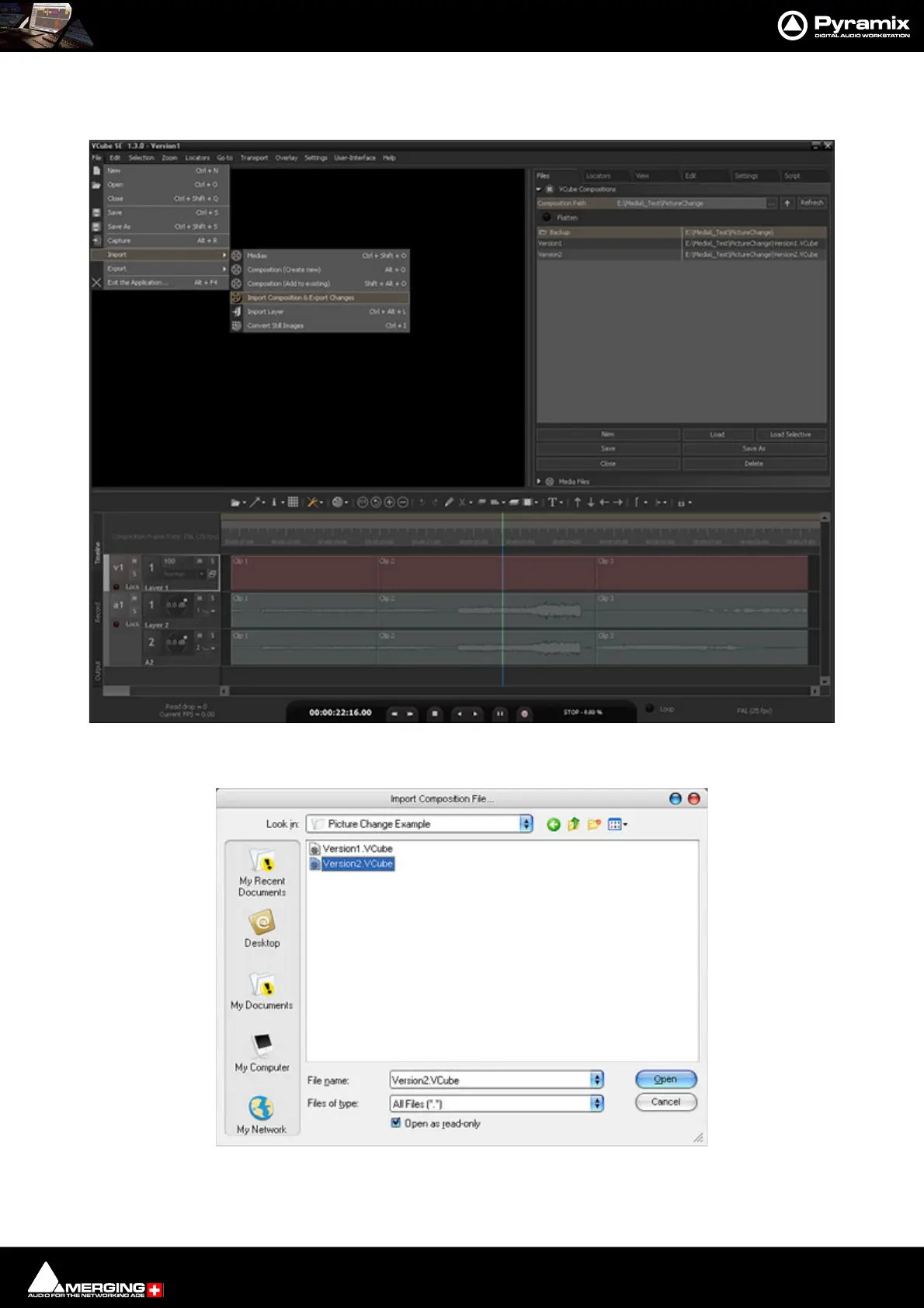
In VCube select: File > Import > Import Composition and Export Changes:
This opens a Browser Window.
If necessary, navigate to the folder containing the changed version of the Video Composition. Select this and Click
on Open.
VCube New Version 2 Composition
VCube Import Composition File Browser Window



 To Next Page