Conforming and Reconforming : Reconform
22 - 554
Step 4
Return to Pyramix, which is still displaying the original Version 1 audio Project:
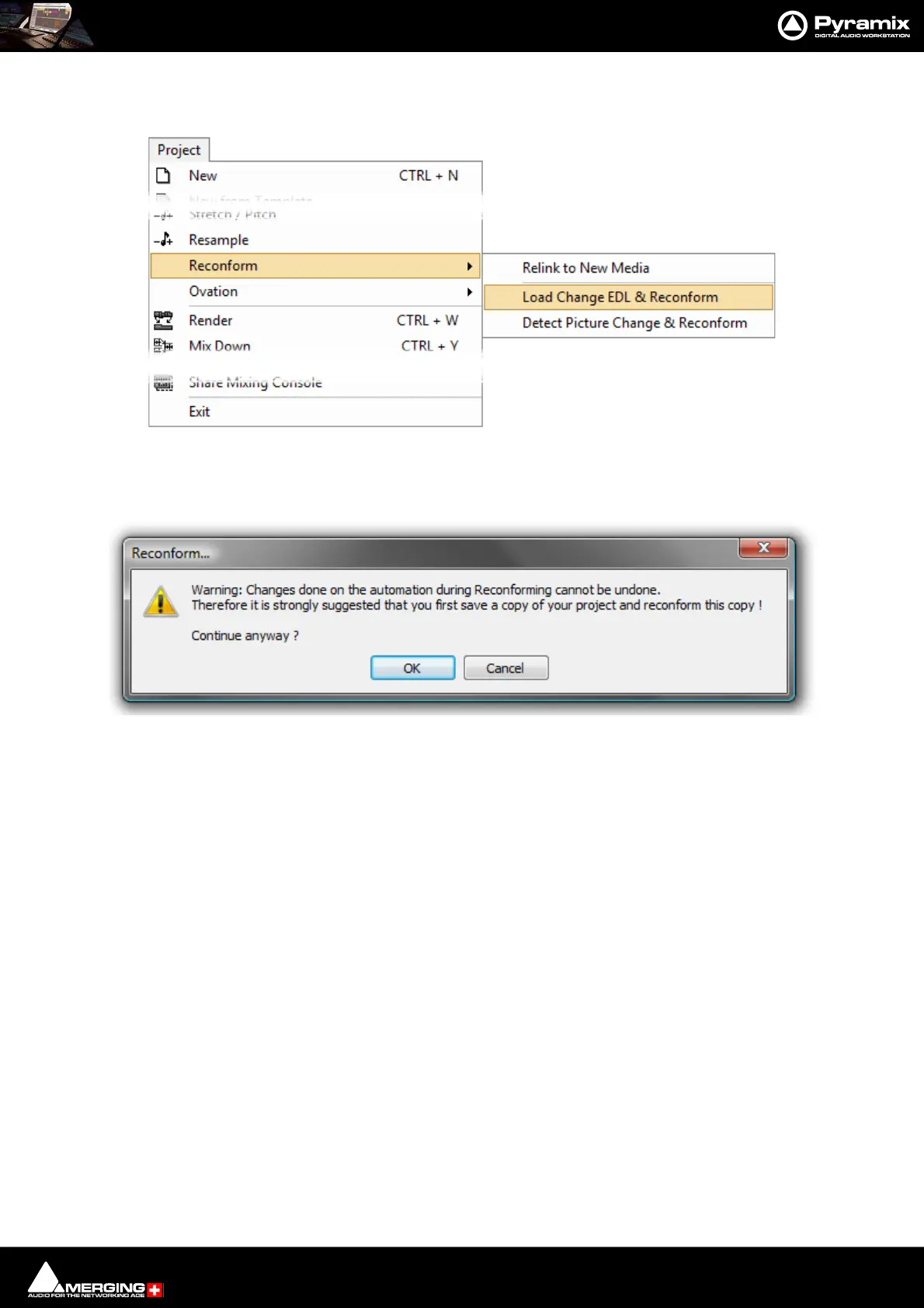
Select Project > Reconform > Load Change EDL.
The Reconform... dialog opens:
This Warning: gives good advice. It is good operational practice to retain the old Project (Version 1 in this case)
and to reconform a copy, saving this copy with a suitable filename matching the new Video composition version.
Assuming you have already done this, click on OK to close the dialog.
Pyramix Menu - Project > Reconform > Load Change EDL & Reconform



 To Next Page