Machine Control : Transport Control Panel
23 - 573
Offset capture button. Captures the current offset which is shown in the OFFSET register.
Pops up the Goto Timecode dialog. See above in Internal / External Machine panels -
Common Features.
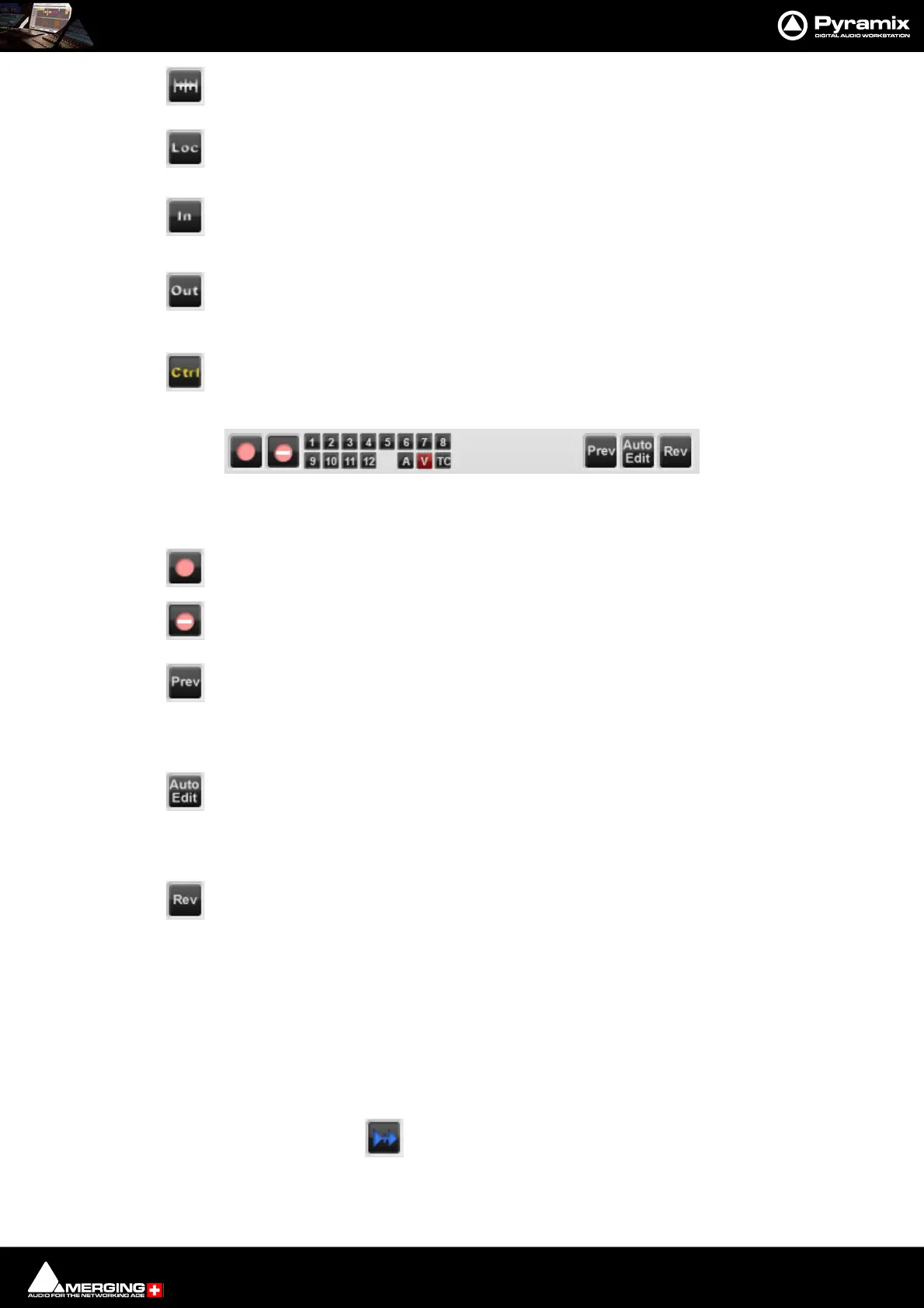
In Locates Playhead Cursor to the value in the IN register. Ctrl + In Captures the current Play-
head Cursor position to the IN register.
Out Locates the Playhead Cursor to the value in the OUT register. Ctrl + Out Captures the
current Playhead Cursor position to the OUT register.
Sets the External Machine as the Active Machine. See Active Machine below.
Record and Edit controls
The fifteen small buttons are for arming audio tracks 1-12 and arming the Video and TimeCode. The [A] is Assem-
ble mode for machines that support it.
The Record button initiates and indicates recording on the External Machine
Inhibits recording on the External Machine
Preview Edit Initiates a preview of an edit. The External Machine (and any chasing
machines) go into play from the In point minus preroll and the output on all tracks armed for
record switches from replay to direct at the In point and back to replay at the Out point. The
machine Stops at the Out point plus post roll.
Auto Edit Initiates an edit. The External Machine (and any chasing machines) go into play
from the In point plus preroll and all tracks armed for record are punched into record at the In
point and back to replay at the Out point with the machine monitor outputs following. The
machine Stops at the Out point plus post roll.
Review Edit Initiates a review of the Auto Edit just performed. The External Machine (and
any chasing machines) go into play from the In point minus preroll and plays to the Out point
plus post roll.
Note: Pre and Post roll for the machine in question are set up in the dialog. This can be found in
the Settings > All Settings > Remote Control > Machine page by selecting the machine and
clicking on Properties. Further settings are to be found in the Sony 9-Pin Protocol Configura-
tion (Machine) dialog, accessed by clicking on the Properties button in the Machine proper-
ties dialog.
Please see also: Machine Properties on page 759
Chase Mode
Each Machine has a Chase button. The choice of Hard, Soft and Vari Chase is available in the Settings >
All Settings > Application > Jog/Chase page. When Chase Mode is engaged the Internal Machine can chase LTC,
the selected External Machine or Virtual Transport inputs selected in the Settings > All Settings > Hardware >
TimeCode page in the TimeCode Source and Ext. TC Source combo boxes.



 To Next Page