Remote Control : EUCON Control Surfaces
24 - 588
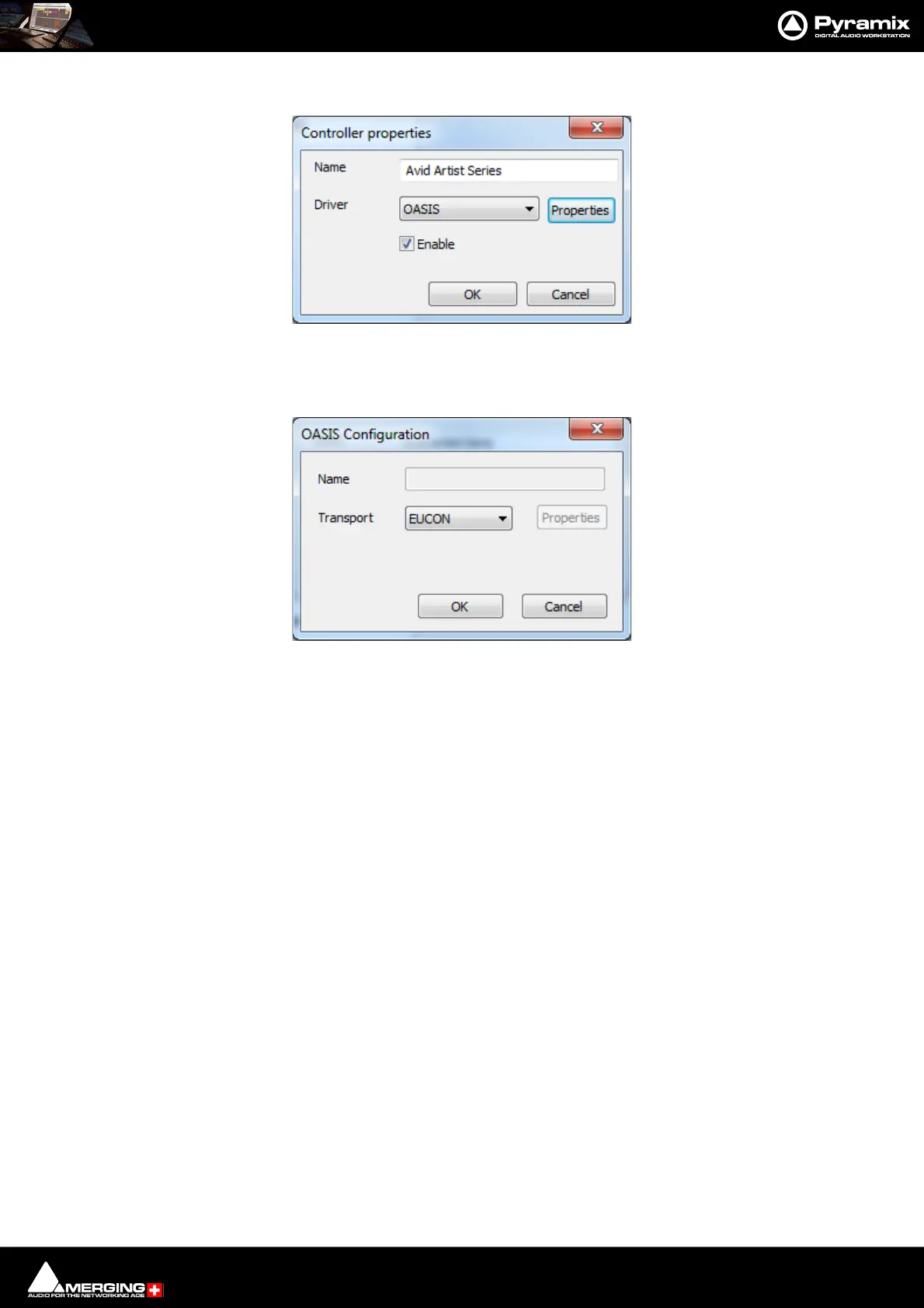
3. Launch Pyramix and go to Settings > Remote Control > Controllers.
4. Add controller and select OASIS.
5. Click on OASIS Properties to open the OASIS Configuration dialog:
6. In the Transport drop-down list select EUCON.
Pyramix Controller Properties dialog
OASIS Configuration Dialog



 To Next Page