CD/SACD Mastering and Album Production : DiscWrite
26 - 625
Retract Closes the loading tray on the source drive
Disk Info Reads the disc information and displays it in the Results box
Drive Info Interrogates the optical drive firmware and displays information about the drive in
the Results box
Info
The Info box shows either the read speed of the optical drive or the path to the image file.
Target
The drop-down list enables the user to choose between any installed CD-R or DDP drives, a DDP Folder or Album
Publishing.
DDP Folder
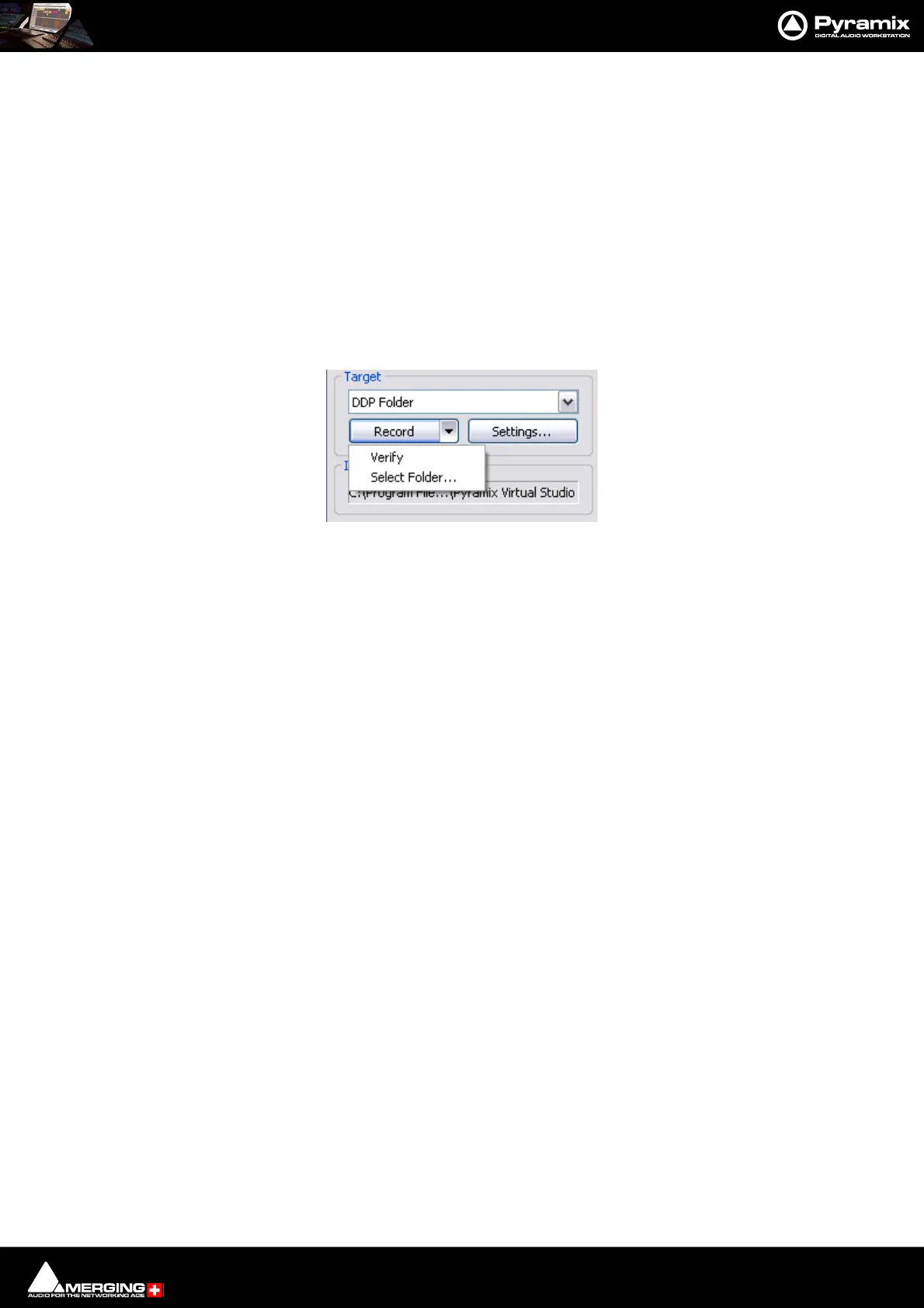
When DDP folder is the selected target the button beside the Record button drops-down a list of options:
Verify Verifies the recording
Select Folder... Opens a Browser to enable a suitable folder to be chosen
DiscWrite Target - CD Record Drop-Down



 To Next Page