CD/SACD Mastering and Album Production : DiscWrite
26 - 627
Album Publishing
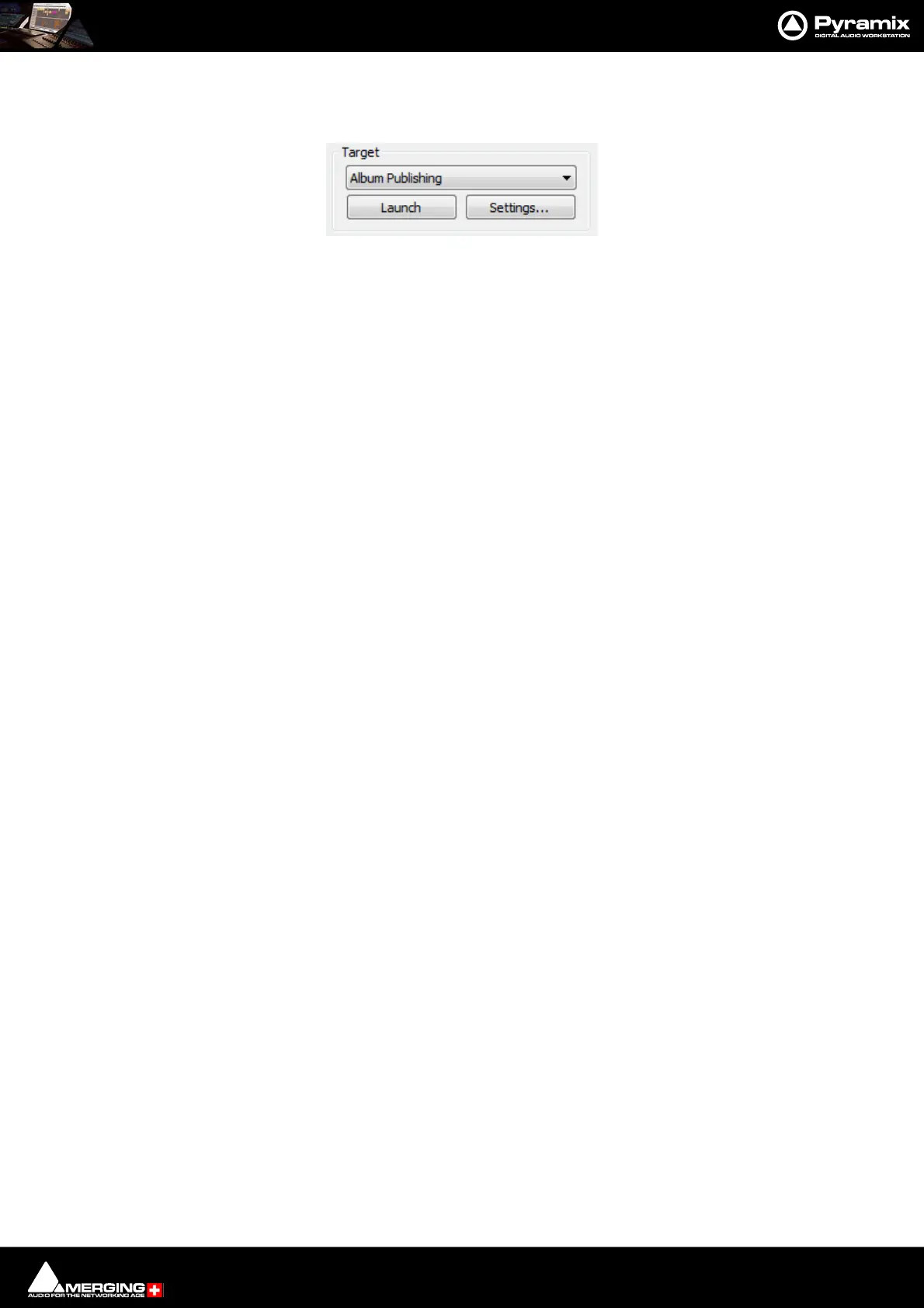
When Album Publishing is the selected target the Record button changes to Launch :
Settings... opens the Album Publishing options Properties window. Please see: Settings on
page 614. When suitable settings have been made the Launch button initiates the Album export.
Cover Art
When Album Publishing is the selected target the down arrow to the right of the Settings button has a Select
Cover Artwork option.
Note: Recommended size is 300 x300. (iTunes up to 600 x 600) High resolution (e.g. 1600 x1200)
pictures may fail to display on some media players and are not recommended.
DiscWrite Target - Album Publishing



 To Next Page